



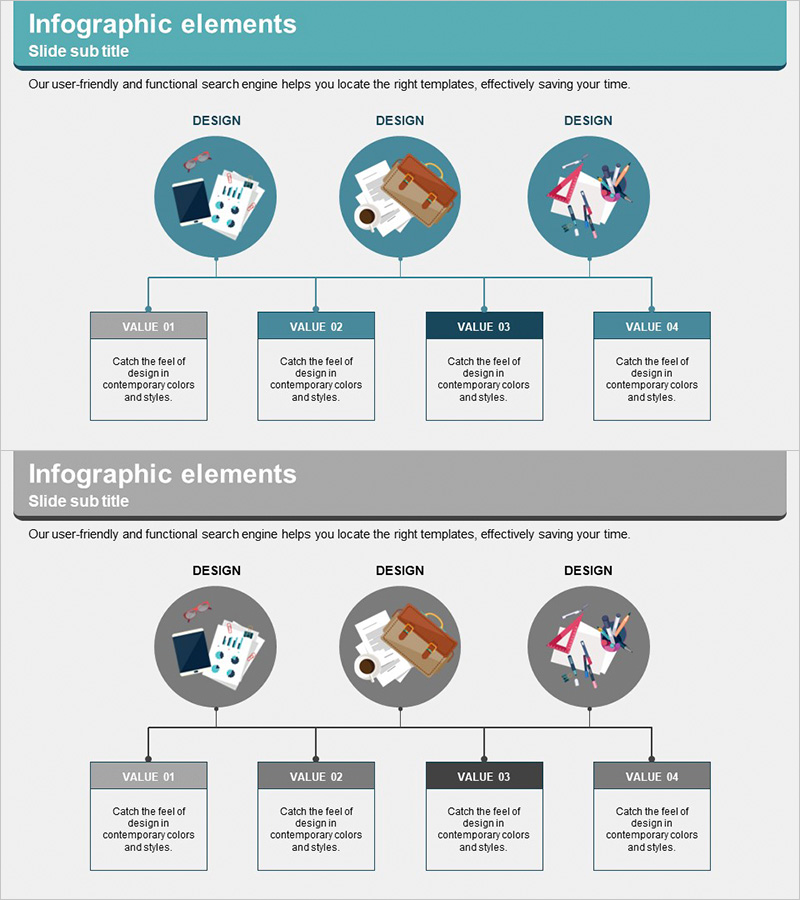
Business Details Diagram - Perfect Blend of Functionality and Design
RJ0300045_14
- Last Update 04/30/2025
- File Size 1.4MB
- # of Slides 2
- File Format PPTX
- Slide Ratio 16:9
- Color
Keywords
- #Content-Based Slides
- #Design-Based Slides
- #Product/Service Introduction
- #Diagram
- #Product/Service Introduction
- #Composition
- #Structure
- #Cluster
- #Tree Diagram
- #Chain Diagram
- #16:9
- #connection diagram PowerPoint
- #3-node structure slide
- #hierarchical relationship diagram
- #business details PowerPoint
- #cluster diagram template
About the Product
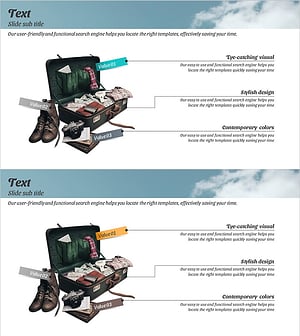
A 3-node connection diagram PowerPoint slide that systematically presents business details and hierarchical relationships. Circular icon nodes connect via straight lines to subordinate text boxes below, clearly expressing the relationship between primary concepts and detailed content. Two design layout options are provided: a teal-background header layout and a gray-background variant, each featuring illustrative icons (documents, architecture, team collaboration) at the nodes to enhance visual comprehension. Ready to use in presentation decks, planning documents, and reports for process workflows, organizational structures, and functional descriptions.
Usage Points
-
Main Usage
Optimized for visualizing hierarchical relationships between primary concepts and subordinate details. The structure of circular nodes expanding via straight connecting lines intuitively conveys organizational charts, functional classifications, process stages, and task responsibility scopes.
-
How to Use
Enter key items (departments, functions, stages) in the three upper circular nodes and describe detailed content in the lower boxes. The teal-background layout suits corporate presentations requiring credibility and professionalism, while the gray-background layout works well for neutral, objective analytical materials.
-
Recommended For
Planning, strategy, and operations professionals explaining organizational structures, task allocation, project phases, and product features. Effective in business plans, proposals, reports, and training materials to increase stakeholder and team understanding during structural explanation sections.
-
Slide Structure
2-slide composition. Upper teal-header layout: 3 circular nodes (with illustrative icons) → straight connecting lines → 4 lower text boxes (VALUE 01–04). Lower gray-header layout: identical structure repeated. 16:9 widescreen format ensures clear spacing between nodes and visible connecting lines.
Related Products
-
Introduction to Food Trucks – Modern Diagram Utilization
#Product/Service Introduction #Diagram #Product/Service Introduction
-
Genetically Modified Food Ingredients Diagram – Effective Information Delivery
#Product/Service Introduction #Diagram #Composition
-
Experimental Setup Diagram – Technology and Innovation
#Product/Service Introduction #Technical Approach #Diagram
-
Product Introduction Diagram – Harmony of Blue and Yellow
#Product/Service Introduction #Diagram #Product/Service Introduction
