



Introduction and Configuration of Network Firewall Service – Effective Data Protection Perspective
RJ0400020_24
- Last Update 05/23/2025
- File Size 0.3MB
- # of Slides 2
- File Format PPTX
- Slide Ratio 16:9
- Color
Keywords
- #Content-Based Slides
- #Design-Based Slides
- #Product/Service Introduction
- #Diagram
- #Product/Service Introduction
- #Composition
- #Cluster
- #Inclusive Cluster Diagram
- #16:9
- #firewall diagram PowerPoint
- #network security architecture slide
- #multi-layer defense PowerPoint
- #IT product introduction diagram
- #security architecture PPT slide template
About the Product
A PowerPoint slide that visualizes the configuration and data protection mechanism of network firewall services. This diagram combines shield-shaped security elements with a multi-layer defense structure, ready for immediate use in technical product presentations. The slide features a blue, green, and gray-toned hierarchical layout that intuitively conveys the concept of multi-layered firewall defense. This presentation template is optimized for IT solution companies' product introduction decks, technical seminars, and customer proposal materials.
Usage Points
-
Main Usage
This diagram clearly explains the multi-layered defense structure and security layers of network firewalls. The combination of shield-shaped security elements and multi-layer architecture simplifies technical complexity, making it understandable to non-technical decision-makers.
-
How to Use
Use this slide in product introduction presentations by IT solution companies, technical seminars, and customer proposal materials to explain firewall service components and security mechanisms. You can customize the slide's text and icons to match your company's specific product features.
-
Recommended For
Network security solution sales teams, IT consultants requiring technical architecture explanations, cybersecurity training instructors, and cloud or data center operations managers who need to explain firewall structures to customers or internal teams.
-
Slide Structure
The 2-slide set features a nested diagram on each slide connecting shield-shaped security elements (left) with multi-layer defense structures (right). Blue-toned shields, green-toned core function boxes, and gray-toned hierarchical layouts express a 3-stage security architecture, with arrows and text labels clarifying each layer's role.
Related Products
-
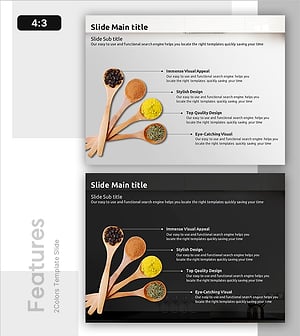
Visual Diagram for Introducing Seasonings
#Product/Service Introduction #Diagram #Product/Service Introduction
-
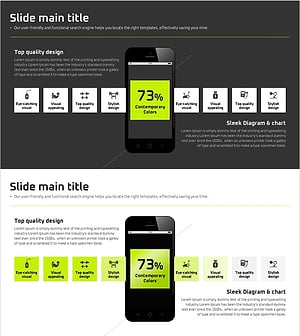
Sports Icon Box and Mobile Mockup – Innovative Design and Information Delivery
#Product/Service Introduction #Diagram #Other
-
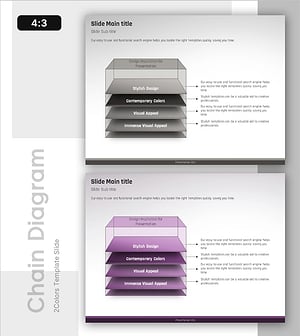
Stepwise Action Plan Built Like a Staircase – A New Approach to Business Management
#Product/Service Introduction #Business Management #Diagram
-
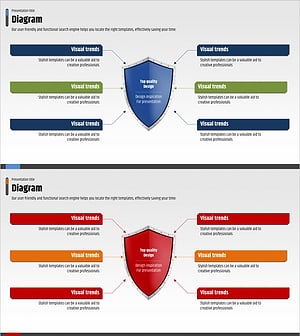
Configuring and Introducing Network Firewall Services – The Beginning of Data Protection and Trust
#Product/Service Introduction #Diagram #Product/Service Introduction
