



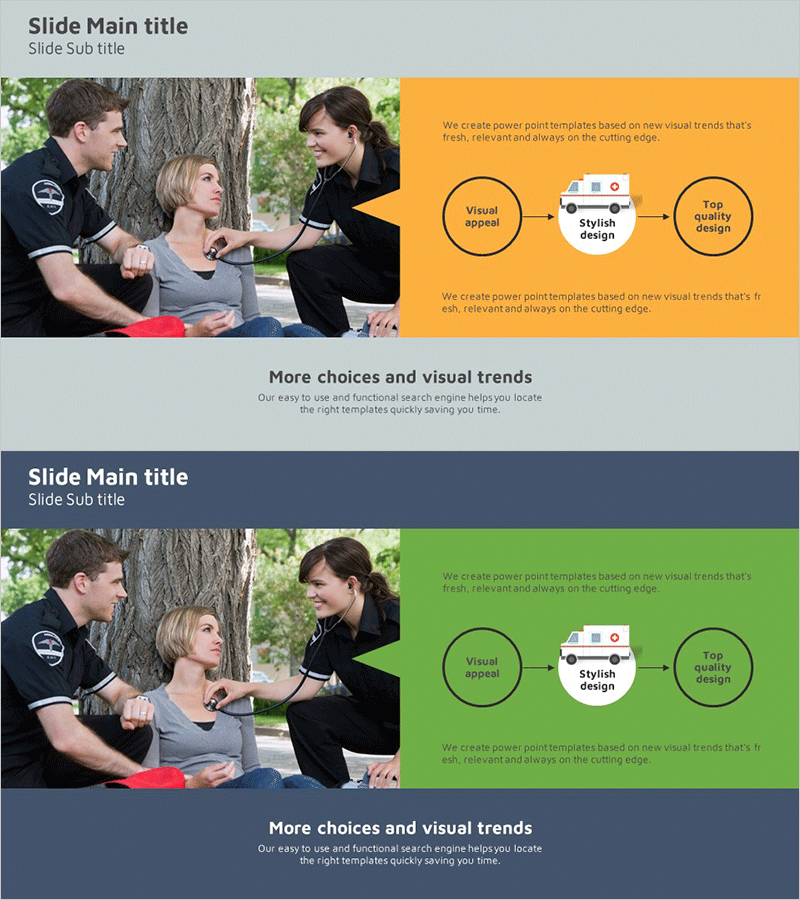
Vision and Mission Flow Diagram – Clear Representation of Operational Plans
RJ0400011_34
- Last Update 05/20/2025
- File Size 0.6MB
- # of Slides 2
- File Format PPTX
- Slide Ratio 16:9
- Color
Keywords
About the Product
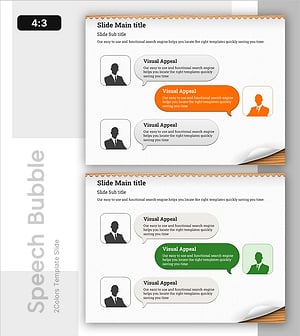
A PowerPoint slide that clearly expresses your company's vision and mission through a step-by-step flow diagram. The three-stage process—Visual appeal → Stylish design → Top quality design—is distinguished by orange and green backgrounds, making strategic intent immediately visible. Each slide uses circular diagrams and directional arrows to convey operational planning flow intuitively, while the balanced two-column layout (image on left, text on right) enhances presentation credibility. This 16:9 widescreen, 2-slide deck is ready to integrate into company profiles, business plans, and strategic presentations.
Usage Points
-
Main Usage
Visualize your company's vision and mission as a staged process to clearly communicate organizational direction and operational strategy. Circular diagrams and arrows emphasize the connection between stages, persuasively conveying strategic intent to stakeholders and decision-makers.
-
How to Use
Use in company profile presentations (vision/mission section), business plan strategy sections, executive briefings, and employee onboarding materials. Insert company logo or relevant imagery in the left image area and add specific vision, mission, and goal text in the right text area to create a customized presentation.
-
Recommended For
Recommended for executives, business development teams, marketing departments, and HR professionals who need to communicate organizational strategy and direction. Ideal for investor presentations, partner collaboration proposals, employee workshops, and project kickoff meetings where corporate credibility and professionalism are essential.
-
Slide Structure
Two-slide layout with the first slide featuring an orange background and three-stage circular diagram (Visual appeal → Stylish design → Top quality design), and the second slide repeating the same structure with a green background. Each slide uses a two-column layout with image input area on the left and text description area on the right, clearly separating information hierarchy.
Related Products
-
Identifying Problems and Finding Solutions – Innovative Approach
#Operational Plan #Diagram #Text Box
-
Infographic Template for Issue Resolution – Practical Guide
#Operational Plan #Technical Approach #Diagram
-
Step Setting Roadmap – Business Strategy Implementation
#Business Strategy #Business Management #Diagram
-
Identifying Customer Needs through Interviews Slide
#Market and Competitor Analysis #Customer Success Stories #Text Box
