



Identifying Customer Needs through Interviews Slide
RB0800020_14
- Last Update 03/21/2025
- File Size 1.3MB
- # of Slides 2
- File Format PPTX
- Slide Ratio 4:3
- Color
Keywords
- #Content-Based Slides
- #Design-Based Slides
- #Market and Competitor Analysis
- #Customer Success Stories
- #Text Box
- #Customer Analysis
- #Customer Testimonials and Feedback
- #Speech Bubble
- #4:3
- #customer interview PowerPoint slide
- #customer feedback presentation template
- #customer needs analysis slide
- #speech bubble layout PPT
- #how to present customer testimonials in PowerPoint
About the Product
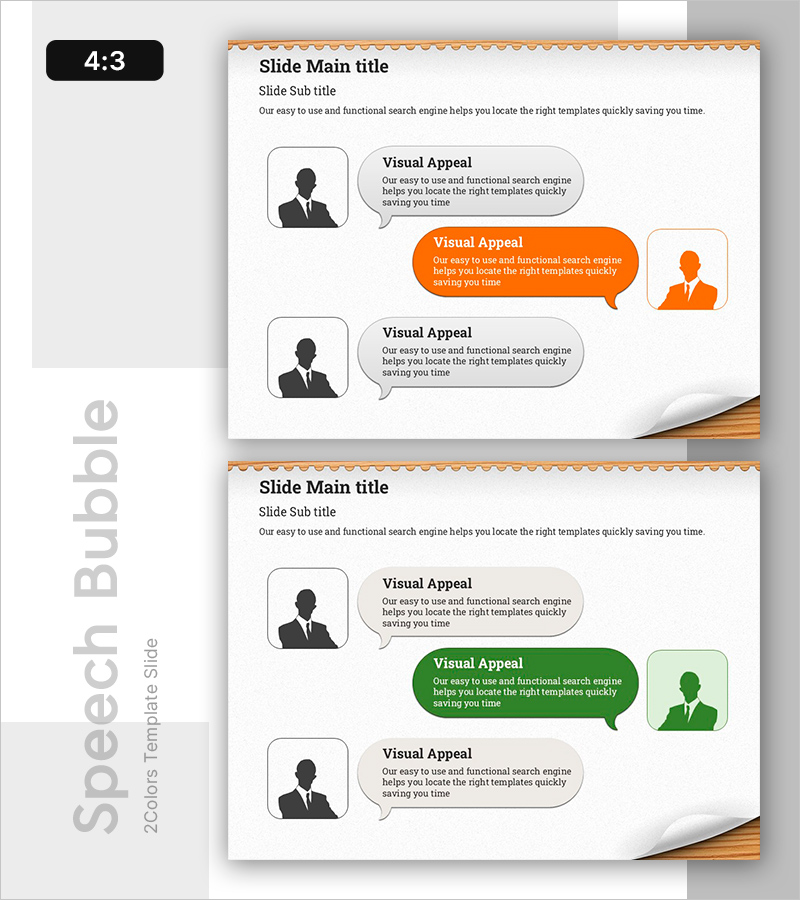
A PowerPoint slide designed to visually present customer interview findings, feedback, and success stories. The layout features silhouette profiles on the left and speech bubble text boxes on the right, arranged in a comparison format that allows multiple customer opinions to be displayed side-by-side. Orange accent boxes and gray background boxes alternate to create clear information hierarchy, making it ideal for immediate use in presentations. The 4:3 aspect ratio and 2-slide structure ensure compatibility with standard presentation formats.
Usage Points
-
Main Usage
Present customer interview results, feedback, and success stories in a structured speech bubble format. Effectively compare multiple customer opinions side-by-side to communicate customer needs and satisfaction levels visually.
-
How to Use
Enter customer profile information (name, title, company) in the left silhouette area and interview content, feedback, or success stories in the right speech bubbles. Use orange boxes to highlight key insights and gray boxes to distinguish supporting information, creating a clear presentation flow.
-
Recommended For
Customer success case presentations, customer feedback sections in marketing plans, product improvement reports with interview results, sales presentations showcasing customer satisfaction, and consulting reports documenting stakeholder feedback.
-
Slide Structure
2-slide format with 2-3 silhouette profiles and 2-3 speech bubble text boxes per slide. Information hierarchy is expressed through 1 orange accent box and 2 gray background boxes per slide, optimized for 4:3 aspect ratio display.
Related Products
-
User Feedback on Medical Business Slide – Visually Clear Customer Analysis
#Market and Competitor Analysis #Customer Success Stories #Text Box
-
Slide Template Effectively Presenting Trial Conversation Content
#Market and Competitor Analysis #Customer Success Stories #Text Box
-
Visualizing Customer Feedback – Market Analysis and Success Stories
#Market and Competitor Analysis #Customer Success Stories #Diagram
-
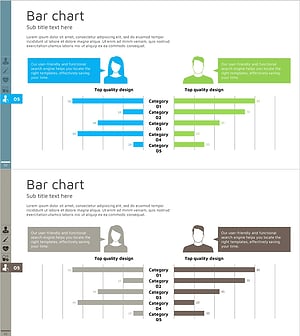
Gender Comparison Analysis Pairwise Bar Graph – Understanding Customers' First Step
#Market and Competitor Analysis #Customer Success Stories #Graph
