



Medical Business Diagram – Effective Execution Plan
RJ0400011_31
- Last Update 05/20/2025
- File Size 0.3MB
- # of Slides 2
- File Format PPTX
- Slide Ratio 16:9
- Color
Keywords
About the Product
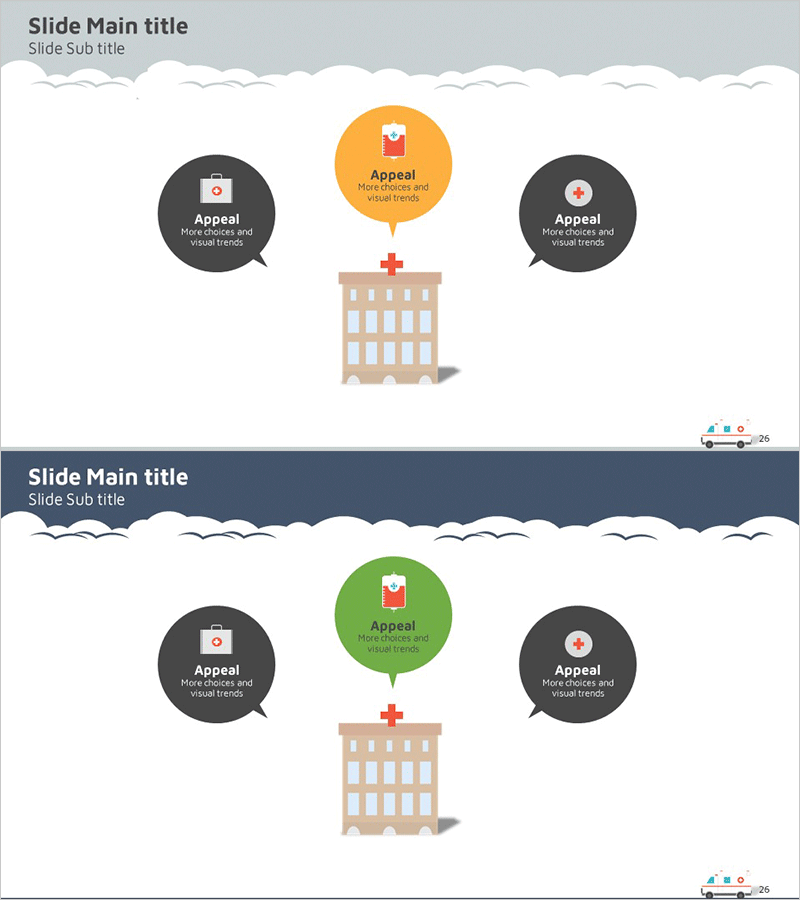
A radial cluster diagram PowerPoint slide designed to visualize organizational structure and departmental relationships within healthcare institutions. The slide features a central hospital building icon with three circular nodes arranged in a radial pattern, each capable of displaying information in speech bubble format. The two-tone color scheme of gray and orange conveys both trustworthiness and activity typical of medical organizations. Two color variations are included—light gray background and navy background—allowing you to select the version that best suits your presentation context. Available in 16:9 widescreen PPTX format for immediate editing, this slide is ideal for hospital introductions, organizational restructuring announcements, departmental role explanations, and healthcare network presentations.
Usage Points
-
Main Usage
Visualizes healthcare organization structure, departmental relationships, and medical service flows at a glance. The central hospital icon anchors three key departments or functions arranged radially, clearly expressing hierarchical relationships and interdependencies within the medical institution.
-
How to Use
Use this slide in hospital introduction presentations, organizational restructuring announcements, departmental role briefings, and healthcare service network development pitches. Simply edit the text in each node to input department names, functions, and responsibilities. The radial layout automatically emphasizes the central coordinating role.
-
Recommended For
Hospital administrators, healthcare facility managers, medical consultants, healthcare marketing professionals, and medical institution training coordinators explaining organizational structure and interdepartmental collaboration. Suitable for hospital introductions, organizational changes, and new service launch presentations.
-
Slide Structure
Central hospital building icon with three circular nodes positioned radially (top, left, right). The central node uses orange or green coloring while left and right nodes are gray, each containing speech bubble text input areas. Two background color variations provided: light gray and navy blue for flexible presentation contexts.
Related Products
-
Pegboard Illustration Diagram – Product Characteristics and Composition Introduction
#Product/Service Introduction #Diagram #Features
-

Cluster Diagram Slide Visualizing Technical Characteristics
#Product/Service Introduction #Diagram #Other
-
Characteristics of Industrial Tools – Effective Product Presentation Slide
#Product/Service Introduction #Diagram #Product/Service Introduction
-
Captivating Presentation Featuring Indoor Lighting and Text Boxes
#Product/Service Introduction #Diagram #Features
