



Application Manufacturer History Slide – Conveying Corporate History with Clarity
RJ0400010_6
- Last Update 05/19/2025
- File Size 0.2MB
- # of Slides 2
- File Format PPTX
- Slide Ratio 16:9
- Color
Keywords
About the Product
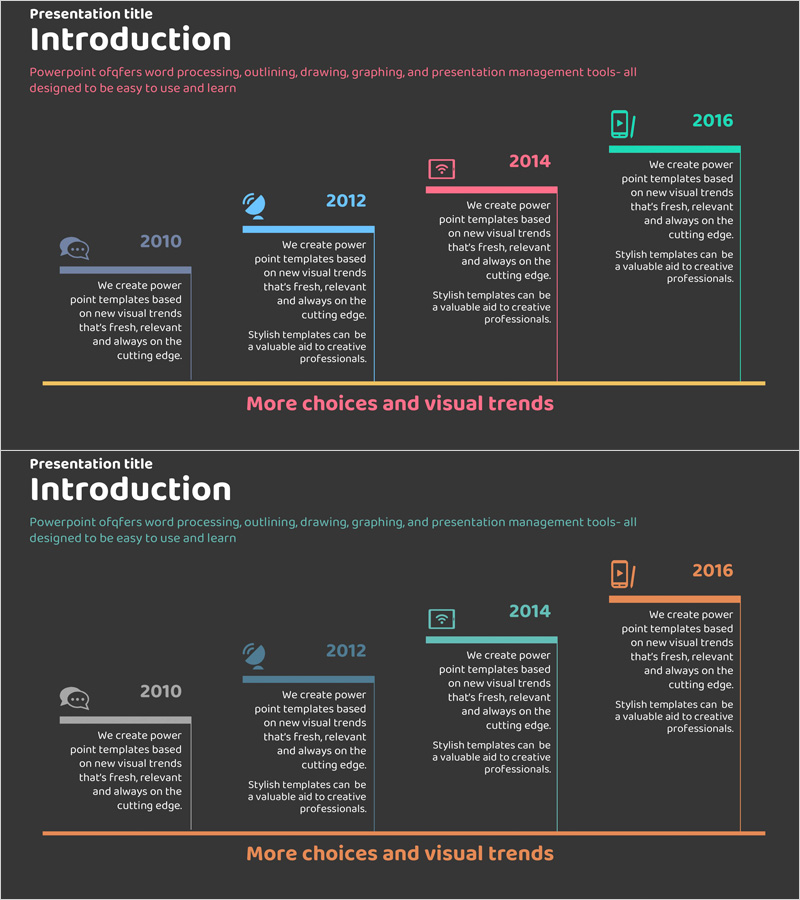
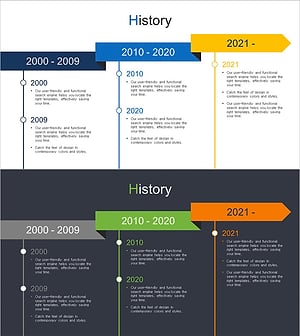
A linear timeline PowerPoint slide that clearly presents your company's development milestones in chronological order. This 2-slide template visualizes 5 key stages from 2010 to 2016 with a left-to-right arrow flow on a dark gray background. Accent colors in teal, coral pink, and orange highlight each year's achievements. Icons and text boxes combine to communicate major events such as company founding, product launches, and strategic shifts in an intuitive visual format. Optimized for 16:9 widescreen displays and modern projectors, this fully editable PPTX template is ready for immediate customization.
Usage Points
-
Main Usage
Visualize your company's growth trajectory from founding to present by displaying key milestones and achievements in chronological sequence. This slide strengthens credibility and professionalism in investor pitches, employee onboarding, and corporate overview presentations.
-
How to Use
Replace each year and text box with your company's actual milestones and events. Customize icons to match specific achievements and update accent colors to align with your corporate brand identity for a cohesive presentation.
-
Recommended For
Ideal for corporate introductions, investor relations presentations, employee training programs, company history narratives, product roadmap discussions, and organizational growth storytelling. Perfect for executives, marketing teams, HR departments, and sales professionals.
-
Slide Structure
2-slide layout featuring 5 connected nodes (2010, 2012, 2014, 2016, plus one additional stage) arranged in a left-to-right linear arrow flow. Each node includes a year label, icon, and descriptive text box. An orange accent line at the bottom unifies the entire timeline structure.
Related Products
-
Circular Gradient Wide Template History
#Company Introduction #Operational Plan #Diagram
-
Water Resources History Presentation Template
#Company Introduction #Business Strategy #Diagram
-
Introduction to Company History – Visualizing with Linearity and Clusters
#Company Introduction #Operational Plan #Diagram
-
Business Step-by-Step History Diagram – Systematic Flow and Clear Information Delivery
#Company Introduction #Diagram #History
