



Application Service and Program Introduction
RJ0400010_33
- Last Update 05/19/2025
- File Size 0.5MB
- # of Slides 2
- File Format PPTX
- Slide Ratio 16:9
- Color
Keywords
- #Content-Based Slides
- #Design-Based Slides
- #Product/Service Introduction
- #Other
- #Program Introduction
- #Product and Service Overview
- #16:9
- #service introduction PowerPoint slide
- #infographic presentation design
- #application overview slide
- #product introduction PPT layout
- #business presentation template
About the Product
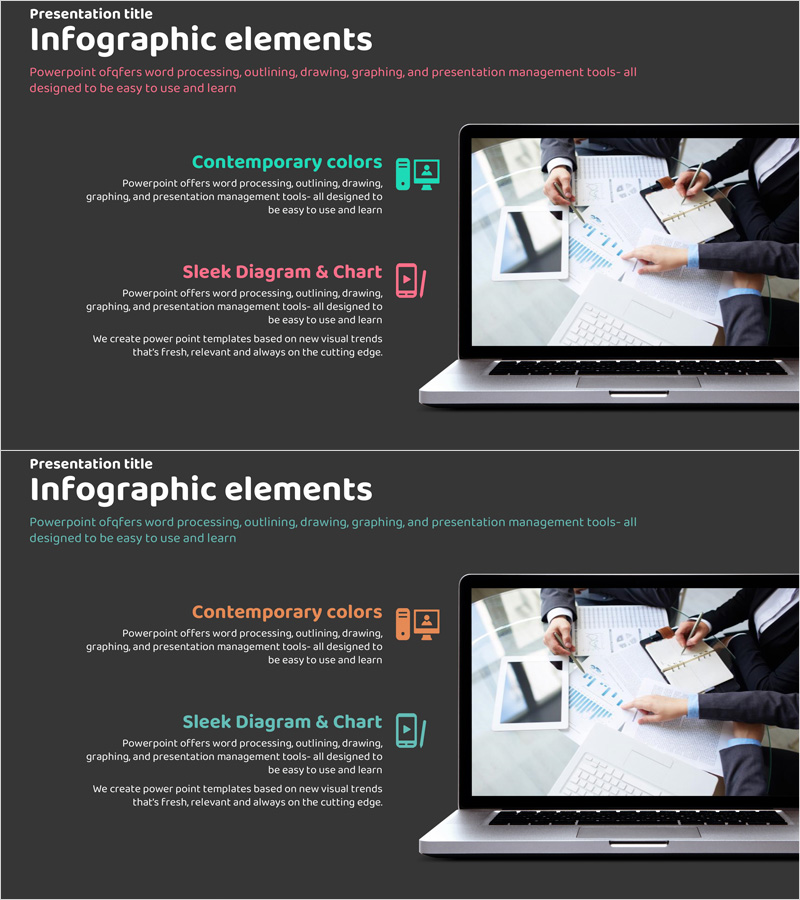
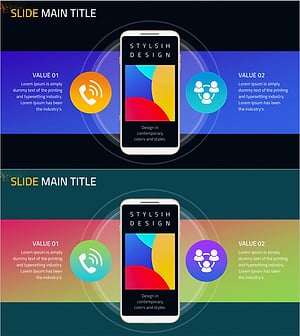
An infographic-based PowerPoint slide designed for presenting application services and program introductions. Featuring a dark gray background with turquoise and coral accent colors, this two-slide set balances text content on the left with image placement on the right. Each section includes icons, titles, and description areas for inputting service features, functions, and value propositions. The layout is structured to clearly communicate product benefits and can be immediately applied to business presentations, product launch pitches, investor relations meetings, and service demonstrations.
Usage Points
-
Main Usage
This slide is designed to visually explain the key features and benefits of applications, software, or digital services. The left text area accommodates service name, description, and core value propositions, while the right image area displays product screenshots, logos, or interface visuals, enabling audiences to grasp the service overview at a glance.
-
How to Use
Use this slide in product launch presentations, investor pitch decks, client proposals, and technical seminars as your service overview section. Input service name, primary features, and competitive advantages in the left text area, then insert actual screenshots, product images, or interface visuals on the right to create a credible and professional presentation.
-
Recommended For
Ideal for software and IT company product marketing managers, startup founders presenting to investors, technical sales teams preparing client proposals, and product planning teams delivering internal reports. Particularly effective for introducing applications, web services, SaaS platforms, and mobile apps.
-
Slide Structure
Two-slide composition with each slide divided into a left text area (accommodating title, description, and 3-4 key points) and a right image area (for product screenshots, logos, or photographs). Turquoise and coral icons with text emphasis create clear information hierarchy and guide audience attention effectively.
Related Products
-
Service Program Introduction Slide – Harmony of Blue and Orange
#Product/Service Introduction #Other #Program Introduction
-
Introducing Smart Network Services Slide
#Product/Service Introduction #Other #Product/Service Introduction
-
PC Mockup Service Introduction Slide – Intuitive Design
#Product/Service Introduction #Diagram #Other
-
Mobile Service Configuration Introduction – Visualized with Cluster Format
#Product/Service Introduction #Diagram #Other
