



Mobile Service Configuration Introduction – Visualized with Cluster Format
RJ0400062_10
- Last Update 06/03/2025
- File Size 0.5MB
- # of Slides 2
- File Format PPTX
- Slide Ratio 16:9
- Color
Keywords
- #Content-Based Slides
- #Design-Based Slides
- #Product/Service Introduction
- #Diagram
- #Other
- #Composition
- #Product and Service Overview
- #Cluster
- #Chain Diagram
- #16:9
- #mobile service diagram PowerPoint
- #cluster diagram template
- #central hub slide design
- #service architecture PPT
- #radial connection diagram
About the Product
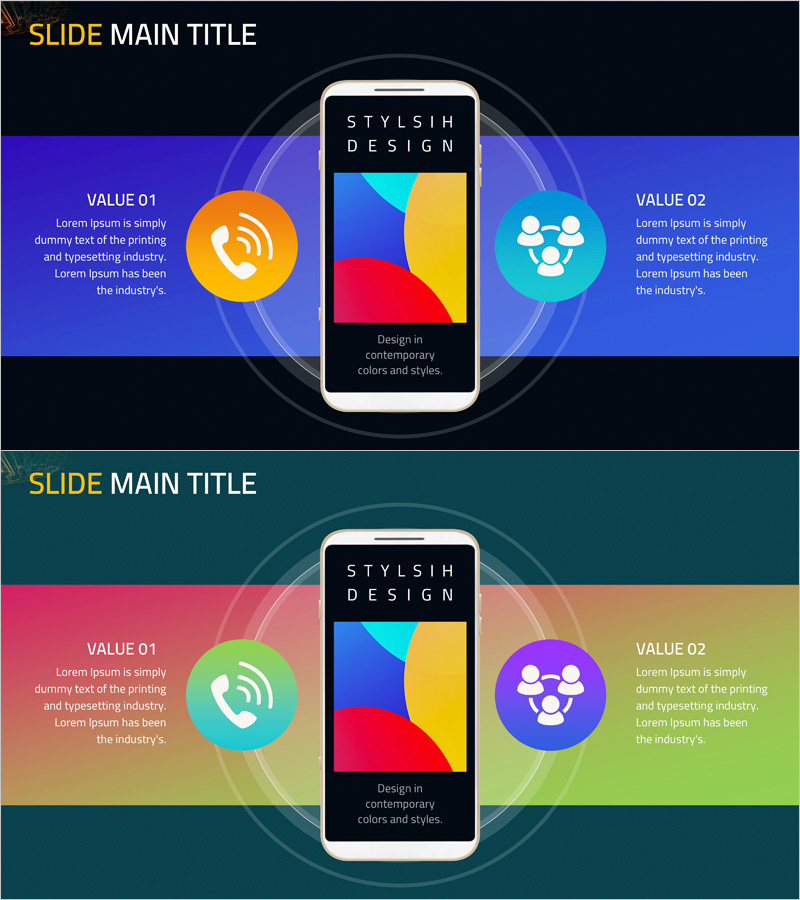
A radial cluster diagram PowerPoint slide that visualizes mobile service components through a central hub connected to four key elements. The smartphone mockup at the center serves as the focal point, with surrounding nodes represented by colorful circular icons (orange, cyan, purple) depicting communication, community, and service components. Formatted in 16:9 widescreen with 2-slide composition, featuring a balanced title area and symmetrical left-right layout for effective information delivery. Ideal for product introductions and service architecture explanations in tech startups, app development companies, and telecommunications service providers.
Usage Points
-
Main Usage
Visually explain core mobile app and service components through a hierarchical diagram structure. The central hub radiating to surrounding elements effectively communicates service architecture, feature classification, organizational structure, and business model relationships in an intuitive manner.
-
How to Use
Use in product launch presentations, service planning proposals, investor pitch decks, and technical seminars to clearly explain mobile service components to audiences. Edit node text and icons to match your specific service and deploy immediately without additional design work.
-
Recommended For
Mobile app development companies, telecommunications service providers, IT startups, digital marketing teams, technical planners, product managers, and executives preparing business presentations. Suitable for any business presentation requiring clear service structure visualization.
-
Slide Structure
2-slide composition. Each slide features a title area (SLIDE MAIN TITLE) at the top with a central smartphone mockup surrounded by 4 circular nodes (VALUE 01-04) in symmetrical left-right arrangement. Curved connector lines express relationships between nodes. Dark background (black, deep blue) with gradient effects. Color-coded icons and text areas create information hierarchy.
Related Products
-
Global IT Financial Services Overview – Leveraging the Latest Trends
#Product/Service Introduction #Diagram #Other
-
PC Mockup Service Introduction Slide – Intuitive Design
#Product/Service Introduction #Diagram #Other
-
Website Analysis Configuration Contents – Diagram and Cluster Explanation
#Product/Service Introduction #Diagram #Composition
-
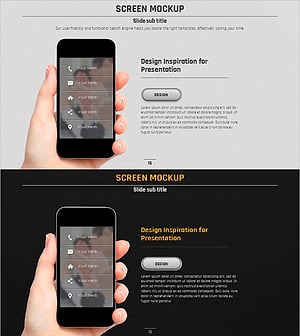
Presentation Template Featuring Mobile Phone Mockups for Product Introduction
#Product/Service Introduction #Other #Composition
