



Program and Business Introduction – Pink Bluegreen Diagram
RJ0400010_28
- Last Update 05/19/2025
- File Size 0.2MB
- # of Slides 2
- File Format PPTX
- Slide Ratio 16:9
- Color
Keywords
- #Content-Based Slides
- #Design-Based Slides
- #Product/Service Introduction
- #Business Introduction
- #Diagram
- #Program Introduction
- #Spread
- #Decentralized Diagram
- #16:9
- #4-cell cluster diagram PowerPoint
- #grid layout diagram slide
- #program introduction PowerPoint template
- #business overview slide
- #icon diagram template
- #how to create cluster diagram in PowerPoint
About the Product
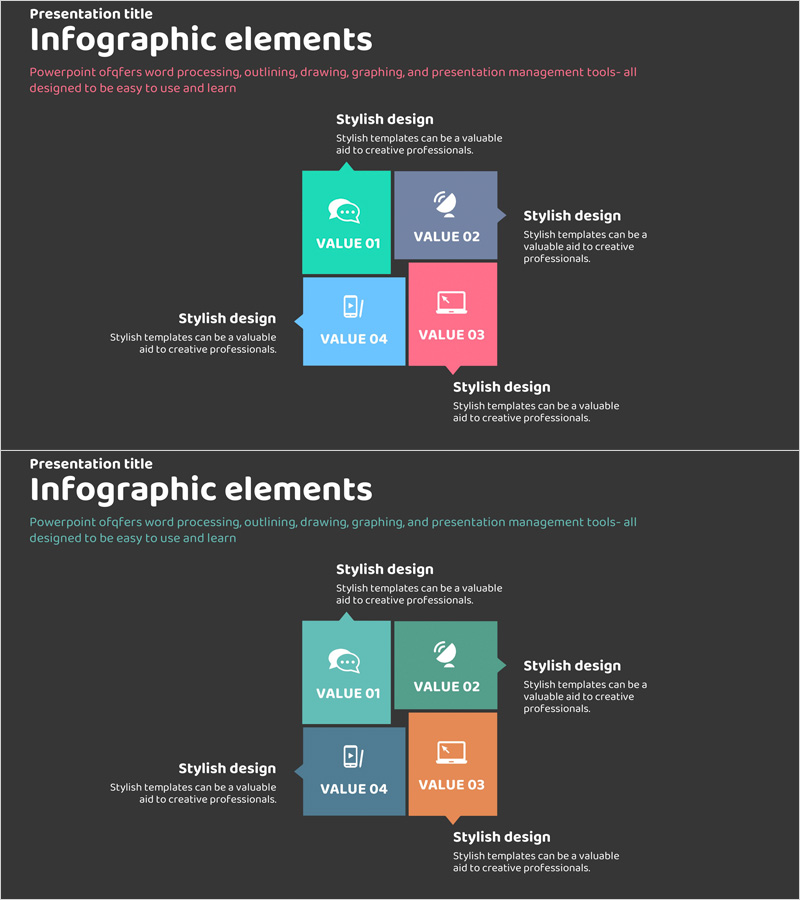
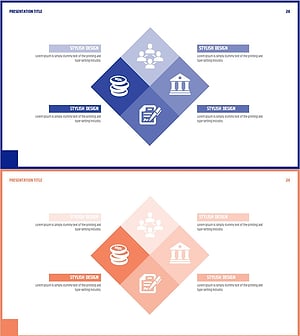
A 4-cell cluster diagram PowerPoint slide designed for program and business introductions. The slide features a square grid layout with four distinct color zones—pink, teal, blue, and purple—each containing an icon and text area. Two slides are included with identical structure but different color combinations, allowing flexible selection based on presentation context. Each cell can be customized with titles, descriptions, and icons to effectively communicate program features, business divisions, organizational functions, or core messages in your presentation.
Usage Points
-
Main Usage
Visualizes and compares four key areas, functions, or values of a program or business simultaneously. Effectively represents parallel relationships such as organizational structure, product lines, service categories, strategic pillars, or core competencies in a balanced grid format.
-
How to Use
Insert titles, descriptions, and icons into each square cell and place the diagram on program overview or business introduction slides. The two included slides offer different color combinations—use one or alternate between them to match your presentation tone or emphasize comparisons.
-
Recommended For
Ideal for business plans, company profiles, proposals, and investment pitch decks when introducing program divisions or business areas. Also effective in marketing plans for presenting product lineups or service categories.
-
Slide Structure
Both slides feature a 2×2 grid layout with four independent cells. Each cell includes dedicated text and icon areas. Slide 1 uses teal, purple, blue, and pink; Slide 2 uses teal, pink, blue, and orange color assignments.
Related Products
-
Business Area Round Square Diagram – Business Introduction
#Product/Service Introduction #Business Introduction #Diagram
-
Picture Tool Diagram on a Hardwood Background – Style and Innovation
#Product/Service Introduction #Business Introduction #Diagram
-
Asset Management Business Area Diagram – Cluster and Connection
#Product/Service Introduction #Business Introduction #Diagram
-
Financial Services Business Area Diagram
#Company Introduction #Business Introduction #Diagram
