



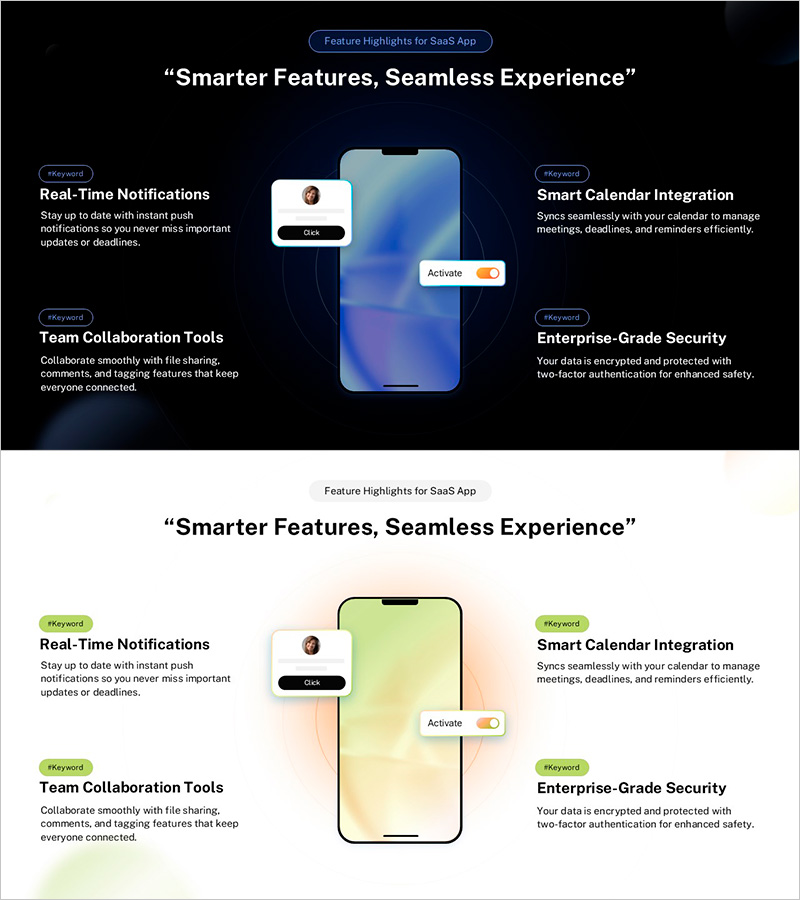
App Experience Flow & Key Feature Overview – A Visual Slide for Smarter Experience
RJ0300099_6
- Last Update 05/17/2025
- File Size 4.1MB
- # of Slides 2
- File Format PPTX
- Slide Ratio 16:9
- Color
Keywords
- #Content-Based Slides
- #Design-Based Slides
- #Product/Service Introduction
- #Other
- #Product/Service Introduction
- #Features
- #Mockup
- #16:9
- #app feature overview PowerPoint slide
- #app experience presentation template
- #mockup slide design
- #SaaS product feature PPT
- #how to present app features in PowerPoint
About the Product
A visually compelling PowerPoint slide designed to showcase key features of your SaaS app. Centered on a smartphone mockup against a dark blue background, this slide presents four core features—real-time notifications, smart calendar integration, team collaboration tools, and enterprise-grade security—in a symmetrical left-right layout. Each feature includes an icon and descriptive text area for clear communication during presentations. Available in 16:9 PPTX format, fully editable and ready for investor pitches, product launches, and customer demonstrations.
Usage Points
-
Main Usage
Effectively communicate your app's four core capabilities—real-time notifications, calendar integration, team collaboration, and security—in a single, visually balanced slide. The smartphone mockup center creates an intuitive focal point that helps audiences understand the user experience and product value proposition.
-
How to Use
Use this slide during investor pitches to highlight product differentiation, in customer demos to emphasize feature benefits, and in product launch presentations to showcase user experience. Simply replace the feature titles and descriptions with your app's specific capabilities and customize colors to match your brand.
-
Recommended For
SaaS startups, mobile app developers, digital solution providers, and tech companies preparing investor presentations, customer webinars, and product announcements. Ideal for product managers, marketing teams, and sales professionals presenting to stakeholders.
-
Slide Structure
Smartphone mockup positioned centrally with two features on the left (real-time notifications, team collaboration) and two on the right (calendar integration, security) in symmetrical arrangement. Each feature section contains an icon, title, and descriptive text area for organized information hierarchy.
Related Products
-
Elegant Diagrams and Charts for Presentations
#Product/Service Introduction #Diagram #Other
-
Hologram Wide PPT Mockup – Product/Service Introduction
#Product/Service Introduction #Other #Product/Service Introduction
-
Product Service Introduction and Characteristics – Attractive Design
#Product/Service Introduction #Other #Product/Service Introduction
-
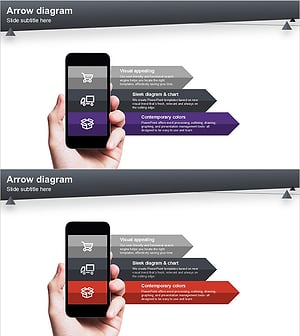
Product/Service Introduction Presentation Template Using Arrow Diagram
#Product/Service Introduction #Other #Product/Service Introduction
