



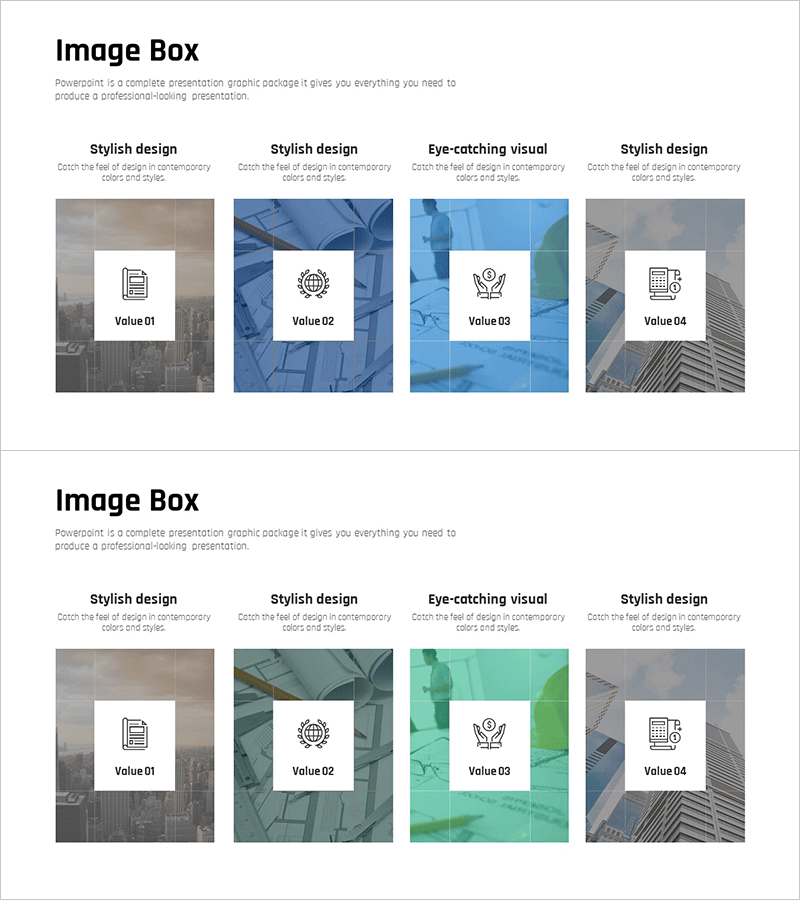
Investment Business Image Box Diagram – Marketing Strategy and Program Introduction
RJ0300096_21
- Last Update 05/16/2025
- File Size 15.6MB
- # of Slides 2
- File Format PPTX
- Slide Ratio 16:9
- Color
Keywords
- #Content-Based Slides
- #Design-Based Slides
- #Product/Service Introduction
- #Marketing Plan and Strategy
- #Diagram
- #Program Introduction
- #Marketing Objectives
- #Cluster
- #Closed Cluster Diagram
- #16:9
- #image box diagram PowerPoint
- #4-item box slide template
- #investment business presentation
- #marketing strategy slide
- #business value diagram PowerPoint
About the Product
A 4-item image box diagram PowerPoint slide optimized for investment business and marketing strategy presentations. Each box combines background imagery with white overlay boxes and icons to highlight core value propositions. The design uses gray, blue, green, and neutral tones with professional photography backgrounds paired with clean white text areas. Perfect for presenting four key messages simultaneously—business value, global network, leadership, and solutions. Includes 2 slides in 16:9 widescreen PPTX format, fully editable and ready to customize with your content.
Usage Points
-
Main Usage
Clearly communicate four key value propositions of your investment business or marketing strategy through visually distinct image boxes. Each box functions as an independent message area, reinforced by background imagery and icons that strengthen the meaning of each item. Suitable for business introductions, strategy presentations, organizational capability overviews, and investor pitches.
-
How to Use
Edit the text and icons in each box to match your specific content. Retain or adjust the background images as needed. Most effective when all four items carry equal importance. Add animations to reveal boxes sequentially if your presentation requires step-by-step explanation.
-
Recommended For
Recommended for investment relations managers, marketing planning teams, business development professionals, and executives preparing strategy presentations. Ideal for new business introductions, investor pitch decks, marketing strategy presentations, and organizational capability demonstrations.
-
Slide Structure
2-slide set with 4 image boxes arranged in a 2×2 grid layout. Each box features a background image (construction, global network, leadership, business solutions) with a white overlay box containing an icon and text area. Slide 2 provides a color variation with green tones. All boxes are grouped objects for independent editing and customization.
Related Products
-
Business Teamwork Program Slide – Successful Collaboration
#Product/Service Introduction #Marketing Plan and Strategy #Diagram
-
Introducing the Business Program Slide - Based on Marketing Strategy
#Product/Service Introduction #Marketing Plan and Strategy #Diagram
-
VR System Program Introduction – Marketing Strategy and Cluster
#Product/Service Introduction #Marketing Plan and Strategy #Diagram
-
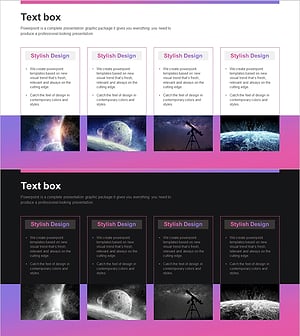
Introduction to Astronomy's Major Programs Slide
#Product/Service Introduction #Marketing Plan and Strategy #Diagram
