



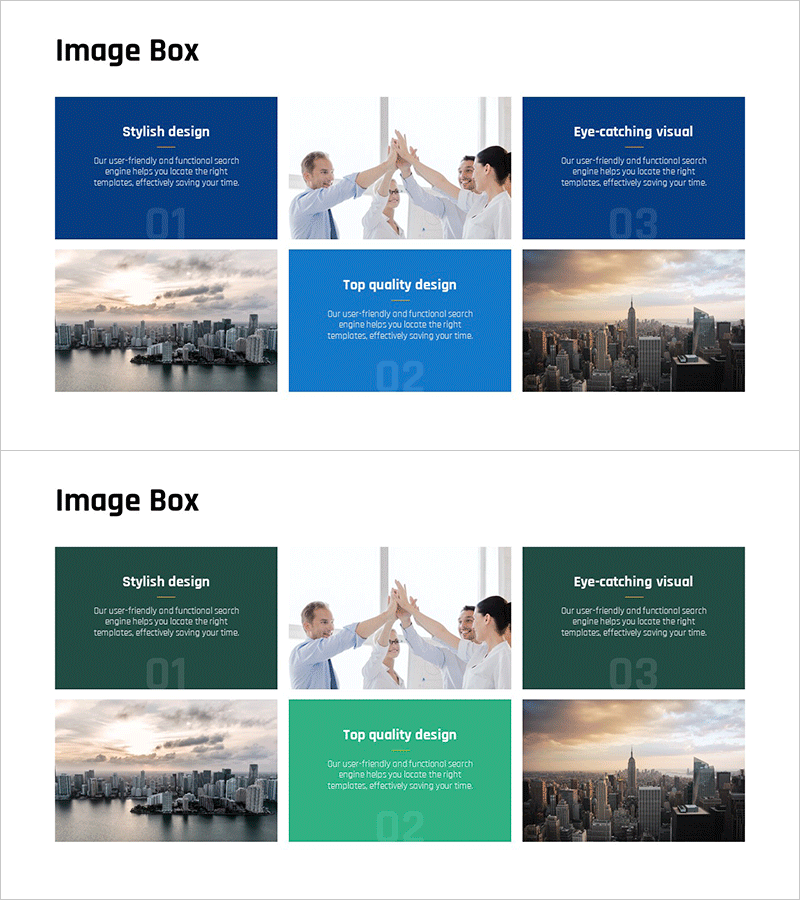
Business Teamwork Program Slide – Successful Collaboration
RJ0300096_11
- Last Update 05/16/2025
- File Size 19.1MB
- # of Slides 2
- File Format PPTX
- Slide Ratio 16:9
- Color
Keywords
- #Content-Based Slides
- #Design-Based Slides
- #Product/Service Introduction
- #Marketing Plan and Strategy
- #Diagram
- #Program Introduction
- #Marketing Objectives
- #Cluster
- #Closed Cluster Diagram
- #16:9
- #closed-loop diagram PowerPoint
- #teamwork collaboration slide
- #4-node relationship diagram
- #organizational integration PPT
- #team structure PowerPoint template
- #business collaboration presentation
About the Product
A closed-loop diagram PowerPoint slide that visualizes business team collaboration and organizational integration. The structure features a central concept connected to four outer nodes, clearly representing team interactions and cooperative relationships. Designed with a dark blue background, white text, and connecting lines for a professional presentation aesthetic. This 2-slide set is ready to use for team program introductions, collaboration strategies, organizational alignment initiatives, and cross-functional partnership presentations.
Usage Points
-
Main Usage
This slide visualizes team collaboration relationships and organizational integration structures. The closed-loop design with a central concept and four connected nodes effectively communicates cross-functional teamwork, integrated management strategies, and organizational synergy in a clear, visual format.
-
How to Use
Use this slide when introducing team program initiatives to explain each team's role and mutual interactions. Enter the core concept (collaboration, integration, synergy) in the central text box and add team, department, or role names to the four outer nodes. This layout helps audiences quickly grasp organizational structure and cooperation dynamics.
-
Recommended For
Ideal for organizational development specialists, HR professionals, team-building program designers, organizational change leaders, and collaboration culture champions presenting team interactions and cross-departmental alignment to stakeholders.
-
Slide Structure
Two-slide set featuring a dark blue background with a central circular node connected to four outer nodes via lines forming a closed-loop structure. Each node includes editable text areas. The second slide offers the same diagram in green background, providing color variation options for different presentation contexts.
Related Products
-
VR System Program Introduction – Marketing Strategy and Cluster
#Product/Service Introduction #Marketing Plan and Strategy #Diagram
-
Introducing the Business Program Slide - Based on Marketing Strategy
#Product/Service Introduction #Marketing Plan and Strategy #Diagram
-
Investment Business Image Box Diagram – Marketing Strategy and Program Introduction
#Product/Service Introduction #Marketing Plan and Strategy #Diagram
-
Introduction to Astronomy's Major Programs Slide
#Product/Service Introduction #Marketing Plan and Strategy #Diagram
