



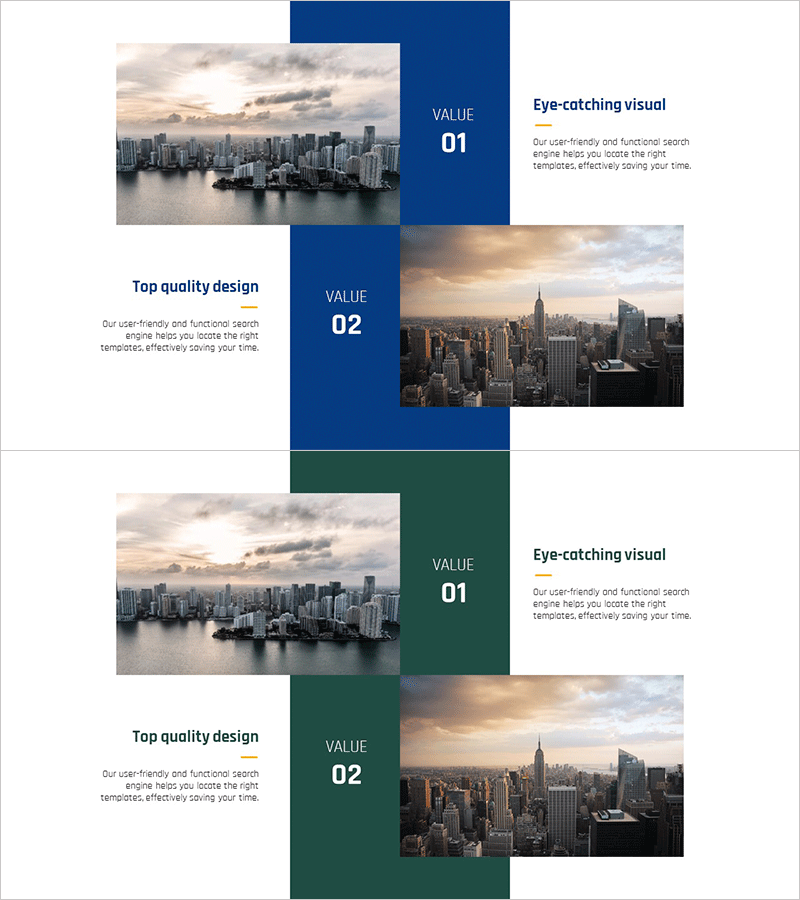
Setting Business Market Goals – Effective Strategy Development
RJ0300096_15
- Last Update 05/16/2025
- File Size 18.9MB
- # of Slides 2
- File Format PPTX
- Slide Ratio 16:9
- Color
Keywords
About the Product
A 2-slide PowerPoint presentation designed to effectively communicate market objectives during business strategy development. The layout features a navy background with city imagery, creating a balanced comparison structure with text on the left and images on the right. Each slide presents core values in 'VALUE 01' and 'VALUE 02' format, with three distinct elements: headline, description, and image. Available in 16:9 widescreen PPTX format for immediate editing and use in business presentations, strategy pitches, investor meetings, and corporate communications.
Usage Points
-
Main Usage
Communicate market objectives and core values clearly to investors, executives, and team members during strategy development. The navy background and city imagery establish business credibility, while the 2-stage comparison structure helps audiences intuitively understand goal differences and strategic priorities.
-
How to Use
Replace 'VALUE' numbers and titles with your strategy items. Insert relevant photos or charts in the right image area. Add goal descriptions, metrics, and implementation plans in the left text section. Keep the navy background and white text consistent to maintain brand identity throughout your presentation.
-
Recommended For
Ideal for executives, business development teams, marketing professionals, and investor relations specialists presenting business strategy, market targets, and growth plans. Perfect for investor pitches, board meetings, strategy workshops, and partnership proposals where goal-setting rationale needs compelling visual support.
-
Slide Structure
2-slide deck with each slide divided into left text area (1 headline + 1 description) and right image area (full-size photo). A central navy band displays 'VALUE' numbers to create visual hierarchy, while the headline and description guide information flow and audience attention.
Related Products
-
Introducing the Mobile App Service Program
#Product/Service Introduction #Business Vision and Strategy #Diagram
-
Business Strategy to Secure Market Competitiveness – Innovation and Success
#Product/Service Introduction #Business Vision and Strategy #Diagram
-
Analysis Activity Area Icon Diagram – Visualizing Business Strategy
#Product/Service Introduction #Business Vision and Strategy #Diagram
-
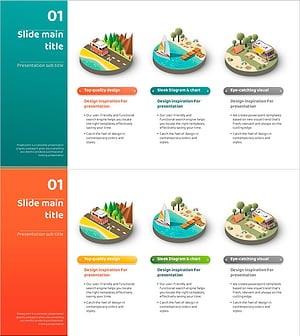
Three Isometric Business Goals for Camping
#Product/Service Introduction #Business Vision and Strategy #Diagram
