



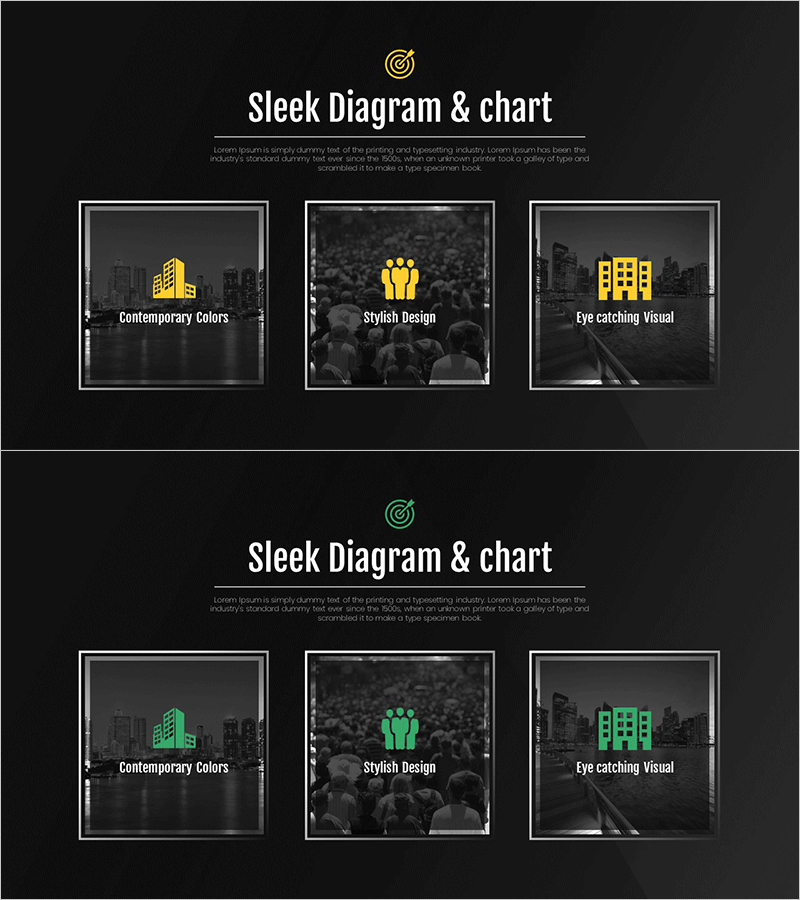
Business Program Introduction Diagram – Modern Cluster Design
RJ0300094_26
- Last Update 05/15/2025
- File Size 1.3MB
- # of Slides 2
- File Format PPTX
- Slide Ratio 16:9
- Color
Keywords
- #Content-Based Slides
- #Design-Based Slides
- #Product/Service Introduction
- #Business Introduction
- #Diagram
- #Program Introduction
- #Business Areas
- #Cluster
- #Closed Cluster Diagram
- #16:9
- #3-item cluster diagram PowerPoint
- #closed cluster diagram slide
- #business program introduction slide
- #dual-tone icon diagram
- #program structure PowerPoint template
About the Product
A 3-item closed cluster diagram PowerPoint slide designed to present business program introductions and service structures. Three areas are symmetrically arranged around a central concept, each highlighted with gold and green dual-tone icons for visual distinction. This 16:9 widescreen, 2-slide set is ready for immediate use in modern business presentations and is optimized for explaining program implementation background, key features, and expected outcomes across three stages.
Usage Points
-
Main Usage
Optimized for explaining three core elements of a business program or service using a center-focused structure. Effectively presents program implementation background, key features, and expected outcomes, or three core service values with equal emphasis.
-
How to Use
Enter the core concept name in the central target icon area, then add item names and descriptions in the three surrounding areas (left, right, bottom). The gold and green dual-tone colors can be retained or customized to match corporate branding, and icons can be replaced to fit your content.
-
Recommended For
Ideal for business program implementation presentations, service introduction decks, organizational structure explanations, strategy planning meetings, and new business proposals. Effective for executive, employee, and client presentations where complex concepts need intuitive visual communication.
-
Slide Structure
A closed cluster structure with three areas symmetrically arranged around a central focal point. Each area consists of a gold or green icon (building, people, or building shapes) paired with text input fields. A central target icon unifies the overall concept. The 2-slide set allows repeated use of the same structure.
Related Products
-
Introducing Business Services Slide – Professional and Stylish Design
#Product/Service Introduction #Business Introduction #Diagram
-
Interior Maintenance Service Composition Diagram – Enhancing Service Trust
#Product/Service Introduction #Business Introduction #Diagram
-
Baby and Toddler Products Business Area – Infused With Care and Love
#Product/Service Introduction #Business Introduction #Diagram
-
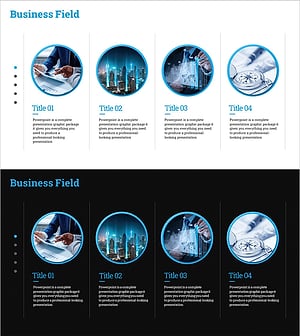
Business Program Introduction Diagram – Cluster-Based Data Visualization
#Product/Service Introduction #Business Introduction #Diagram
