



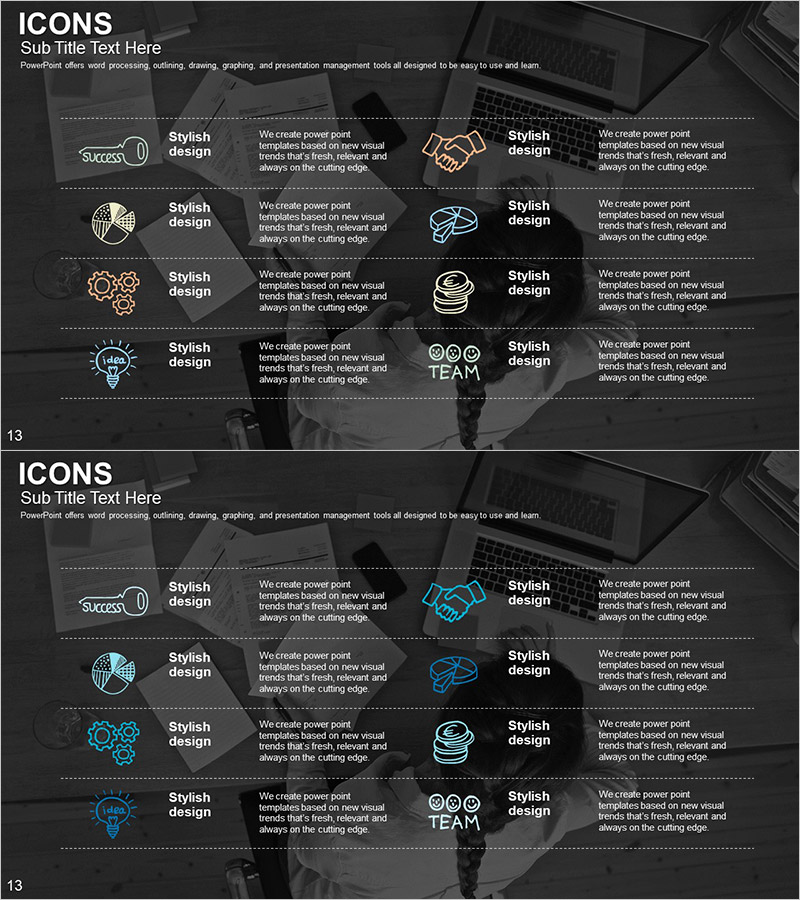
Introducing Business Services Slide – Professional and Stylish Design
RJ0300063_12
- Last Update 05/05/2025
- File Size 0.9MB
- # of Slides 2
- File Format PPTX
- Slide Ratio 16:9
- Color
Keywords
- #Content-Based Slides
- #Design-Based Slides
- #Product/Service Introduction
- #Business Introduction
- #Diagram
- #Program Introduction
- #Business Areas
- #Cluster
- #Closed Cluster Diagram
- #16:9
- #icon cluster diagram PowerPoint
- #business services introduction slide
- #10-item structure diagram
- #service area visualization PPT
- #how to create service overview in PowerPoint
About the Product
A 10-icon cluster diagram PowerPoint slide designed to visually organize business services and core functions. Line-drawn icons (handshake, brain, gear, roundtable, diamond, map, database, team symbol) are arranged on a dark background to clearly distinguish each service area. The 2-slide set includes an icon-focused layout on the first slide and a text-enhanced version on the second, allowing flexible presentation flow. Delivered in 16:9 widescreen PPTX format, fully editable in all presentation software. Customize colors, icons, and text instantly to match your business model and service portfolio.
Usage Points
-
Main Usage
Present multiple business service areas and functions at a glance using an icon-based cluster diagram. Ideal for company introductions, service portfolios, business segment explanations, and complex information delivery that requires systematic visual organization.
-
How to Use
Open with the icon-only slide to capture audience attention visually, then transition to the second slide with descriptive text for each item. Each icon and text element is independently editable, allowing you to select and use only the service items relevant to your presentation.
-
Recommended For
Recommended for companies with diverse business segments in consulting, IT services, finance, insurance, manufacturing, and related industries. Suitable for executive briefings, investor pitches, employee onboarding, partner meetings, and professional business communication scenarios.
-
Slide Structure
2-slide set. Slide 1: 10 line-drawn icons arranged radially from a central point (each icon independently positioned). Slide 2: Same icon layout with text description areas added to the right or below each item. Dark background (black/dark gray) with white and gold-tone line icons; white font for text content.
Related Products
-
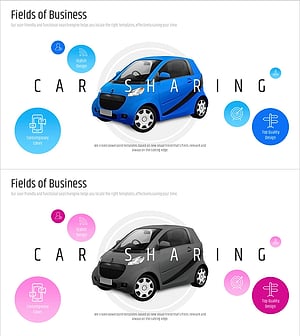
Introduction to Car Sharing Service Area
#Product/Service Introduction #Business Introduction #Diagram
-
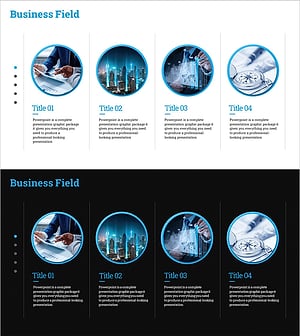
Business Program Introduction Diagram – Cluster-Based Data Visualization
#Product/Service Introduction #Business Introduction #Diagram
-
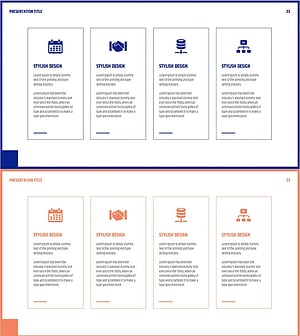
Diagram for Description by Business Program – Conveying Connectivity and Clarity
#Product/Service Introduction #Business Introduction #Diagram
-
Business Program Introduction Slides – Visualizing Program Structure
#Product/Service Introduction #Business Introduction #Diagram
