



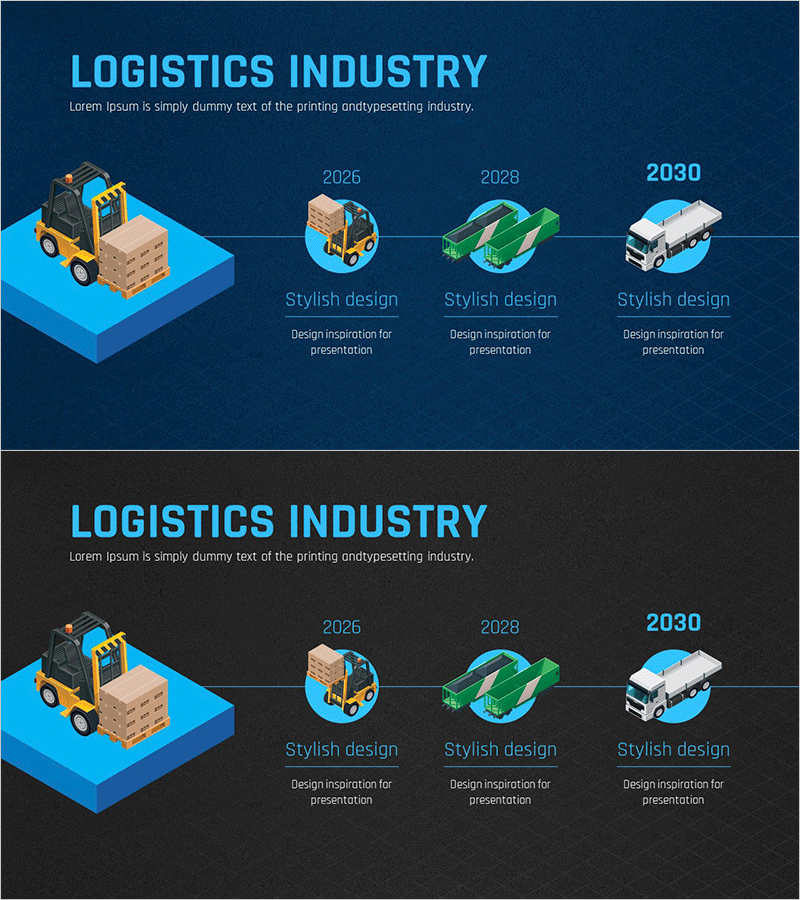
Logistics Industry History Diagram – Visuals for Company Introduction
RJ0300091_22
- Last Update 05/14/2025
- File Size 2.9MB
- # of Slides 2
- File Format PPTX
- Slide Ratio 16:9
- Color
Keywords
About the Product
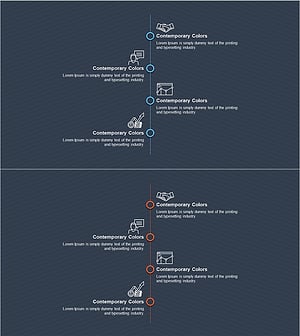
A 4-stage connected timeline diagram PowerPoint slide that visualizes the evolution of the logistics industry over time. Features a dark blue background with isometric transportation equipment illustrations (forklift, circular icons, vehicles, truck) and connecting lines to represent each era's characteristics. Includes year markers (2026, 2028, 2030) and text areas for stage-by-stage descriptions, making it ideal for company introductions, business history, and technology development narratives. Delivered in 16:9 PPTX format, fully editable and ready to customize.
Usage Points
-
Main Usage
Effectively communicates corporate history, development phases, and technological evolution in chronological order. Ideal for logistics, transportation, and manufacturing companies to visually present industry transformation and organizational growth trajectory during company introduction presentations.
-
How to Use
Enter year, key milestones, and technology innovations in each stage's text box. Background colors and icons are fully customizable to match corporate branding. Duplicate the slide layout to add additional stages as needed for extended timelines.
-
Recommended For
Perfect for logistics, transportation, and manufacturing company presentations including corporate introductions, business plans, and investor pitch decks. Suitable for executive presentations, employee onboarding, and client confidence-building sessions that explain company history and business expansion.
-
Slide Structure
Two-slide set with dark blue background (top option) and dark gray background (bottom option) for design flexibility. Each slide features a large isometric illustration on the left, connecting timeline in the center, and four stage-specific circular icons with text areas on the right.
Related Products
-
Spade Shape Theme History Diagram – Emphasizing Company Development
#Company Introduction #Diagram #History
-
Company History Mini Diagram – Clear and Concise Timeline
#Company Introduction #Diagram #History
-
History Road Diagram – A Cluster Diagram Ideal for Company Introduction
#Company Introduction #Diagram #History
-
Business Connection Diagram – Cluster and History
#Company Introduction #Diagram #Company Overview
