



Introducing the Securities Service Application – Premium Design Setup
RJ0300083_11
- Last Update 05/12/2025
- File Size 2.9MB
- # of Slides 2
- File Format PPTX
- Slide Ratio 16:9
- Color
Keywords
About the Product
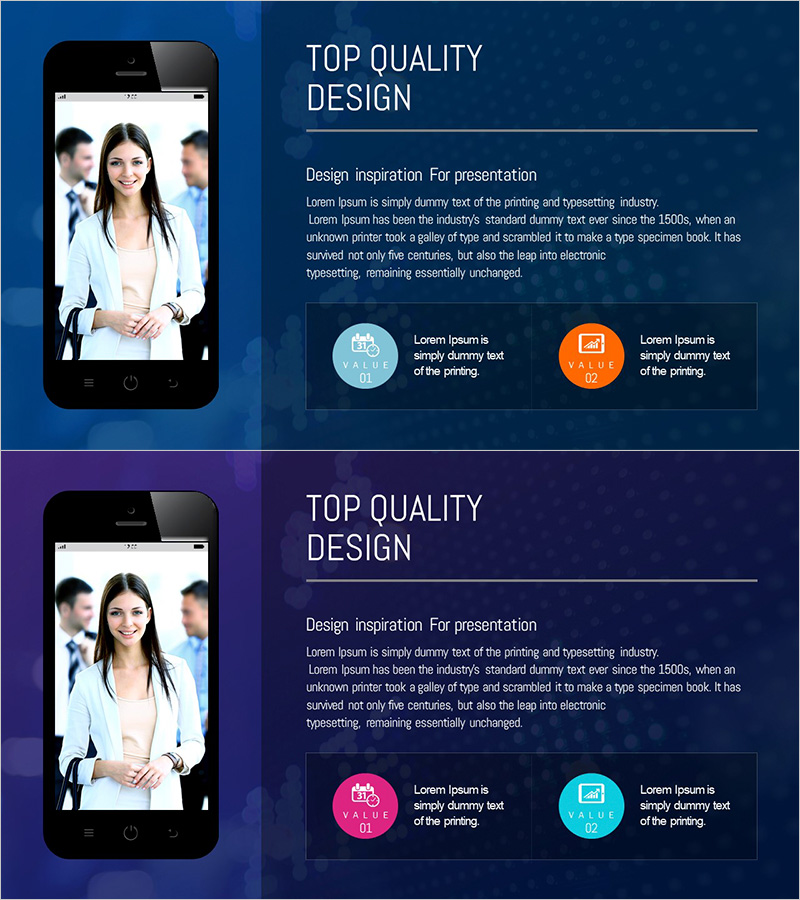
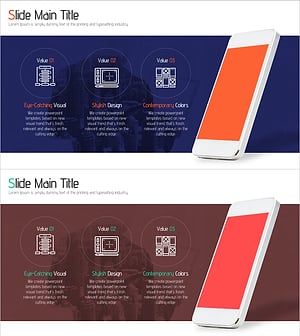
A 2-slide PowerPoint presentation set for introducing mobile applications and digital services. Features a dark blue background with a smartphone mockup positioned on the left side and a right-aligned section containing title, descriptive text, and two value-point icons in cyan and orange circles. The layout balances typography and whitespace to convey a premium, professional appearance. Ideal for product launch presentations, investor pitches, and customer demonstrations where app functionality and benefits need clear visual communication. Delivered in 16:9 widescreen PPTX format, fully editable and ready to customize with your own content.
Usage Points
-
Main Usage
Visually communicate core app features and value propositions through a smartphone mockup paired with supporting text and icons. The layout enables investors, partners, and customers to quickly understand the app's functionality, differentiation, and user benefits in a professional presentation context.
-
How to Use
Position as the centerpiece of your product overview section or integrate into investor pitch decks during the solution introduction phase. Replace the smartphone mockup with actual app screenshots and update the right-side text and icons to match your specific features. Duplicate the slide to showcase multiple app capabilities or use cases.
-
Recommended For
Fintech, securities, and financial app companies; mobile service startups; IT solution providers; and digital product teams. Suitable for product launch events, investor relations presentations, partner collaboration proposals, and internal strategy meetings where app features must be clearly demonstrated.
-
Slide Structure
Both slides share identical layout structure, allowing you to present different feature sets sequentially. Each slide contains a fixed smartphone mockup on the left, with a right-side input area comprising one title, descriptive text block, and two circular value-point icons with labels—enabling multi-feature storytelling across the two slides.
Related Products
-
T-shirt Goods Mockup – Product Introduction and Design
#Product/Service Introduction #Other #Product/Service Introduction
-
Preparing for Overseas Travel Ticket Reservation – Excitement of Travel
#Product/Service Introduction #Diagram #Other
-
Sofa and Tablet Mockups for Product Visualization – Modern Sense and Style
#Product/Service Introduction #Other #Product/Service Introduction
-
Introduction to Mobile Phone Service Configuration – Eye-Catching Diagram
#Product/Service Introduction #Diagram #Other
