



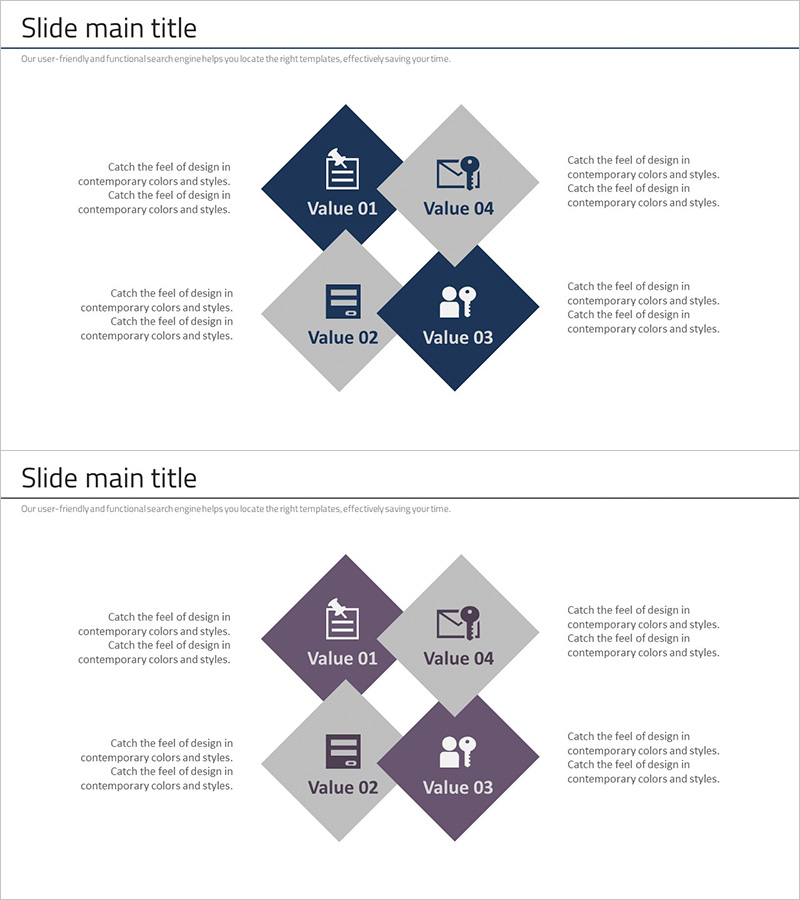
Security Business Area Diagram – Cluster Visualization for Business Presentation
RJ0300077_19
- Last Update 05/10/2025
- File Size 1MB
- # of Slides 2
- File Format PPTX
- Slide Ratio 16:9
- Color
Keywords
- #Content-Based Slides
- #Design-Based Slides
- #Company Introduction
- #Business Introduction
- #Diagram
- #Business Areas
- #Business Areas
- #Cluster
- #Combination Diagram
- #16:9
- #nested cluster diagram PowerPoint
- #4-node diagram slide
- #relationship diagram PowerPoint
- #business area visualization
- #cluster diagram template download
About the Product
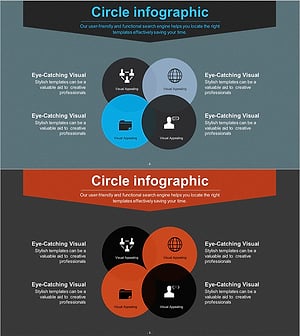
A nested cluster diagram PowerPoint slide featuring four nodes arranged in a diamond configuration. The design uses navy blue and light gray dual-tone colors with icons and text labels for each node. Two color variation versions are included, allowing you to visualize business areas, organizational structures, service categories, and relational information effectively. Provided in 16:9 widescreen PPTX format, fully editable and ready for immediate use in presentations and business documents.
Usage Points
-
Main Usage
Ideal for visualizing relationships and hierarchies among four key elements such as organizational structures, business areas, service categories, or technology stacks. The symmetrical diamond arrangement creates a balanced visual representation of interconnected information.
-
How to Use
Double-click on each node's icon and text to replace with your own content. Select the color variation that best matches your presentation theme, and adjust node background colors and text styling as needed using PowerPoint's built-in tools.
-
Recommended For
Perfect for business introductions, organizational restructuring presentations, service portfolio overviews, technology architecture explanations, and marketing strategy presentations. Ideal for executives, business planners, marketing professionals, and IT architects presenting in strategy meetings and external presentations.
-
Slide Structure
Consists of 2 slides with identical 4-node diamond-shaped cluster layouts. The first slide features navy blue accent colors, while the second slide uses purple accents, allowing you to select the appropriate version based on your presentation flow and branding.
Related Products
-
Overlapping Diagram Visualizing Renewable Energy Service Configuration
#Company Introduction #Business Introduction #Diagram
-
Banking Services Analysis and Organization – Visual Understanding Diagram
#Company Introduction #Business Introduction #Diagram
-
Entertainment Business Area Diagram – Dynamics of Business
#Company Introduction #Business Introduction #Diagram
-
Business Area Circular Nesting Diagram – Cluster Visualization
#Company Introduction #Business Introduction #Diagram
