


SWOT Analysis Simple Diagram – A Tool for Market and Competitor Analysis
RJ0300072_21
- Last Update 05/08/2025
- File Size 0.1MB
- # of Slides 2
- File Format PPTX
- Slide Ratio 16:9
- Color
Keywords
About the Product
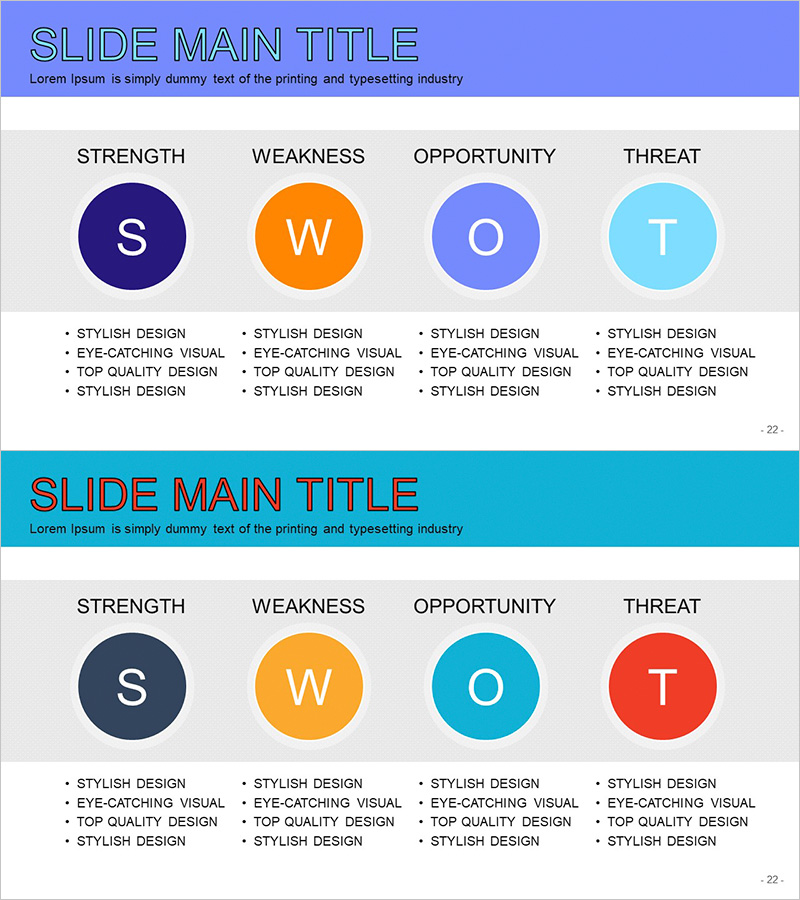
A SWOT analysis PowerPoint slide template featuring a four-quadrant diagram for market and competitor evaluation. The design uses four circular nodes to represent Strengths (S), Weaknesses (W), Opportunities (O), and Threats (T), with four text input areas beneath each section. Color-coded elements—dark blue, orange, light blue, and red—distinguish each quadrant for visual clarity. Two color scheme versions (blue tone and turquoise tone) are provided to match your presentation's visual identity. Ideal for strategic planning, business development, and marketing presentations where comprehensive environmental analysis needs clear visual communication.
Usage Points
-
Main Usage
Communicates strategic positioning and business decision-making through visual SWOT analysis results. Internal factors (strengths and weaknesses) and external factors (opportunities and threats) are balanced across four quadrants, enabling audiences to grasp comprehensive strategic assessment at a glance.
-
How to Use
Enter analysis content into the four text areas beneath each circular node. List competitive advantages under Strengths, improvement areas under Weaknesses, growth potential under Opportunities, and risk factors under Threats. Color differentiation helps audiences intuitively understand each quadrant's significance.
-
Recommended For
Executive and strategy team business planning presentations, marketing team market entry strategy sessions, new business development environmental analysis reports, investor relations materials for competitive positioning, consulting project situation analysis documents.
-
Slide Structure
Two-slide set. Slide 1 features blue tone color scheme (dark blue, orange, light blue, light cyan) with four circular nodes and 16 text input areas (4 nodes × 4 items each). Slide 2 uses turquoise tone scheme (dark navy, gold, turquoise, red) with identical structure. 16:9 widescreen format, PPTX file.
Related Products
-
Strategic Direction Diagram through SWOT Analysis
#Market and Competitor Analysis #Diagram #SWOT Analysis
-
Market Environment and SWOT Analysis Diagram
#Market and Competitor Analysis #Diagram #SWOT Analysis
-
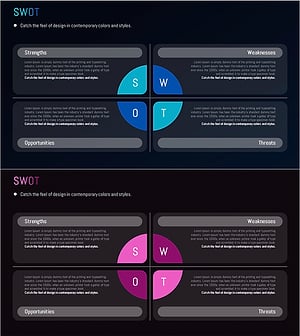
SWOT Analysis Split Diagram - Effective Tool for Market Analysis
#Market and Competitor Analysis #Diagram #SWOT Analysis
-
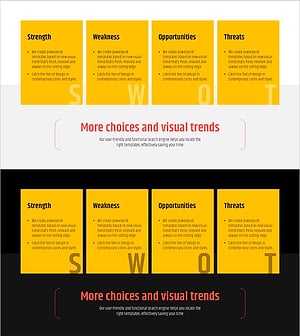
Yellow Box SWOT Analysis – Ideal Cluster Design for Market Analysis
#Market and Competitor Analysis #Diagram #SWOT Analysis