




Business Competitor Analysis Graph – Visualizing Market Competitive Advantage
RJ0300070_18
- Last Update 05/08/2025
- File Size 2.2MB
- # of Slides 2
- File Format PPTX
- Slide Ratio 16:9
- Color
Keywords
About the Product
A dual-series line chart PowerPoint slide designed for competitive analysis and market positioning visualization. This slide effectively displays two data series across multiple years, allowing you to compare competitor performance trends against your own market position. The dark background with bright data point markers and clear labels ensures excellent visibility during presentations. Formatted in 16:9 widescreen with 2 slides, fully editable in PPTX format for seamless customization.
Usage Points
-
Main Usage
Visualize competitor performance trends and your company's market position side-by-side with year-over-year data comparison. Present competitive advantage through objective metrics and strategic positioning. Ideal for investor pitches, executive briefings, and marketing strategy meetings requiring clear competitive landscape analysis.
-
How to Use
Input your two data series across the timeline (2005–2020) and the line chart automatically connects the data points. Customize the legend and axis labels to match your specific business context. The bright markers on dark background provide excellent readability when projected in conference rooms or auditoriums.
-
Recommended For
Executives, marketing managers, strategy planners, and investor relations professionals. Perfect for competitive benchmarking reports, market share trend analysis, quarterly business performance reviews, and investment pitch decks. Suitable for B2B proposals and strategic planning presentations.
-
Slide Structure
2-slide set featuring dual-series line charts with 15 data points per series spanning 2005–2020. Each slide includes title area at top, legend in upper right, Y-axis scale (0–90) on left, and X-axis with year labels at bottom. Data points are clearly marked with bright indicators for easy tracking.
Related Products
-
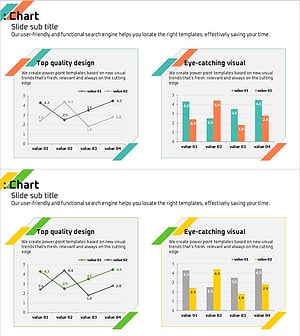
Analyzing 2 Comparison Graphs - Slides for Deriving Competitive Advantage
#Market and Competitor Analysis #Graph #Competitor Analysis
-

Desperate Stock Price Decline Graph – The Tragedy of Market Analysis
#Market and Competitor Analysis #Graph #Competitor Analysis
-
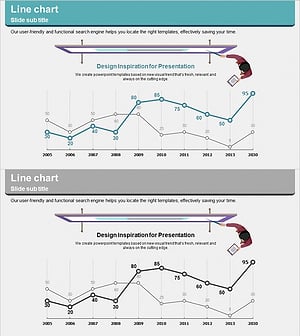
Competitor Idea Analysis Graph
#Market and Competitor Analysis #Graph #Competitor Analysis
-

Competitor Comparison Graph & Table - Essential Tool for Market Analysis
#Market and Competitor Analysis #Diagram #Competitor Analysis
