



Business Overview Slides – Vision and Strategy
RJ0300065_16
- Last Update 05/06/2025
- File Size 3MB
- # of Slides 2
- File Format PPTX
- Slide Ratio 16:9
- Color
Keywords
About the Product
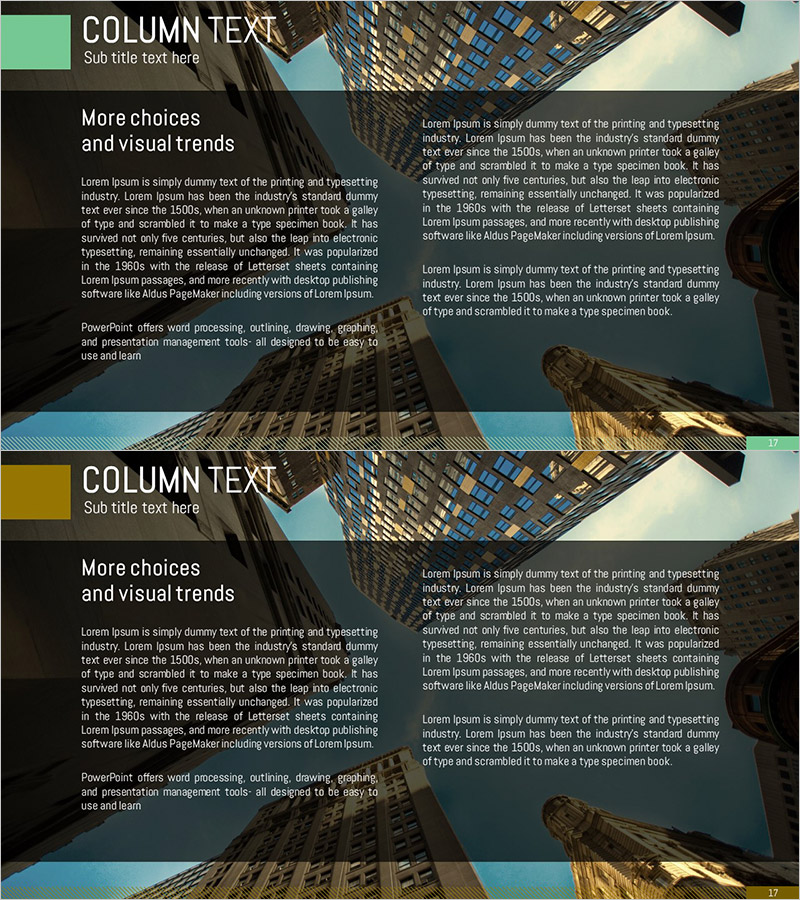
A 2-slide PowerPoint presentation designed to communicate business overview, vision, and strategy with clarity and impact. The two-column layout positions key messages on the left and detailed explanations on the right, making it ideal for investor pitches, board presentations, and stakeholder briefings. Green and gold accent boxes segment content sections, while the architectural background imagery reinforces corporate credibility and growth trajectory. Ample text input areas allow you to articulate business rationale, strategic imperatives, and implementation roadmaps. Fully editable in PowerPoint for seamless customization and immediate deployment.
Usage Points
-
Main Usage
Communicate business vision, strategic direction, and core initiatives to investors, executives, and stakeholders with visual clarity. The two-column structure separates headline messaging from supporting details, while accent colors and background imagery establish corporate credibility and forward momentum.
-
How to Use
Insert into business plans, investment pitch decks, and company overview presentations in the 'Business Rationale & Strategic Direction' section. Populate the left column with vision statements and the right with specific strategies, objectives, and execution plans to help audiences grasp your business direction at a glance.
-
Recommended For
Ideal for C-suite executives, business development teams, and marketing professionals presenting to investors, boards, and partners. Particularly effective for startups and new business units articulating market opportunity and competitive strategy.
-
Slide Structure
2-slide deck with each slide featuring a left-side accent box (green or gold) and right-side text area. Includes 1 title field, 1 left-column messaging zone, and 2–3 right-column explanation areas for a total of 4–5 text input sections, reinforced by professional background imagery.
Related Products
-
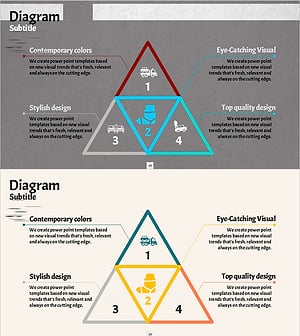
Traffic Accident Type Diagram – Prevention and Analysis
#Business Vision and Strategy #Operational Plan #Diagram
-
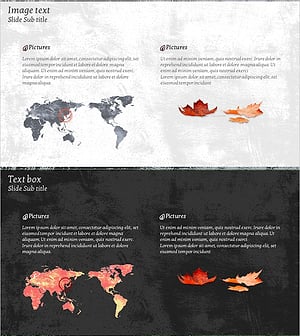
Maple Leaf World Map – Business Vision and Global Marketing Strategy
#Business Vision and Strategy #Marketing Plan and Strategy #Other
-
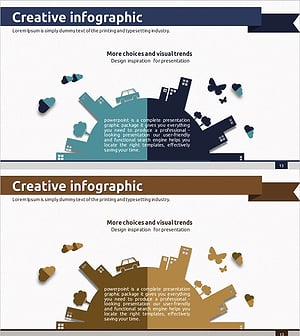
Introducing Business Vision and Strategy through Environmental Protection Infographics
#Business Introduction #Business Vision and Strategy #Business Understanding
-
The Suffering of the Victims of School Violence – Emotion and Necessity in Strategy
#Business Vision and Strategy #Emotional Messages #Business Background and Necessity
