



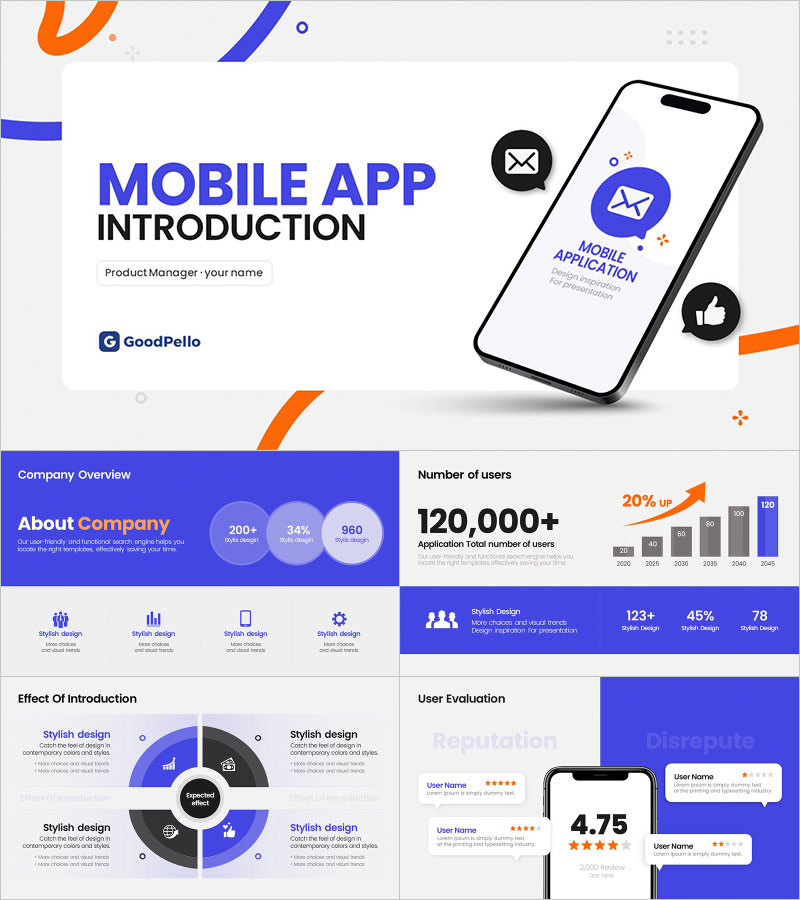
Mobile Application Introduction Template – Stylish Design and Intuitive Layout
M0700010
- Last Update 08/30/2025
- File Size 2MB
- # of Slides 19
- File Format PPTX
- Slide Ratio 16:9
- Color
Slide Preview




Keywords
About the Product
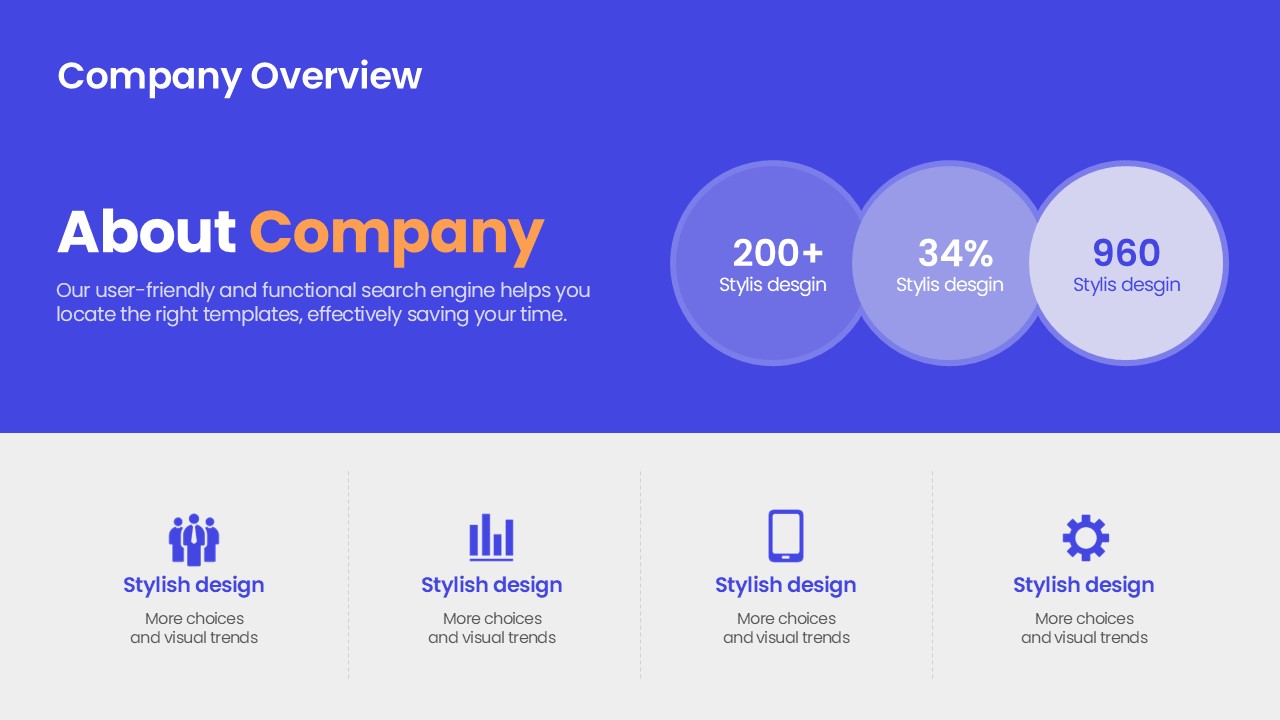
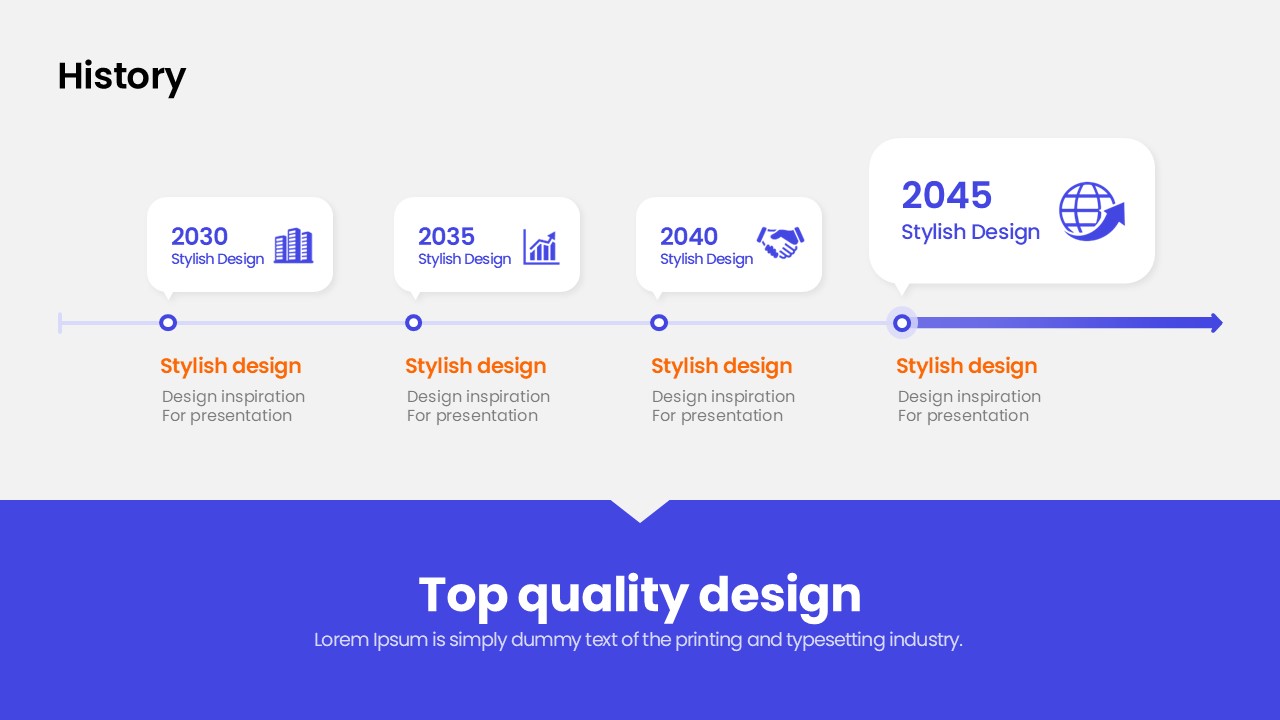
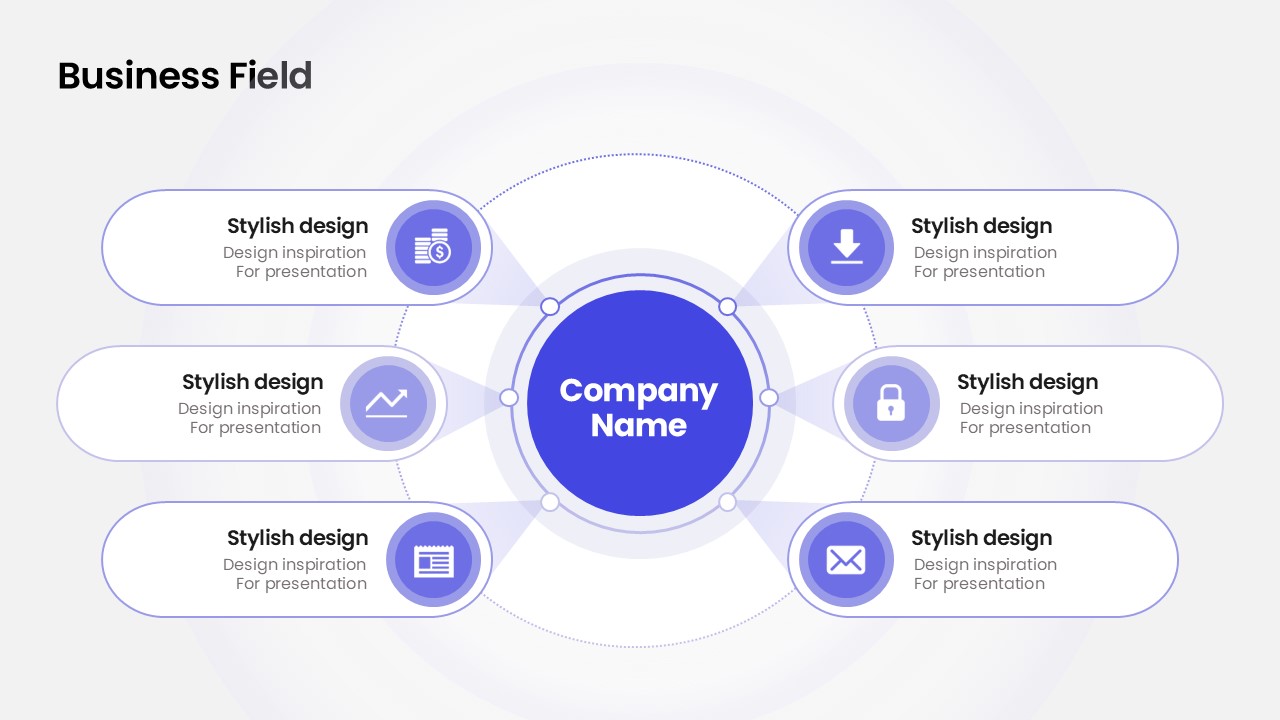
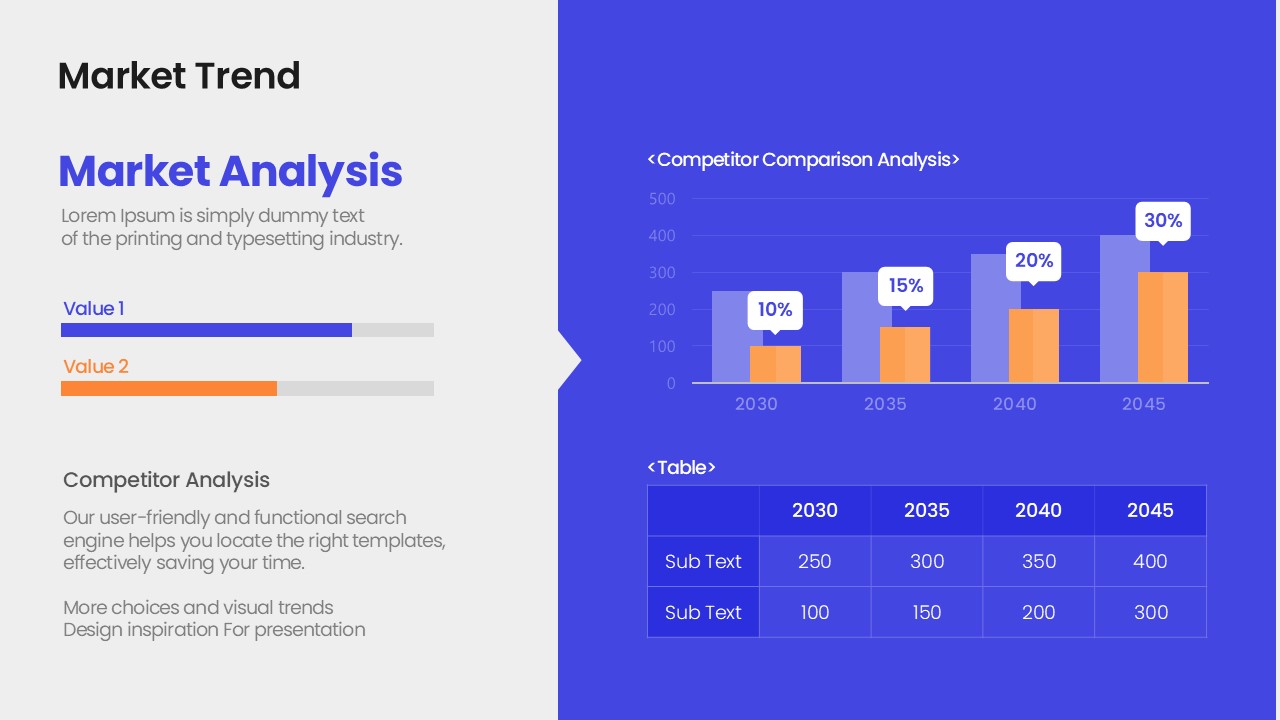
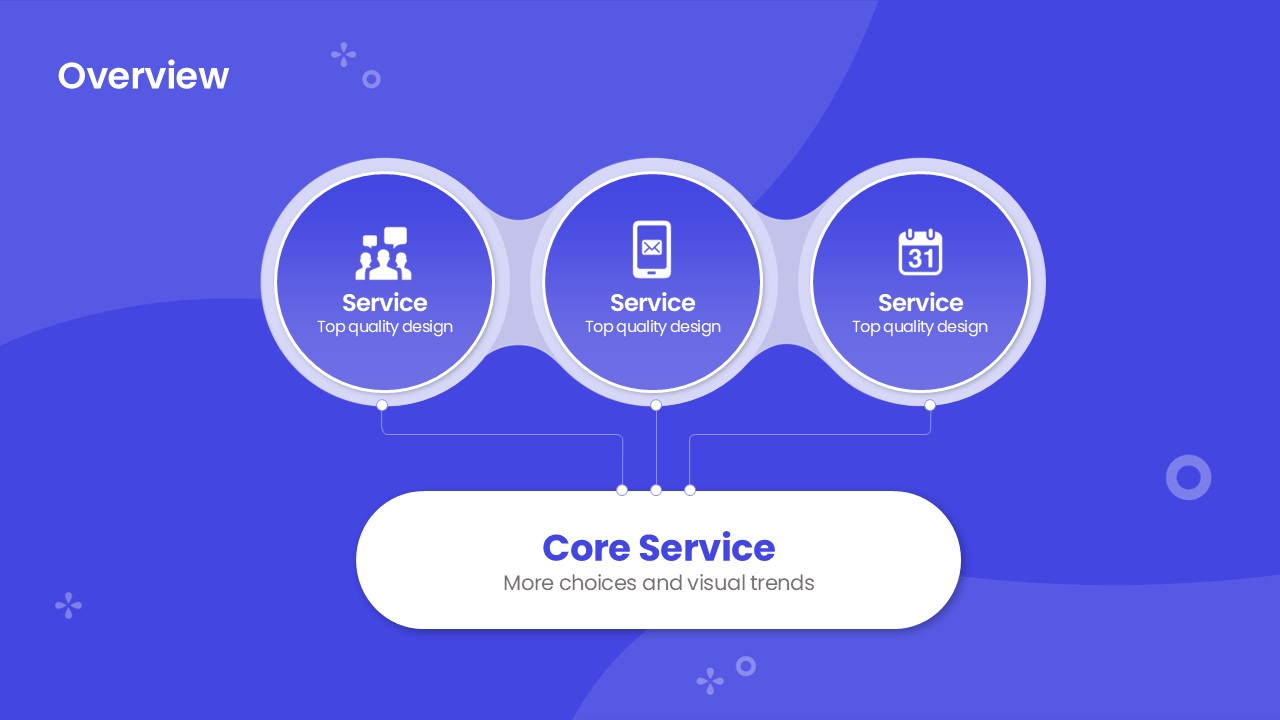
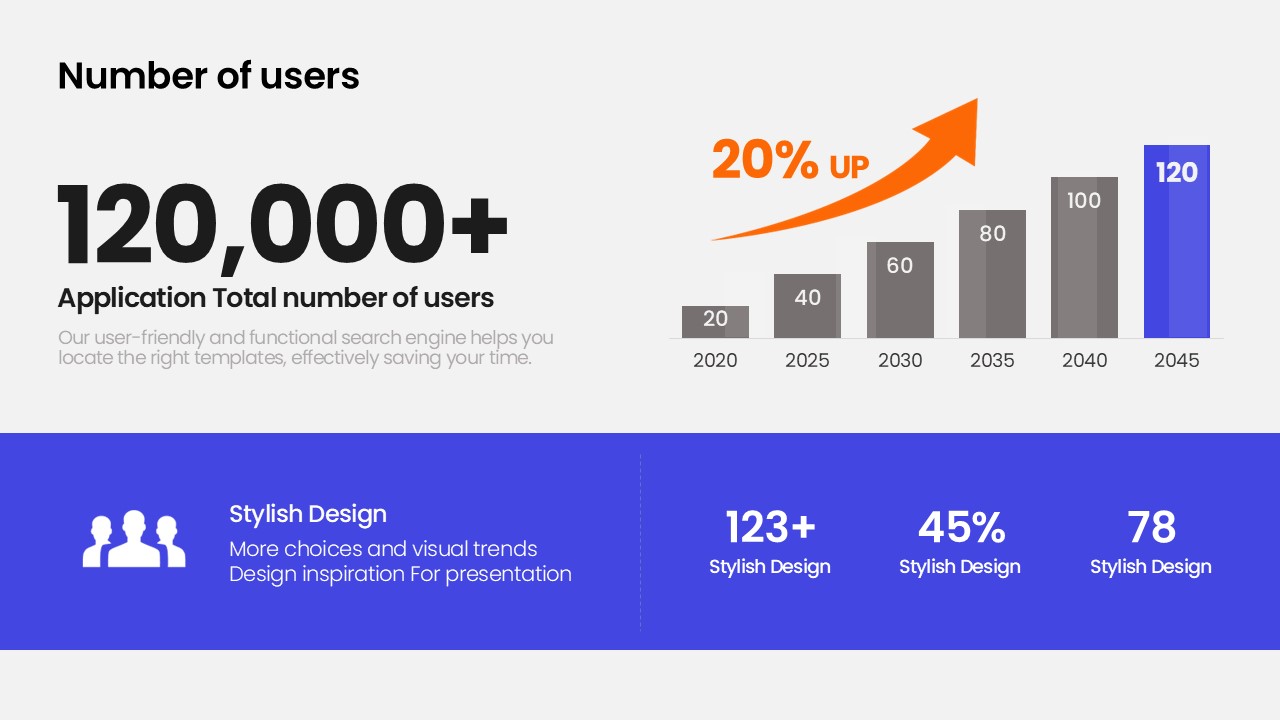
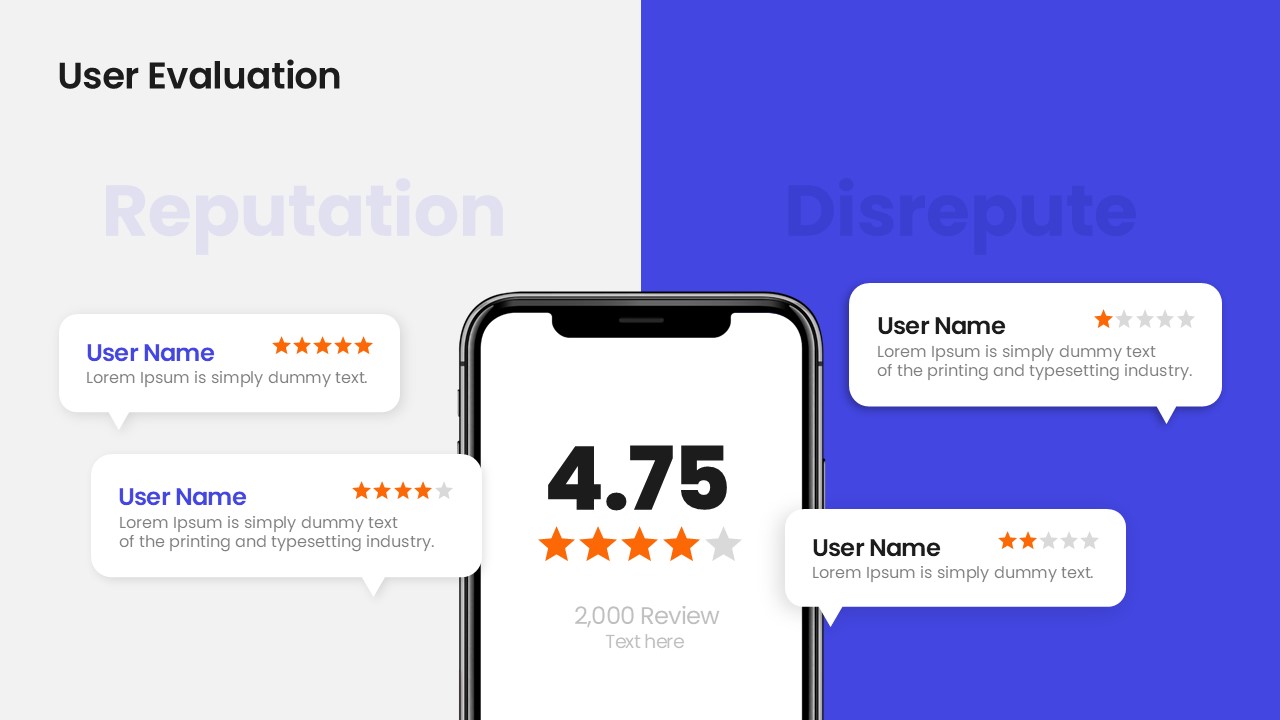
This PowerPoint template is purpose-built for presenting mobile applications and IT service products to investors, partners, and clients. Built on a two-column grid layout with a blue-purple primary color and orange accent, it delivers app service value propositions with visual clarity. The 19-slide deck covers the full standard structure of a product introduction deck: cover slide, company overview with KPI badges, business field radial cluster diagram, service overview with three-circle structure, and user evaluation with star ratings and bar charts. Each slide uses icon-driven infographics to keep information digestible and visually consistent. Provided as an editable PPTX file, all text, colors, and icons can be freely customized — simply replace the placeholder content with your own data and the presentation is ready to deliver.
Usage Points
-
Main Usage
Designed as a complete product introduction deck for pitching mobile applications or IT services to investors, business partners, or enterprise clients. Covers company overview, business fields, service structure, and user evaluation in one cohesive presentation.
-
How to Use
Start by entering your app name and presenter details on the cover slide. Replace the KPI badge numbers with your actual metrics, update the six radial business field labels, and swap in your real user reviews and bar chart data. The structure is complete — only the content needs to change.
-
Recommended For
Best suited for mobile app startup founders, IT service planners, app development company sales and marketing teams, and product managers preparing investor pitches or partnership proposals.
-
Slide Structure
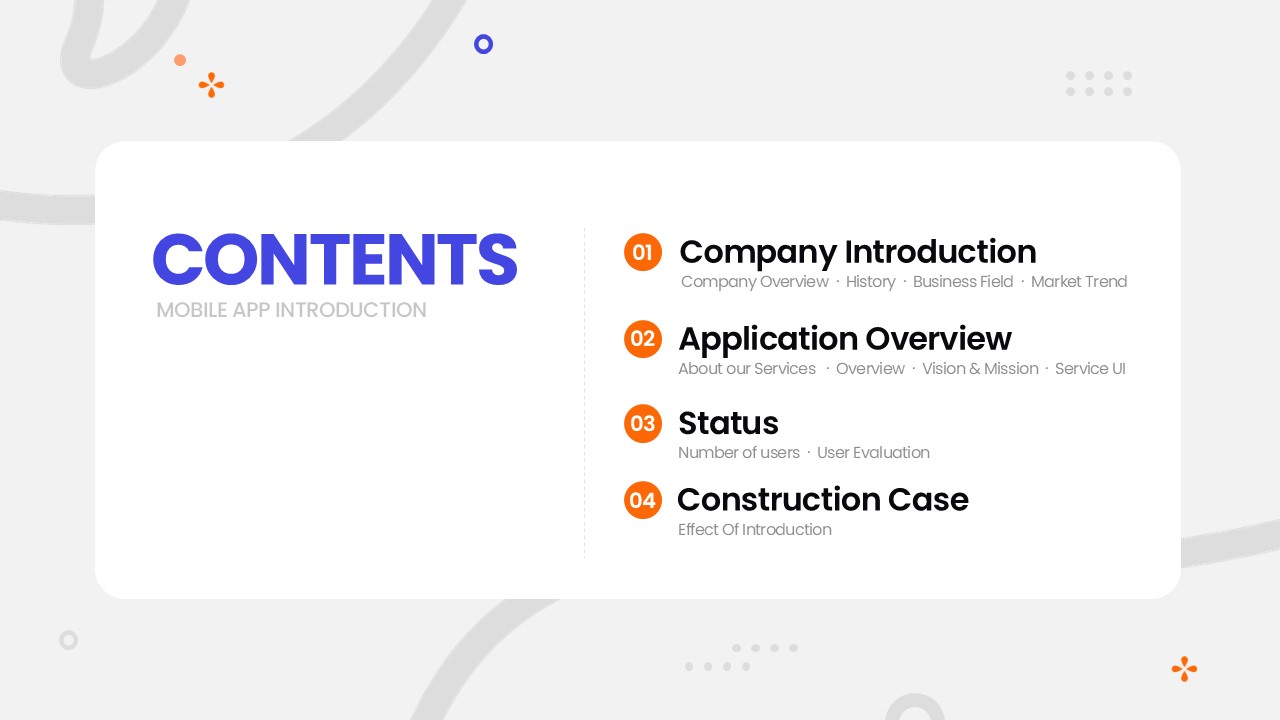
Cover → Company Overview (KPI circle badges + 4-column icon grid) → Business Field (6-item radial cluster diagram) → Service Overview (3-circle structure diagram) → Company Overview full-blue variant (KPI + 4-column icons) → User Evaluation (star ratings, reviews, bar chart) — 19 slides total.
Related Products
-
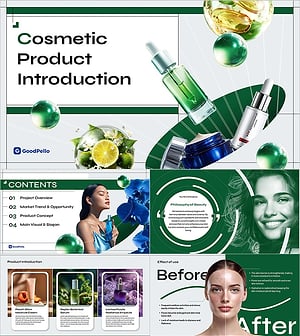
Cosmetic Product Introduction Template - Beauty & Skincare Brand Presentation PPT
#Product/Service Introduction
-
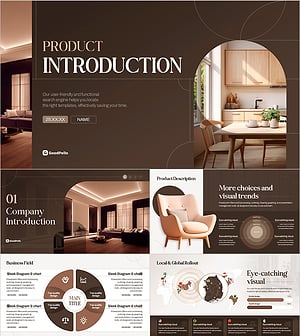
Modern Curve Interior Product Brochure Template – Elegant Design Harmonizing Information Delivery
#Product/Service Introduction
-

SaaS Service Presentation Template | The 11-Slide Deck That Gets B2B Buyers to Say Yes
#Product/Service Introduction
-
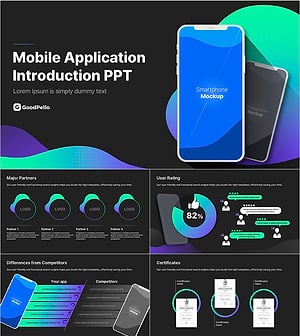
Smart Mobile App Business Introduction Presentation Template – Stylish Design with Efficient Composition
#Product/Service Introduction
