



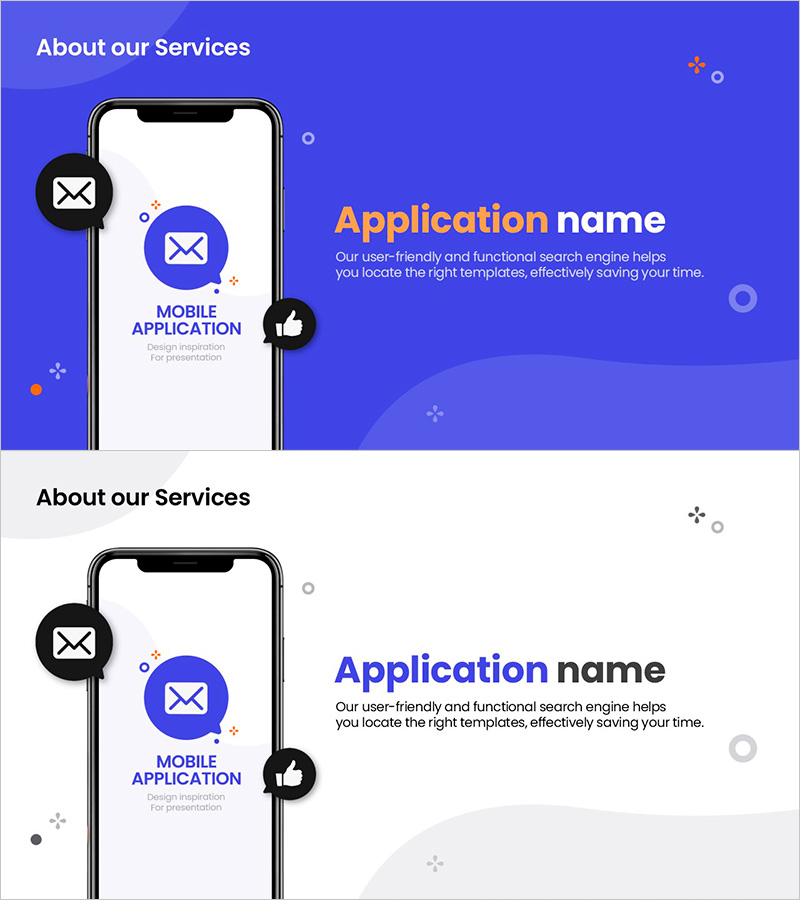
App Service Introduction Slide – User-Friendly Design
RM0700010_5
- Last Update 02/27/2025
- File Size 0.5MB
- # of Slides 4
- File Format PPTX
- Slide Ratio 16:9
- Color
Keywords
- #Content-Based Slides
- #Design-Based Slides
- #Product/Service Introduction
- #Other
- #Product/Service Introduction
- #Product and Service Overview
- #Mockup
- #16:9
- #app service introduction PPT
- #mobile app PowerPoint slide
- #app presentation template
- #blue mockup slide
- #how to present app features in PowerPoint
About the Product
A user-friendly PowerPoint slide set for introducing mobile app services. Featuring a bright blue background with smartphone mockups and interactive icons, this design intuitively communicates your app's key features and value proposition. The 4-slide structure covers service overview, main features, user experience, and core messaging in a progressive flow. Email, messaging, and like icons emphasize app communication capabilities. Ready for presentations, pitch decks, and business slides with clearly defined text and image areas for easy customization.
Usage Points
-
Main Usage
Communicate mobile app functionality and value to investors, partners, and users through visual storytelling. The smartphone mockup-centered design highlights core app features (messaging, notifications, interactions) to enhance service comprehension and engagement.
-
How to Use
Use in the 'Service Overview' or 'Key Features' section of your app presentation. Add descriptive text for each app feature on individual slides, and insert screenshots or additional icons as needed to customize the template for your specific service.
-
Recommended For
Ideal for startup and IT company app launches, investment pitch decks, partner collaboration proposals, and customer product demonstrations. Particularly effective for mobile app developers, fintech companies, and social communication platform introductions.
-
Slide Structure
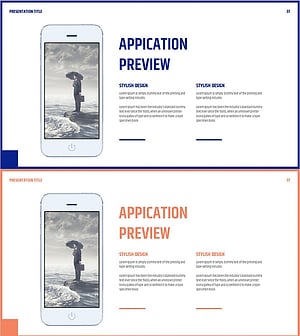
4-slide layout with a title slide (About our Services) followed by 3 feature-focused slides. Each slide uses a 2-column design with smartphone mockup on the left and title/description text area on the right, ensuring balanced information hierarchy and visual appeal.
Related Products
-
Introducing Startup Business Services – Stand Out with Contemporary Colors
#Product/Service Introduction #Other #Product/Service Introduction
-
Mobile Market Service Introduction and Outlook – User-Friendly Solution
#Product/Service Introduction #Other #Product/Service Introduction
-
Smartwatch Product Introduction Template – The Harmony of Innovation and Style
#Product/Service Introduction #Other #Product/Service Introduction
-
Business Services Description Slide Template – Effective Information Delivery
#Product/Service Introduction #Other #Product/Service Introduction
