



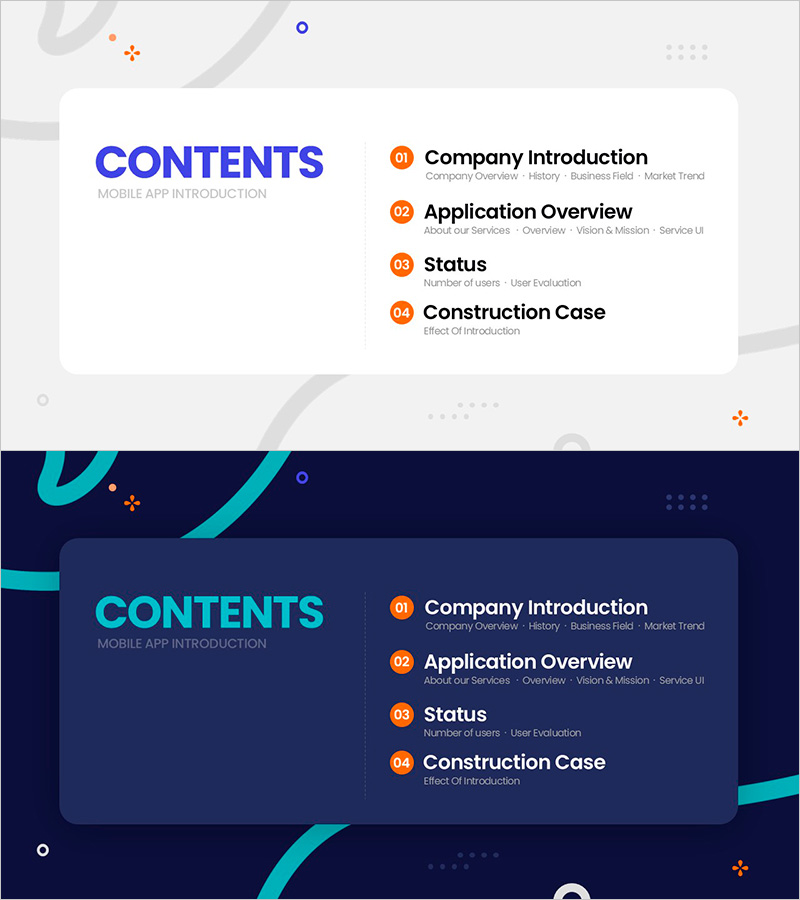
Line Drawing Content Slide – Modern Business Table of Contents
RM0700010_2
- Last Update 02/27/2025
- File Size 0.4MB
- # of Slides 2
- File Format PPTX
- Slide Ratio 16:9
- Color
Keywords
About the Product
A line drawing style PowerPoint slide designed for the table of contents section of business presentations. Featuring a light gray background with blue and orange numbered circular markers arranged in a 2-column structure, each item includes dedicated text areas for detailed descriptions. The minimalist line elements and geometric decorative accents create a contemporary aesthetic, making it instantly applicable to mobile app introductions, business proposals, service presentations, and various other presentation materials. Available in 16:9 widescreen format and PPTX file type, fully editable in all PowerPoint versions.
Usage Points
-
Main Usage
Visually organize and highlight the table of contents section of your presentation while capturing audience attention. The numbered layout clearly communicates presentation flow and allows concise introduction of each section's key content.
-
How to Use
Enter 'Contents' or 'Table of Contents' in the title area, then edit the title and description text for each numbered item. The blue and orange circular markers remain fixed; simply replace the text fields. The light background ensures excellent readability in projector environments.
-
Recommended For
Ideal for mobile app introductions, business proposals, service presentations, business plan pitches, marketing strategy documents, educational seminars, and various business materials. Highly suitable for startups, IT companies, consulting firms, and corporate presentation decks.
-
Slide Structure
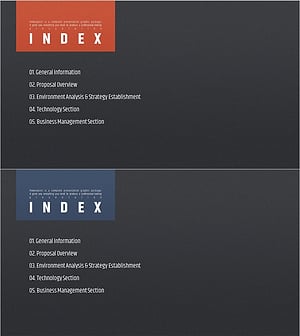
2-slide set featuring light background and dark background versions. Each slide contains 1 title area, 4 numbered markers (01–04), 4 item title input fields, and 4 detailed description areas, accommodating up to 4 content sections in the table of contents.
Related Products
-
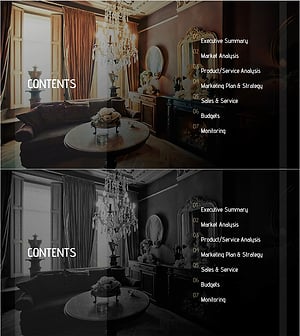
Luxury Hotel Marketing Plan Template Contents
#Slide Type #Table of Contents
-
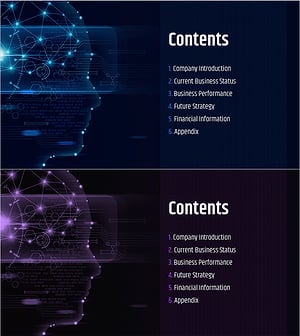
AI Technology IR Template Contents – Innovation and Vision
#Slide Type #Table of Contents
-
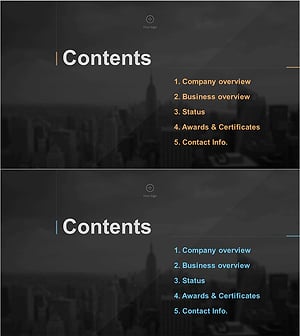
Stylish Company Profile Template Contents
#Slide Type #Table of Contents
-
Modern Simple Proposal Template Contents – Professionalism and Clarity
#Slide Type #Table of Contents
