



Global Business Area Diagram – Overview of Business Introduction
RJ0300062_5
- Last Update 05/05/2025
- File Size 0.8MB
- # of Slides 2
- File Format PPTX
- Slide Ratio 16:9
- Color
Keywords
- #Content-Based Slides
- #Design-Based Slides
- #Company Introduction
- #Business Introduction
- #Diagram
- #Business Areas
- #Business Areas
- #Cluster
- #Closed Cluster Diagram
- #16:9
- #cluster diagram PowerPoint
- #business area slide template
- #global business presentation
- #relationship diagram PPT
- #business portfolio slide
- #how to create cluster diagram in PowerPoint
About the Product
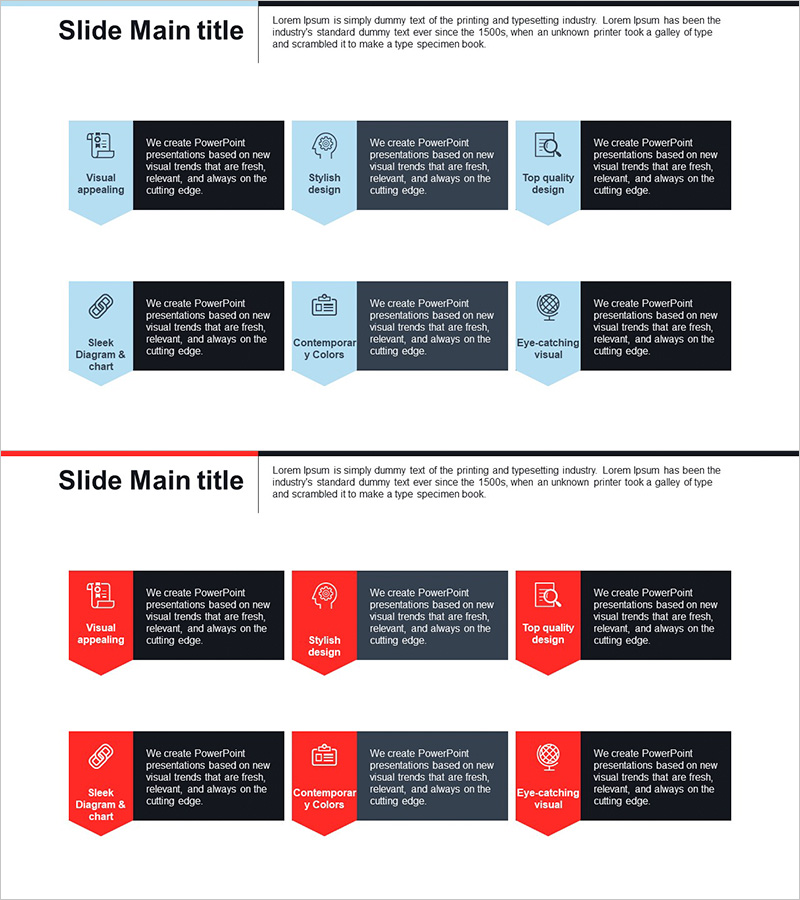
A cluster diagram PowerPoint slide that visualizes global business areas across 6 interconnected items, showing relationships between central core and surrounding elements. Designed with light blue background, white text boxes, and icons connected by directional arrows. Perfect for business introduction presentations to communicate company portfolio at a glance. This 2-slide set is ready to use immediately for executive presentations and investor pitches.
Usage Points
-
Main Usage
Systematically introduce company's diverse business areas and portfolios using a cluster diagram structure. The radial layout emphasizes business interconnectedness and integration by expanding from central concept to surrounding details.
-
How to Use
Use in business introduction, company overview, or business portfolio sections to explain global operations. Edit text boxes with specific business area names and customize icons to reflect industry characteristics as needed.
-
Recommended For
Executive reports, investor presentations, company introduction decks, business strategy pitches, organizational structure explanations. Especially effective for multinational corporations and companies with diversified portfolios.
-
Slide Structure
2-slide set featuring light blue background on slide 1 and red background on slide 2, both with identical 6-item cluster structure (1 central + 5 surrounding items). Each item includes icon and text box connected by directional arrows for clear relationship visualization.
Related Products
-
Business Area Circular Diagram – Visualizing Cluster Information
#Company Introduction #Business Introduction #Diagram
-
Strategic Element Relationship Map – Business Insights
#Company Introduction #Business Introduction #Diagram
-
Business Overview Square Diagram – Clear Business Introduction
#Company Introduction #Business Introduction #Diagram
-
Representative Ingredients Slide for Business Insights
#Company Introduction #Business Introduction #Diagram
