



Learning Tool Description – Creative Design Clusters
RJ0500043_7
- Last Update 06/19/2025
- File Size 0.7MB
- # of Slides 2
- File Format PPTX
- Slide Ratio 16:9
- Color
Keywords
- #Content-Based Slides
- #Design-Based Slides
- #Product/Service Introduction
- #Diagram
- #Product/Service Introduction
- #Features
- #Cluster
- #Closed Cluster Diagram
- #16:9
- #closed cluster diagram PowerPoint
- #cluster diagram slide template
- #4-node relationship diagram PPT
- #product feature visualization slide
- #learning tool diagram PowerPoint
About the Product
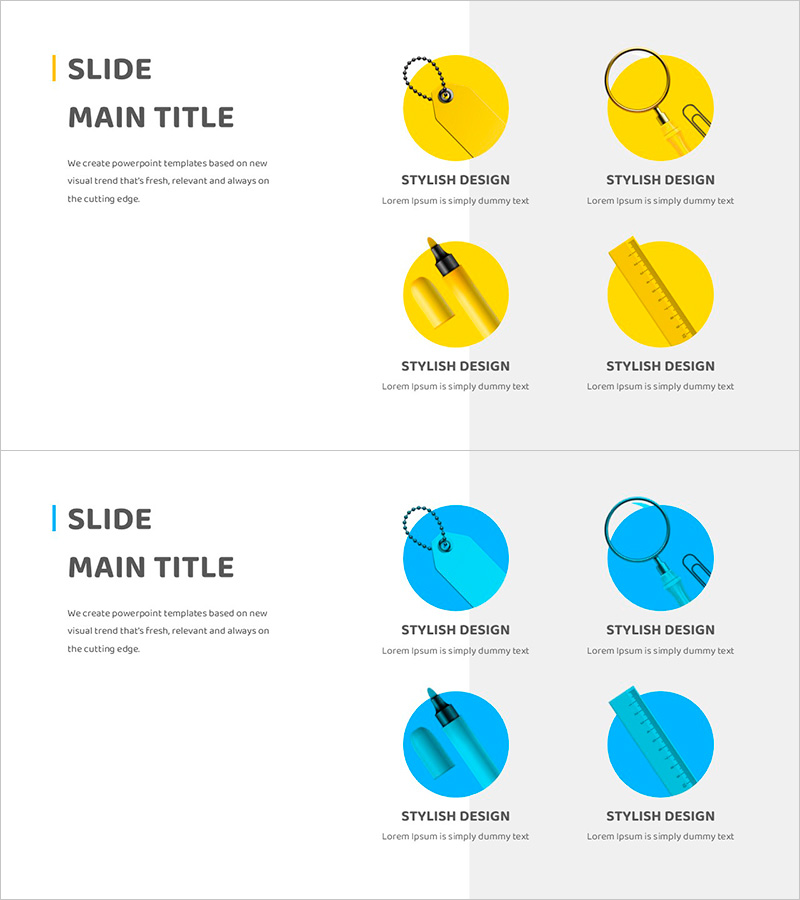
A closed cluster diagram PowerPoint slide for visually explaining learning tools and product features. The design places a central concept at the core with four related elements arranged in a circular formation, emphasizing interconnection and integration. Provided in two color versions—yellow and blue—each node includes icons and text descriptions for comprehensive communication. This presentation slide is ready to use for educational programs, product introductions, service structure explanations, and various business presentations.
Usage Points
-
Main Usage
Use this slide to explain a product's core functions or the structural components of a learning tool through a central concept framework. The four related items arranged in a circular pattern effectively highlight interdependencies and reinforce system coherence.
-
How to Use
Enter your core concept (e.g., platform name, product title) in the center circle. Add key features or characteristics to each of the four surrounding nodes. Replace node icons to visually differentiate categories and adjust colors to align with your brand guidelines.
-
Recommended For
Ideal for product managers, marketing professionals, educational program developers, and consultants presenting service structures and feature relationships. Recommended for investor presentations, client proposals, and internal training materials where complex concepts need clear, simplified visual communication.
-
Slide Structure
Two-slide layout. First slide features a yellow background with a 4-node closed cluster (central circle plus four surrounding nodes, each with icons). Second slide presents the identical structure with a blue background. 16:9 widescreen format, fully editable PPTX with all elements customizable.
Related Products
-
Vegan Ingredients Features Cluster Slide
#Product/Service Introduction #Diagram #Product/Service Introduction
-
Cluster Slide Visualizing Characteristics of Grass
#Product/Service Introduction #Diagram #Product/Service Introduction
-
Sea Lighthouse Service Diagram Icon – A Cluster Diagram for Visual Understanding
#Product/Service Introduction #Diagram #Product/Service Introduction
-
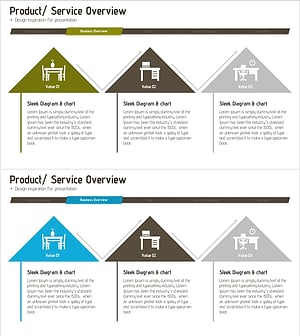
Introduction to Furniture Product Services – Information Delivery with Cluster Diagram
#Product/Service Introduction #Diagram #Product/Service Introduction
