



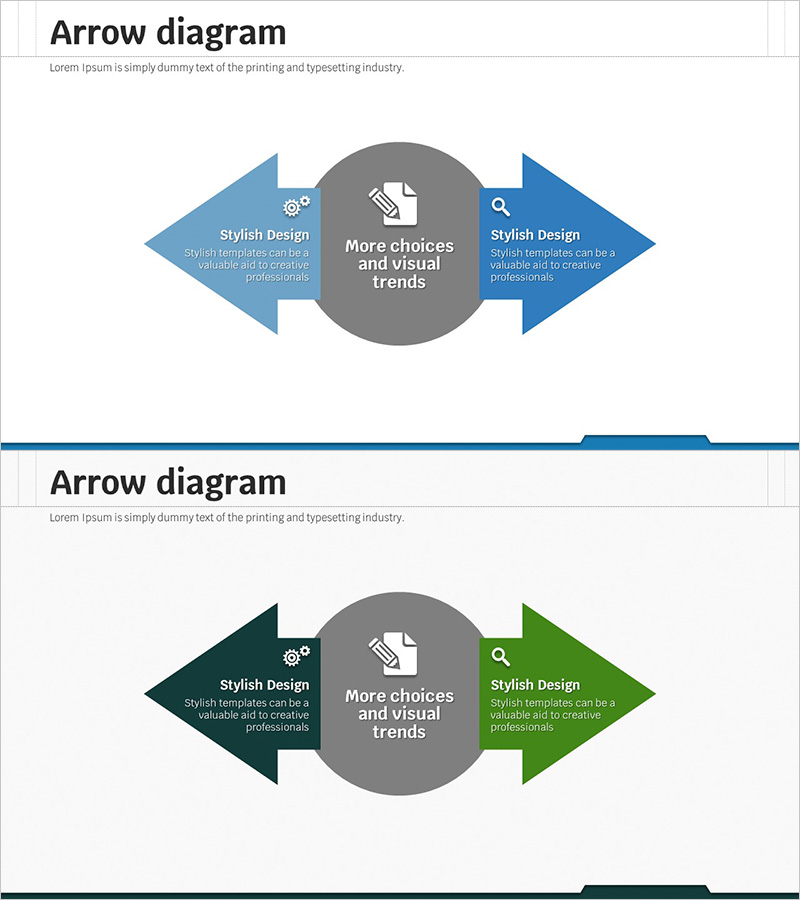
Business Strategy Plan Slide – Multidirectional Flow Design
RJ0300046_15
- Last Update 04/30/2025
- File Size 3.4MB
- # of Slides 2
- File Format PPTX
- Slide Ratio 16:9
- Color
Keywords
- #Content-Based Slides
- #Design-Based Slides
- #Business Vision and Strategy
- #Marketing Plan and Strategy
- #Diagram
- #Business Vision
- #Marketing Strategy
- #Flow
- #Converging Flow Diverging Flow
- #16:9
- #bidirectional arrow diagram PowerPoint
- #divergence convergence diagram
- #business strategy slide
- #marketing plan diagram
- #flow chart PowerPoint slide
About the Product
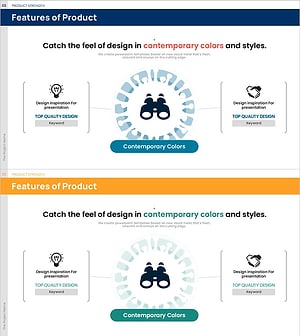
A bidirectional arrow diagram PowerPoint slide with a central circular node and arrows extending left and right. Available in two color versions—blue and dark green—with icon and text areas on each arrow for visualizing business strategy, marketing plans, and directional flow. Delivered as 2 slides in 16:9 widescreen PPTX format, fully editable and ready to customize. The symmetrical left-right structure effectively represents alternative strategies, comparative options, and reciprocal relationships.
Usage Points
-
Main Usage
Illustrate dual strategic directions, alternative choices, and reciprocal relationships in business planning. Use in marketing strategy presentations to show parallel execution paths, or in vision statements to emphasize multiple directions stemming from a core concept.
-
How to Use
Enter the core concept (strategy, vision, or goal) in the central circular node. Add execution plans or strategic options to the left and right arrows. Insert relevant icons in the icon areas and descriptive text in the text regions. Choose between blue or dark green color versions to match your presentation theme.
-
Recommended For
Ideal for executives, strategy teams, and marketing professionals presenting business direction, strategic initiatives, and organizational vision. Effective in investor presentations, executive reports, strategy planning meetings, and marketing campaign pitches where dual options need clear communication.
-
Slide Structure
Central circular node with icon and text area, flanked by left and right arrow-shaped nodes. Each arrow contains an icon area and text input field. Two slides provided—one in blue, one in dark green—allowing flexible color selection to match presentation tone.
Related Products
-
Science Business Goals Overlay Diagram
#Business Vision and Strategy #Marketing Plan and Strategy #Diagram
-
Marketing Vision & Goal Message Diagram
#Company Introduction #Business Vision and Strategy #Diagram
-
Business Core Values and Vision and Mission – Effective Communication with Multidirectional Flow
#Company Introduction #Business Vision and Strategy #Diagram
-
Business Presentation Template with Diverse Structures
#Business Vision and Strategy #Marketing Plan and Strategy #Diagram
