



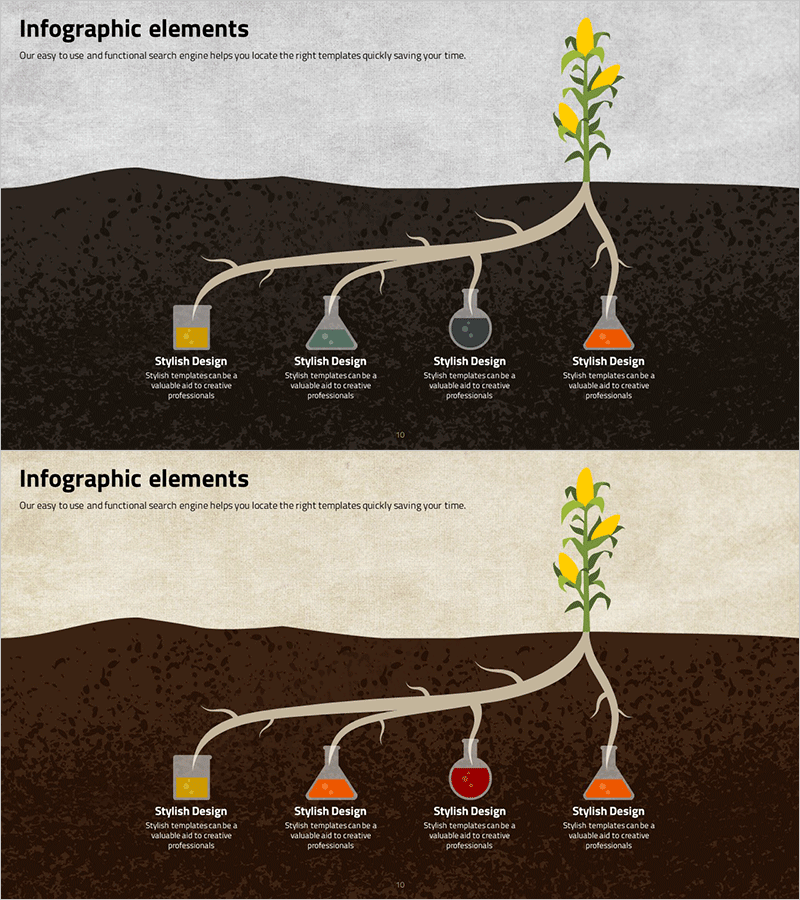
Genetically Modified Food Ingredients Diagram – Effective Information Delivery
RJ0400031_9
- Last Update 05/26/2025
- File Size 9.4MB
- # of Slides 2
- File Format PPTX
- Slide Ratio 16:9
- Color
Keywords
- #Content-Based Slides
- #Design-Based Slides
- #Product/Service Introduction
- #Diagram
- #Composition
- #Structure
- #Cluster
- #Tree Diagram
- #Chain Diagram
- #16:9
- #root branch diagram PowerPoint
- #branching structure slide template
- #connected diagram
- #ingredient composition diagram
- #4-node diagram PowerPoint slide
About the Product
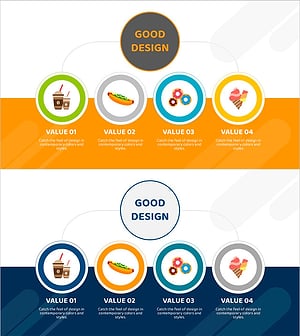
A PowerPoint slide that visualizes food ingredients, product composition, organizational hierarchy, and other information using a root branch structure. This connected diagram features a central main element with four branches extending outward, each node equipped with color-coded icons and text areas for clear information layering. The dark brown background with beige connecting lines and transparent containers creates a professional visual hierarchy suitable for product introductions, ingredient explanations, and process analysis presentations. The 2-slide set includes color variations (gray and beige backgrounds) allowing you to match your presentation tone and style.
Usage Points
-
Main Usage
Effectively communicates hierarchical information structures where a central concept branches into four distinct categories or components. Ideal for displaying product ingredient breakdowns, organizational structures, process branching, and categorical classifications in a visually intuitive manner.
-
How to Use
Enter your main topic in the central node, then add detailed items in the four branch containers. Customize the color-coded icons for each node and edit text content to match your presentation requirements and branding.
-
Recommended For
Product introduction slides, ingredient and material explanation sections, organizational structure presentations, process analysis, and categorical classification talks. Particularly valuable for food and beverage, chemical, manufacturing, and educational industry presentations.
-
Slide Structure
2-slide set. Each slide features one central main element with four directional branch nodes, each containing color-differentiated icons (yellow, green, gray, orange) and text input areas. Two background color variations (gray and beige) provided for flexible design adaptation.
Related Products
-
Mind Map Diagram Slide Template for Effective Presentations
#Company Introduction #Product/Service Introduction #Diagram
-
Business Details Diagram - Perfect Blend of Functionality and Design
#Product/Service Introduction #Diagram #Product/Service Introduction
-
Social Media Business Services Slide Design – Attractive and Modern Style
#Product/Service Introduction #Diagram #Features
-
Introduction to Food Trucks – Modern Diagram Utilization
#Product/Service Introduction #Diagram #Product/Service Introduction
