



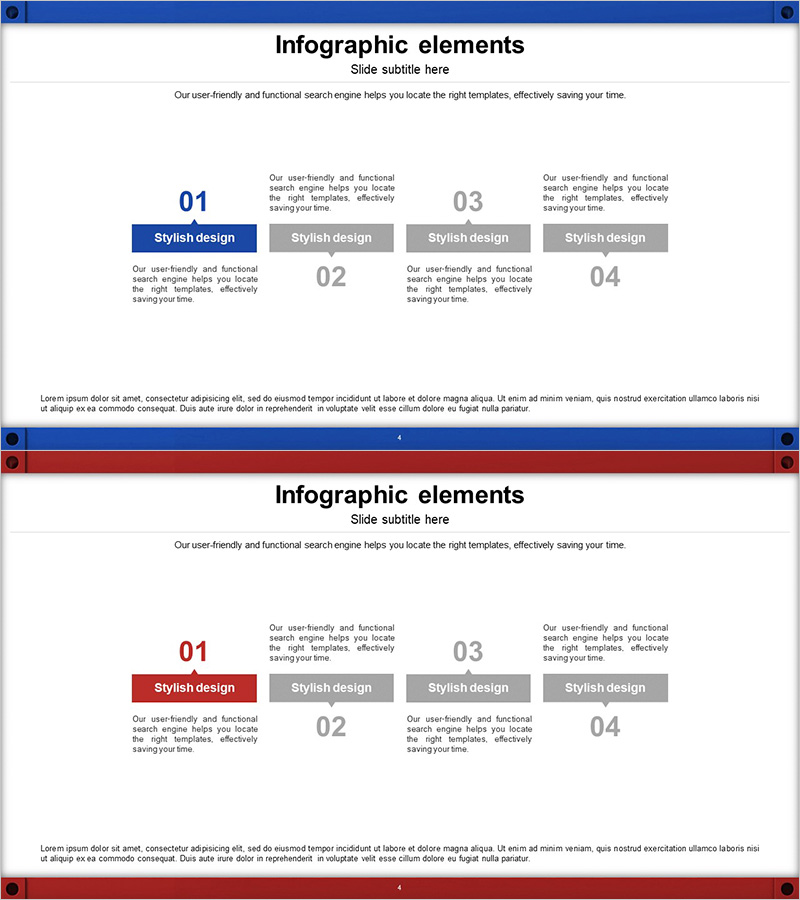
Step-by-Step Logistics System Overview – Efficiency and Strategy
RJ0300043_3
- Last Update 04/29/2025
- File Size 2.9MB
- # of Slides 2
- File Format PPTX
- Slide Ratio 16:9
- Color
Keywords
- #Content-Based Slides
- #Design-Based Slides
- #Company Introduction
- #Business Vision and Strategy
- #Business Strategy
- #Diagram
- #Business Goals
- #Step-by-Step Schedule Plan
- #Cluster
- #Closed Cluster Diagram
- #16:9
- #cluster diagram PowerPoint
- #4-item diagram slide
- #hub diagram template
- #relationship diagram PowerPoint
- #business diagram slide design
About the Product
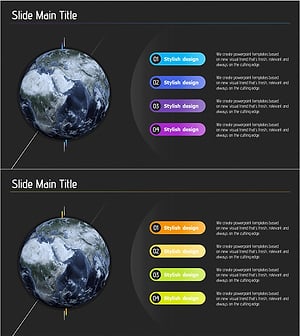
A cluster diagram PowerPoint slide featuring four items arranged in a central hub layout with blue and red accent colors. Each item includes a dedicated description area and an emphasis button for clear visual hierarchy. This design effectively visualizes relationships and connections in logistics systems, business strategies, organizational structures, and process flows. The 2-slide set provides both blue and red accent variations, allowing consistent design across multiple presentations. Delivered in 16:9 widescreen PPTX format, fully editable and ready to customize with your own content.
Usage Points
-
Main Usage
Optimized for expressing relationships and connections among four key elements using a central hub arrangement. Perfect for summarizing logistics system stages, connecting core business strategy components, illustrating organizational hierarchy, and showing process flow interdependencies in a visually compelling way.
-
How to Use
Replace the item numbers (01–04), titles, and description text with your own content. Use the blue emphasis button to highlight primary items and the gray button to distinguish secondary items. Adjust colors and text sizes to control visual emphasis and hierarchy.
-
Recommended For
Recommended for logistics and supply chain professionals presenting system overviews, executive-level business strategy reports, organizational restructuring briefings, project team role assignments, and consulting proposals explaining solution architecture.
-
Slide Structure
2-slide set with identical central hub layout. Slide 1 features blue accent emphasis; Slide 2 features red accent emphasis. Each item includes an independent number field, title button, and editable description text area for flexible customization.
Related Products
-
Step Diagram for Goals - Business Vision and Strategy
#Business Vision and Strategy #Business Strategy #Diagram
-
Card Company Service Objectives – Vision and Strategy
#Company Introduction #Business Vision and Strategy #Diagram
-
Timeline of Art Education Initiatives – Business Strategy and History
#Company Introduction #Business Strategy #Diagram
-
Earth Business Goals Diagram – A Fusion of Vision and Strategy
#Business Vision and Strategy #Business Strategy #Diagram
