



Trade Business Sector Diagram for Visualizing Business Areas – Strategic Leap
RJ0300030_10
- Last Update 04/26/2025
- File Size 1.2MB
- # of Slides 2
- File Format PPTX
- Slide Ratio 16:9
- Color
Keywords
- #Content-Based Slides
- #Design-Based Slides
- #Company Introduction
- #Business Introduction
- #Diagram
- #Business Areas
- #Business Areas
- #Spread
- #16:9
- #business sector diagram PowerPoint
- #radial expansion slide template
- #business domain visualization
- #4-direction icon layout
- #strategic business presentation
About the Product
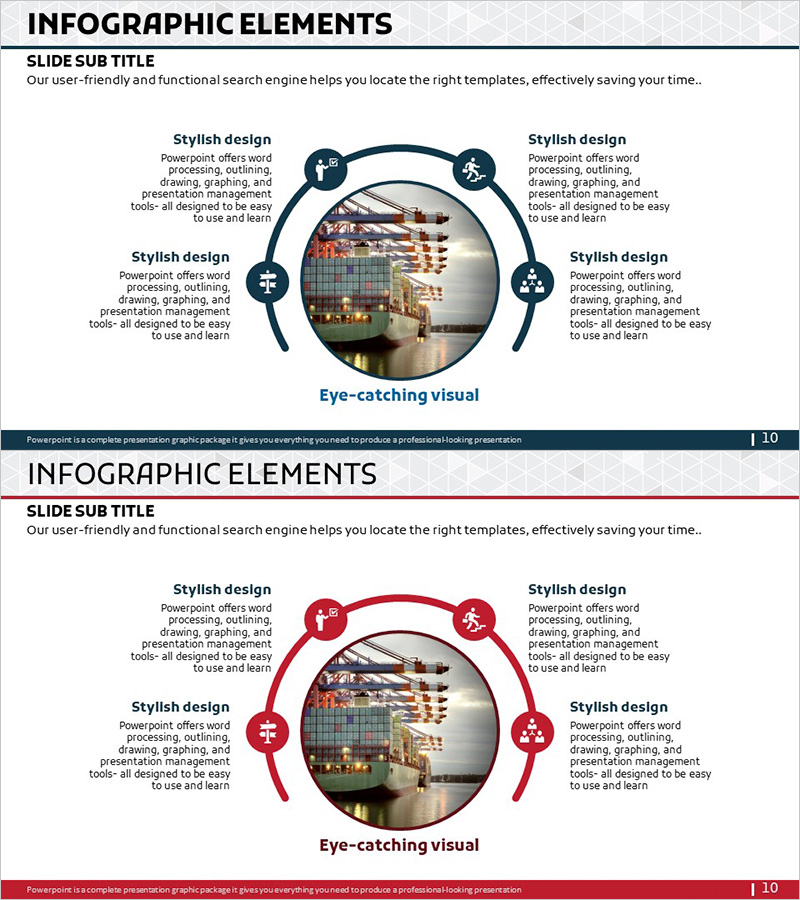
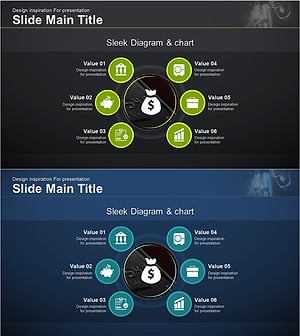
A radial expansion-style diagram PowerPoint slide with a central image and four directional icon-text areas. This slide effectively visualizes your company's business domains, service scope, and strategic expansion. Two color versions are provided—dark blue and red—with icons representing key business functions including processing, outlining, drawing, and data visualization. The 2-slide set is ideal for presentations, business plans, and company profiles where you need to illustrate diversified business areas and strategic positioning.
Usage Points
-
Main Usage
Clearly present your company's core business areas, service portfolio, and expansion strategy using four directional icons and text fields. The central circular area accommodates company logos, key products, or representative images to reinforce brand credibility and visual impact.
-
How to Use
Enter business domain names and descriptions in each directional text box. Insert your company logo or key image in the central circular area. Choose between the dark blue or red version to match your corporate brand colors. During presentations, explain each business sector sequentially to build a comprehensive narrative.
-
Recommended For
Ideal for business plans, company profiles, and investor pitch decks where you need to showcase your business portfolio. Effective in executive reports, strategic presentations, and partnership proposals to emphasize your company's diversified business operations.
-
Slide Structure
Two-slide set featuring dark blue color scheme on the first slide and red color scheme on the second. Each slide contains one central circular image area and four directional zones with icons and editable text fields positioned at top, bottom, left, and right.
Related Products
-
Hexagonal Diffusion Diagram for Business Area Visualization
#Company Introduction #Business Introduction #Diagram
-
Diffusion Graph without Business Focus – Flexible Business Presentation
#Company Introduction #Business Introduction #Diagram
-
Business Gradient Diagram – Visualizing Business Areas and Fields
#Company Introduction #Business Introduction #Diagram
-
Financial Management Services Area Diagram – Visualizing Business Areas
#Company Introduction #Business Introduction #Diagram
