



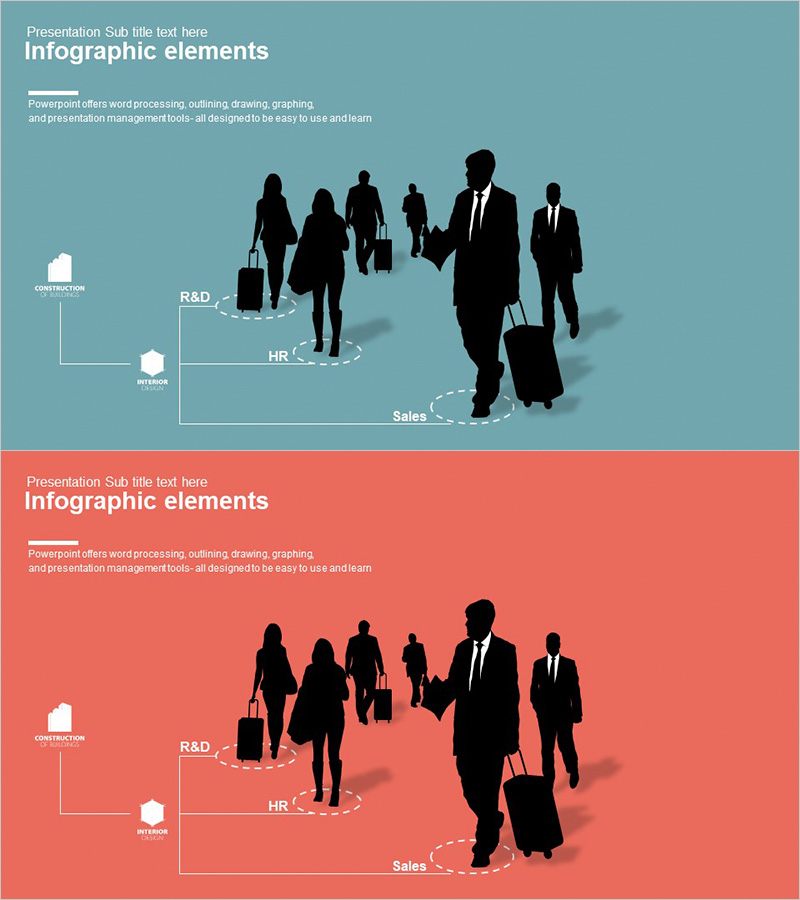
Company Department Type Diagram – Visualizing Organizational Structures
RJ0300023_12
- Last Update 04/23/2025
- File Size 0.3MB
- # of Slides 2
- File Format PPTX
- Slide Ratio 16:9
- Color
Keywords
- #Content-Based Slides
- #Design-Based Slides
- #Company Introduction
- #Diagram
- #Other
- #Organizational Chart
- #Cluster
- #Chain Diagram
- #Silhouette
- #16:9
- #organizational chart PowerPoint
- #company structure diagram
- #department hierarchy slide
- #silhouette organizational chart
- #hierarchical diagram template PowerPoint
About the Product
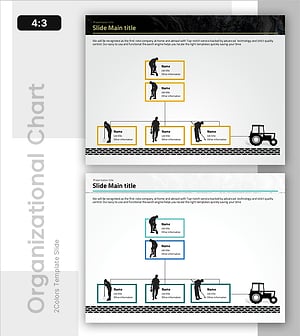
A PowerPoint slide that visualizes company organizational structure using human silhouettes and hierarchical diagram layout. The slide displays key departments such as headquarters, R&D, HR, and Sales in a clear visual arrangement, enabling instant comprehension of organizational composition. Available in two color schemes—teal and red—with 16:9 widescreen format optimized for modern presentations. This data visualization tool effectively communicates organizational structure during business presentations, company introductions, organizational restructuring explanations, and strategic planning sessions.
Usage Points
-
Main Usage
Clearly visualize company organizational structure and interdepartmental relationships through a hierarchical diagram. Human silhouettes intuitively convey workforce composition, while the layered connection structure enables instant understanding of reporting relationships and departmental roles.
-
How to Use
Use during company introduction presentations, new employee orientation, organizational restructuring announcements, and investor meetings. Customize by adding department names and personnel information, or emphasize organizational scale by indicating headcount per department.
-
Recommended For
HR professionals, executives, organizational development specialists, corporate training coordinators, and investor relations managers who need to explain organizational structures. Particularly effective for visualizing new project team compositions and cross-departmental collaboration frameworks.
-
Slide Structure
Two-slide set with hierarchical diagram on the left (headquarters-middle management-departments in 3 tiers) and personnel silhouette group on the right. One slide features teal background, one features red background, allowing selection based on presentation context and visual preference.
Related Products
-
Subway Route Map Shape Diagram – Organizational Structure and Visualization
#Company Introduction #Diagram #Organizational Chart
-
Bike and Racer Diagram – Visualization for Customer Analysis
#Product/Service Introduction #Market and Competitor Analysis #Diagram
-
Company Silhouette Organization Chart – Intuitive and Elegant Design
#Company Introduction #Diagram #Other
-
Field-Oriented Organizational Chart – Emphasizing Company Structure and Roles
#Company Introduction #Diagram #Other
