



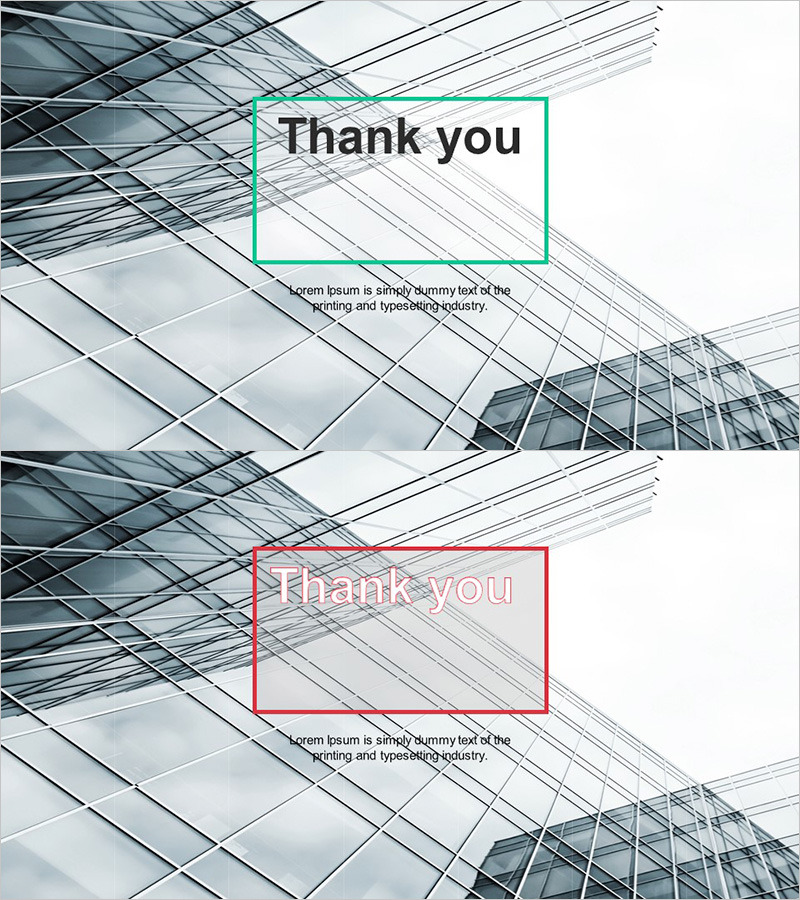
Financial Planning Template Ending Cover – Professionalism and Trust
RJ0300022_20
- Last Update 04/23/2025
- File Size 2.1MB
- # of Slides 2
- File Format PPTX
- Slide Ratio 16:9
- Color
Keywords
About the Product
A professional Thank You ending slide for PowerPoint presentations featuring a modern architectural background with green and red dual-tone rectangular frames. This 2-slide set provides color variation options to match your presentation theme while delivering visual impact and trustworthiness. Ideal for financial, business, and project presentations, this closing slide creates a lasting final impression. Clear text input areas allow you to quickly add company name, contact information, and thank you message. Compatible with all presentation environments in 16:9 widescreen format.
Usage Points
-
Main Usage
Serves as the final slide of your presentation to deliver gratitude and close your talk professionally. Enhances credibility and trust in architecture, finance, and business presentations while leaving a positive lasting impression on your audience.
-
How to Use
Insert at the end of your presentation and customize the 'Thank You' text with company name, contact details, and website information. Choose between green or red dual-tone versions to match your presentation theme. Add your logo or QR code if needed. Display for 5-10 seconds before concluding to capture audience attention.
-
Recommended For
Financial institution investor briefings, consulting firm project presentations, construction and real estate business proposals, corporate executive shareholder meetings, marketing team campaign result reports, and all professional business presentations requiring credibility and polish.
-
Slide Structure
2-slide set featuring green frame and red frame versions. Each slide contains three distinct areas: 'Thank You' title input field at top, descriptive text area in center, and company name, contact information, and website details input area at bottom.
Related Products
-

Sports Game Template Ending Cover
#Slide Type #Ending Cover
-
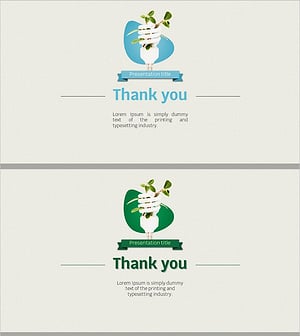
Eco-friendly Recycling Wide Template – Impressive End Page
#Slide Type #Ending Cover
-
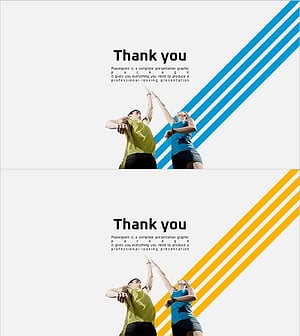
Healthy Living Exercise Template Ending
#Slide Type #Ending Cover
-
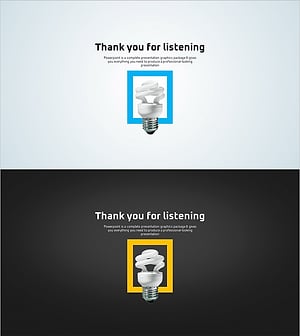
Green Eco-friendly Energy Template – End Page for a Sustainable Future
#Slide Type #Ending Cover
