



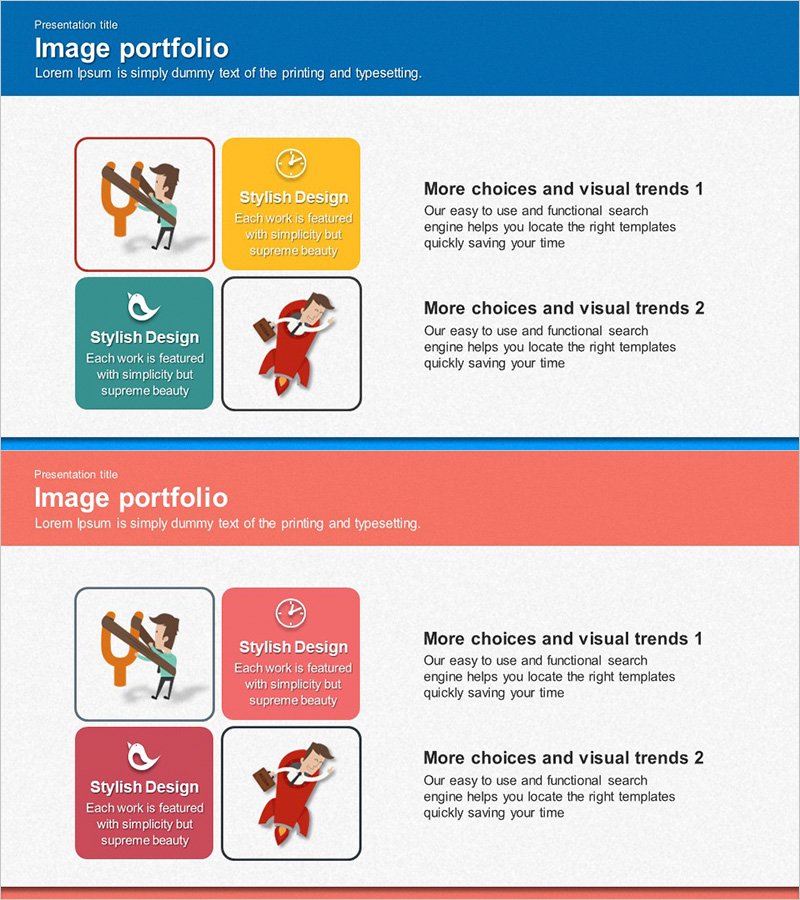
Product Service Introduction Diagram – Benefits at a Glance
RJ0300014_17
- Last Update 04/21/2025
- File Size 4.4MB
- # of Slides 2
- File Format PPTX
- Slide Ratio 16:9
- Color
Keywords
- #Content-Based Slides
- #Design-Based Slides
- #Product/Service Introduction
- #Diagram
- #Product/Service Introduction
- #Benefits and Advantages
- #Cluster
- #Closed Cluster Diagram
- #16:9
- #4-box diagram PowerPoint
- #closed diagram slide template
- #product service introduction slide
- #benefits comparison diagram
- #diagram PowerPoint slide design
About the Product
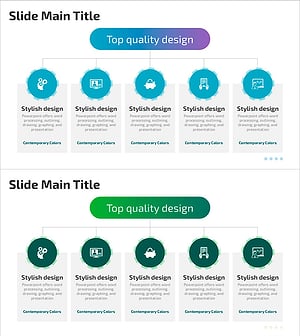
A 4-box closed diagram PowerPoint slide that visually compares the core benefits and features of products or services at a glance. Each box contains an icon and text area, making it ideal for presenting product introductions, service highlights, and customer benefits. The design uses distinct background colors—blue, orange, teal, and gray—with white borders to clearly separate each section. Provided in 2-slide 16:9 widescreen format, all text and icons are fully editable for immediate use across various presentation scenarios.
Usage Points
-
Main Usage
Visualize four core benefits, features, or functions of a product or service with equal emphasis, delivering clear messages to your audience. The independent yet unified design maintains visual balance while supporting comparative analysis and feature highlighting.
-
How to Use
Use in product launch presentations, service marketing pitches, business proposals, and client briefings to structure key messages into four distinct categories. Customize each box by replacing icons and text to match your specific topic or industry context.
-
Recommended For
Marketing professionals, sales teams, product managers, and business development specialists presenting to clients or stakeholders. Ideal for startup pitches, corporate briefings, new product launches, and feature comparison presentations.
-
Slide Structure
Four equally-sized rectangular boxes arranged in a 2×2 grid layout. Each box features a distinct background color (blue, orange, teal, gray) with white borders for clear separation. Within each box, there is a circular icon area and a text input field for customization.
Related Products
-
Benefits of Premium Package Travel – Stylish Design
#Product/Service Introduction #Diagram #Product/Service Introduction
-
Visual Diagram of European Package Travel Benefits
#Product/Service Introduction #Diagram #Product/Service Introduction
-
How to Enjoy Leisure Time While Traveling – Modern Design Relaxation
#Product/Service Introduction #Diagram #Text Box
-
Combination of Academic Thinking and Business Strategy - Effective Diagram Template
#Product/Service Introduction #Diagram #Product/Service Introduction
