



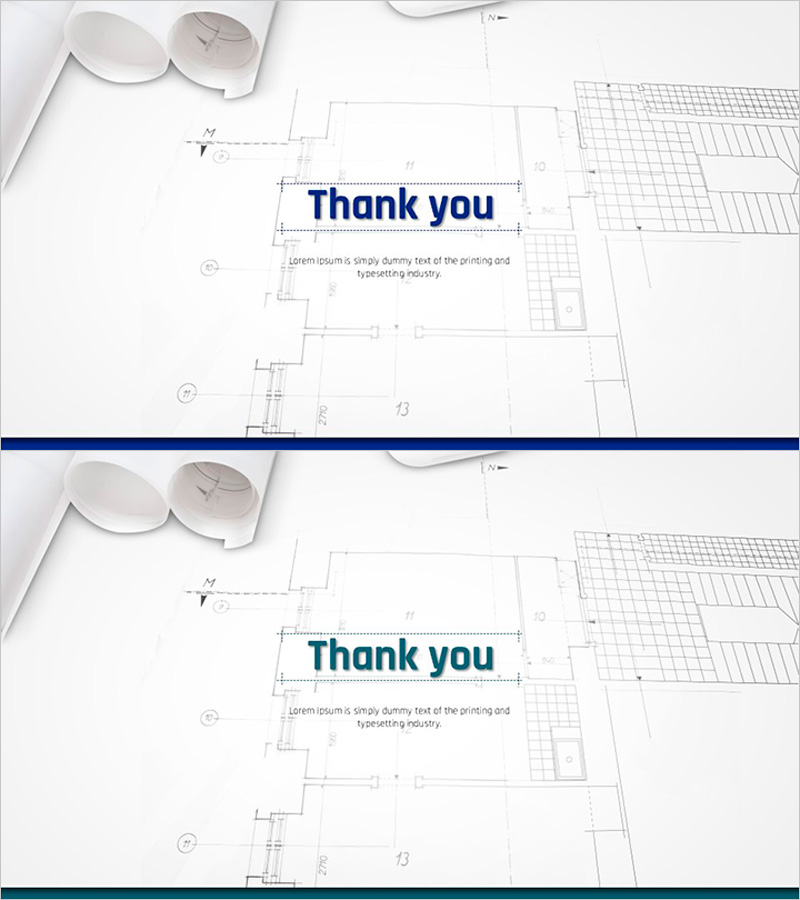
Architectural Design Template Ending Page – Thank You Message
RJ0300012_20
- Last Update 04/21/2025
- File Size 0.6MB
- # of Slides 2
- File Format PPTX
- Slide Ratio 16:9
- Color
Keywords
About the Product
A 2-slide ending set designed for architectural design presentations to express gratitude and conclude professionally. The layout features a light background with architectural blueprints and design tools imagery, with a prominent dark blue 'Thank you' text centered on the slide. A dedicated text area below allows for custom messages or additional information. This PowerPoint slide maintains the professionalism of the architecture and design industry while conveying warm appreciation. Created in PPTX format with 16:9 widescreen aspect ratio, optimized for modern presentation environments.
Usage Points
-
Main Usage
Concludes architectural and design project presentations by expressing gratitude to the audience and leaving a positive final impression. The blueprint and design tools background maintains industry professionalism while the thank you message conveys genuine appreciation.
-
How to Use
Place at the final section of your presentation to encourage audience engagement. Customize the text area below 'Thank you' with company name, contact information, or additional closing remarks. Suitable for design presentations, project proposals, client meetings, and investor pitches.
-
Recommended For
Architects, construction company executives, architectural consultants, interior designers, and real estate development professionals presenting to clients, proposing projects, or conducting investment briefings. Ideal for B2B presentation environments requiring professionalism and credibility.
-
Slide Structure
Consists of 2 slides, each featuring an architectural blueprint background with centered 'Thank you' heading and customizable text area below. Design tools imagery positioned at the top, blue accent text in the center, and additional information space at the bottom create clear information hierarchy.
Related Products
-
India Wide Template_Ending Page – Gratitude is the Beginning of Success
#Slide Type #Ending Cover
-

Sports Game Template Ending Cover
#Slide Type #Ending Cover
-
Ending Cover with Blue Green Blurs Background – Wrapping Up the Presentation Effectively
#Slide Type #Ending Cover
-
Healthy Living Exercise Template Ending
#Slide Type #Ending Cover
