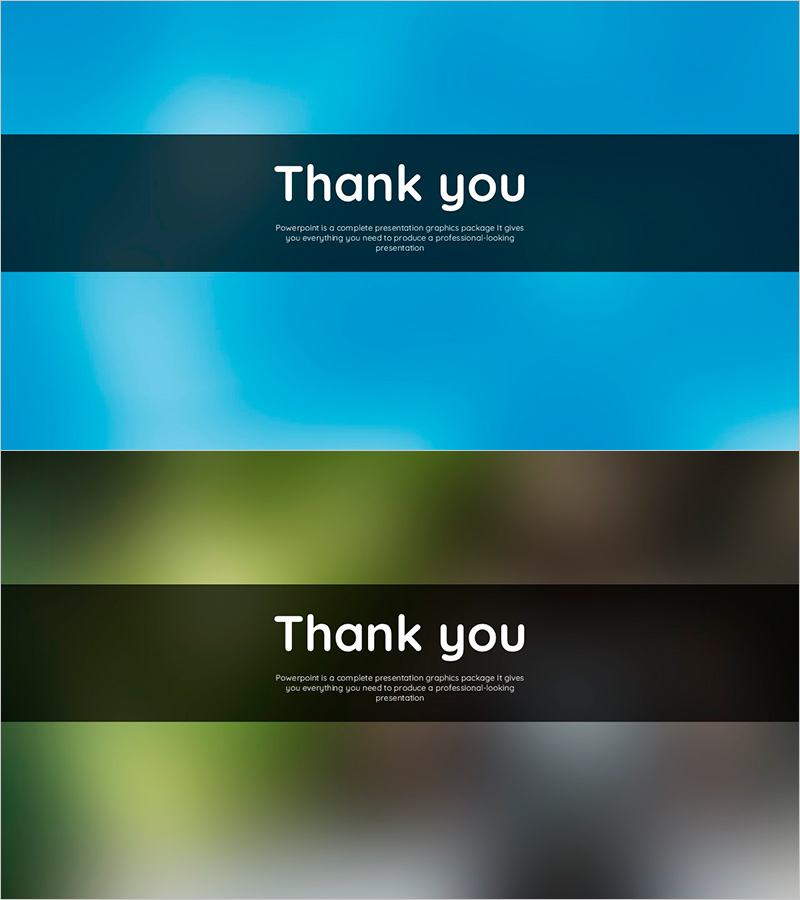
Ending Cover with Blue Green Blurs Background – Wrapping Up the Presentation Effectively
RJ0600017_35
- Last Update 06/25/2025
- File Size 1.2MB
- # of Slides 2
- File Format PPTX
- Slide Ratio 16:9
- Color
Keywords
About the Product
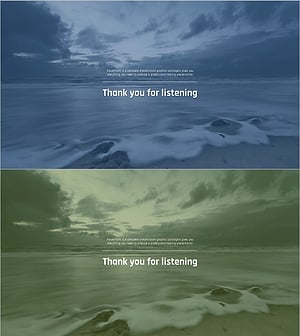
A professional ending cover PowerPoint slide designed to wrap up your presentation with impact. Features a smooth gradient transition from bright cyan to deep teal blue, with a centered dark bar that highlights your closing message. This 2-slide set is ready to use in 16:9 widescreen format and works seamlessly with corporate presentations, seminars, product launches, and business meetings. The minimalist layout with gradient background creates a polished, modern finish that leaves a lasting impression on your audience.
Usage Points
-
Main Usage
Serves as the final slide in your presentation to deliver closing remarks and thank-you messages. The gradient background and centered dark bar draw attention to your closing statement, ensuring your audience remembers the presentation's conclusion with a positive, professional impression.
-
How to Use
Place this slide at the end of your presentation deck. Edit the text in the dark center bar to add your closing message, thank you statement, contact information, or website URL. Choose between the two slides based on your presentation's overall tone—the brighter version for uplifting content, the darker version for formal corporate settings.
-
Recommended For
Ideal for corporate earnings presentations, investor briefings, product launch events, academic seminars, training sessions, and conference talks. Perfect for any business presentation where professionalism and a strong closing impression are essential.
-
Slide Structure
Two slides with identical 3-section layout: upper gradient area (40%), centered dark bar with text fields (20%), and lower gradient area (40%). Each slide contains two text input zones—one for main closing message and one for subtitle or additional information—maintaining a clean, focused design.