



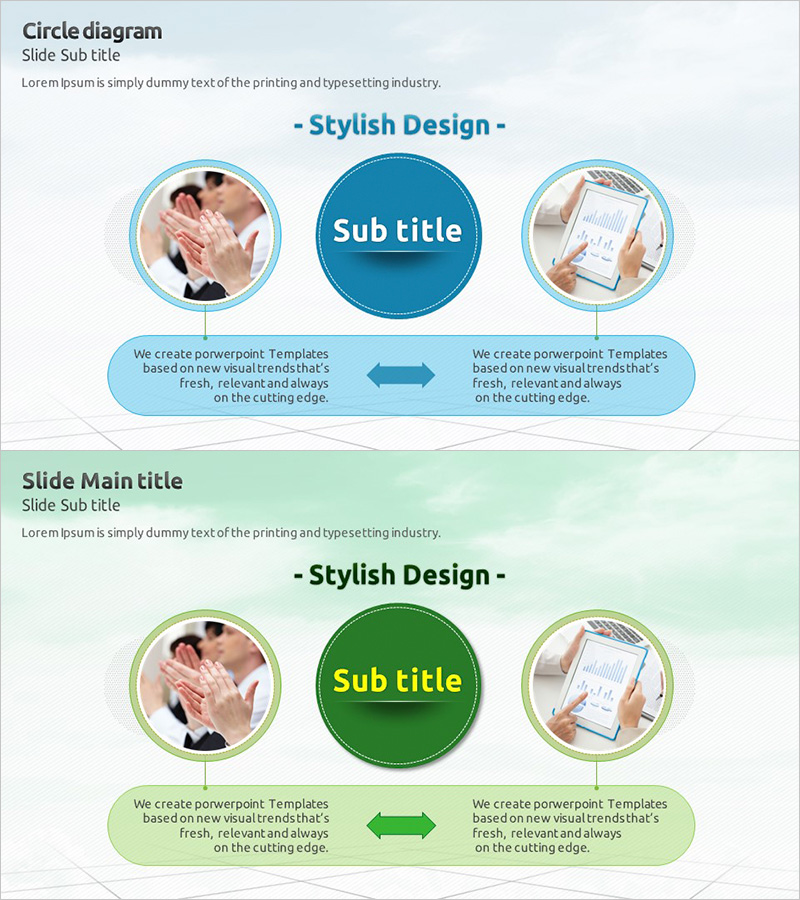
Promotion Strategy Diagram – Visualizing Marketing Strategies
RJ0300003_29
- Last Update 04/20/2025
- File Size 0.9MB
- # of Slides 2
- File Format PPTX
- Slide Ratio 16:9
- Color
Keywords
- #Content-Based Slides
- #Design-Based Slides
- #Marketing Plan and Strategy
- #Diagram
- #Promotion Strategy
- #Marketing Strategy
- #Flow
- #Multidirectional Flow
- #16:9
- #radial diagram PowerPoint
- #bidirectional arrow slide
- #marketing strategy diagram
- #promotion strategy PowerPoint
- #how to create diagram in PowerPoint
About the Product
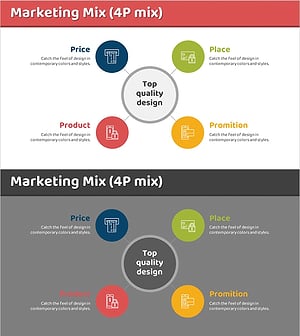
A radial diagram PowerPoint slide designed to visualize marketing strategies and promotion plans with clear relational connections. The central concept is surrounded by three circular nodes linked with bidirectional arrows, effectively expressing mutual relationships and cross-functional impacts. Provided in two color versions—teal and green—each node accommodates both images and text for flexible content customization. This 2-slide presentation template is ready for immediate use in diverse business scenarios.
Usage Points
-
Main Usage
Ideal for expressing interconnected relationships between a core concept and supporting elements in marketing strategies, promotion plans, and business initiatives. The multi-directional connection structure emphasizes integrated thinking and strategic alignment across departments or initiatives.
-
How to Use
Place your core strategy in the central circular node, then distribute supporting tactics or related strategies across the three surrounding nodes. Insert photos or icons in the image areas of each node and add descriptive text in the text boxes. The bidirectional arrows illustrate mutual influence, making them perfect for explaining strategic interdependencies.
-
Recommended For
Marketing managers, strategic planning teams, executive presentations, business consulting pitches, and organizational strategy alignment meetings. Particularly effective for multi-channel marketing, integrated marketing communications, omnichannel customer engagement strategies, and cross-functional initiative planning.
-
Slide Structure
Two-slide layout with teal background on the first slide and green on the second. Each slide features one large central circular node (title input area) surrounded by three medium circular nodes (image + text areas), connected by two bidirectional arrows. Formatted in 16:9 widescreen ratio for modern presentation environments.
Related Products
-
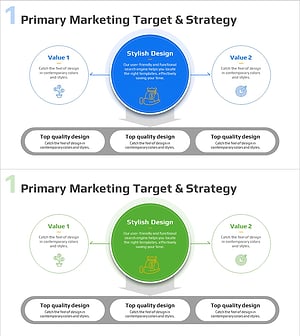
Marketing Segmentation and Targeting Strategy Diagram
#Business Introduction #Marketing Plan and Strategy #Diagram
-
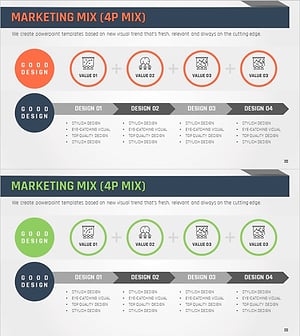
Marketing Mix 4P Diagram – Effective Promotion Strategy
#Marketing Plan and Strategy #Diagram #Promotion Strategy
-
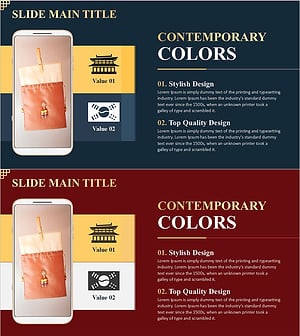
Traditional Korean Goods Presentation – Marketing Strategy Diagram
#Marketing Plan and Strategy #Diagram #Other
-
Marketing 4P Diffusion Diagram – Effective Visual for Marketing Strategy
#Marketing Plan and Strategy #Diagram #Promotion Strategy
