



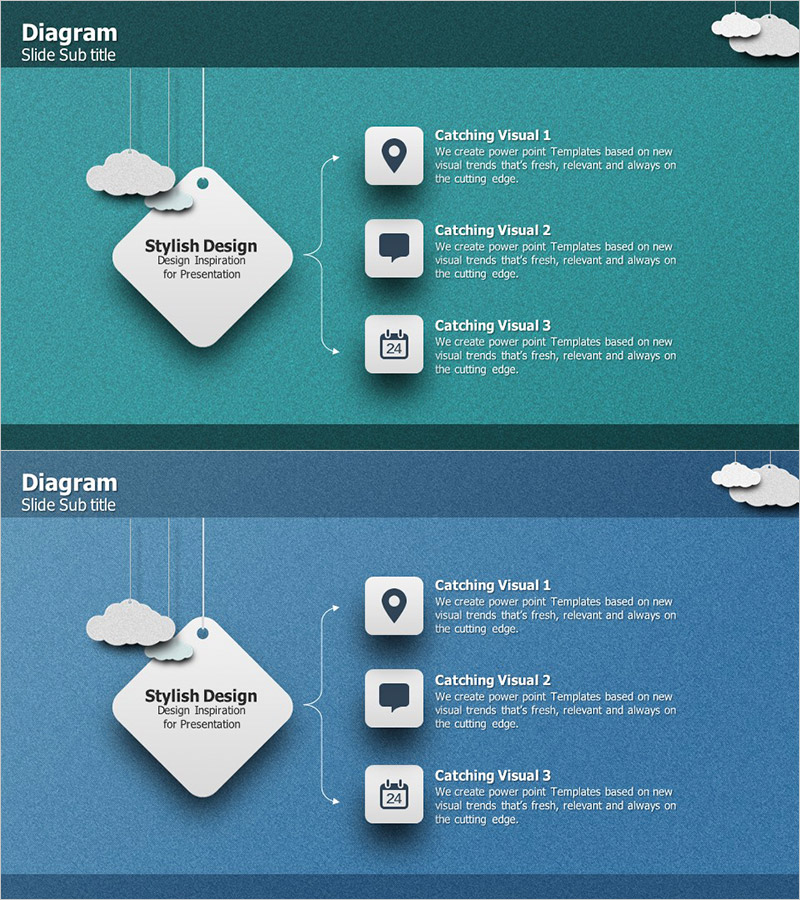
Label Shape Square Diagram – Efficient Service Configuration
RJ0300002_26
- Last Update 04/19/2025
- File Size 13.9MB
- # of Slides 2
- File Format PPTX
- Slide Ratio 16:9
- Color
Keywords
About the Product
A label-shaped square diagram PowerPoint slide that radiates from a central concept to three distinct items. The design features a large central square box on the left that connects via vertical lines to three label-shaped boxes on the right, making it ideal for illustrating service architecture, technology stacks, organizational structures, and business frameworks. The teal background with white shapes and icon placeholders ensures visual clarity and intuitive understanding. Two slide variations are included—one with a teal background and another with a dark blue background—allowing you to match your presentation theme. The 16:9 widescreen PPTX format is fully editable and ready to customize with your content.
Usage Points
-
Main Usage
Visualizes information structures where a central concept or theme radiates outward to three distinct sub-items, functions, or components. Ideal for presenting service architectures, technology stacks, organizational hierarchies, business model analyses, marketing channels, and strategic frameworks with clear hierarchical relationships.
-
How to Use
Enter your main topic or concept in the central square box (e.g., service name, technology name, department name). Fill the three label-shaped boxes on the right with corresponding sub-items or details. Use the icon areas within each label box to visually differentiate categories. All text, icons, and colors are fully customizable to match your brand.
-
Recommended For
Ideal for technology, IT planning, service design, marketing, and organizational restructuring presentations. Particularly effective for new service launches, technology stack introductions, organizational structure explanations, and business model analyses. Suitable for executive briefings, team meetings, and client presentations.
-
Slide Structure
Two-slide set. Each slide features a large central square box (text input area) on the left connected via vertical lines to three label-shaped boxes (each with icon area and text input area) on the right. Vertical connectors and arrows represent the information flow from center to three items. First slide uses teal background; second uses dark blue background.
Related Products
-
Idea Development Components Diagram - Centralized Spread
#Company Introduction #Technical Approach #Diagram
-
Core Business Expansion Strategy Diagram
#Business Introduction #Technical Approach #Diagram
-
A Key Battle Strategy Slide – Leading to Victory
#Business Introduction #Technical Approach #Diagram
-
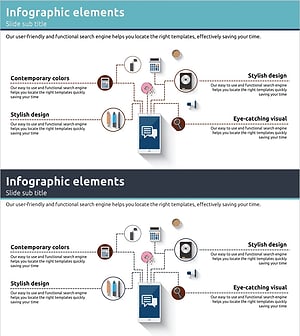
Digital Service Configuration Diagram – Service Structure Spreading from One Point
#Technical Approach #Diagram #Service Architecture Diagram
