



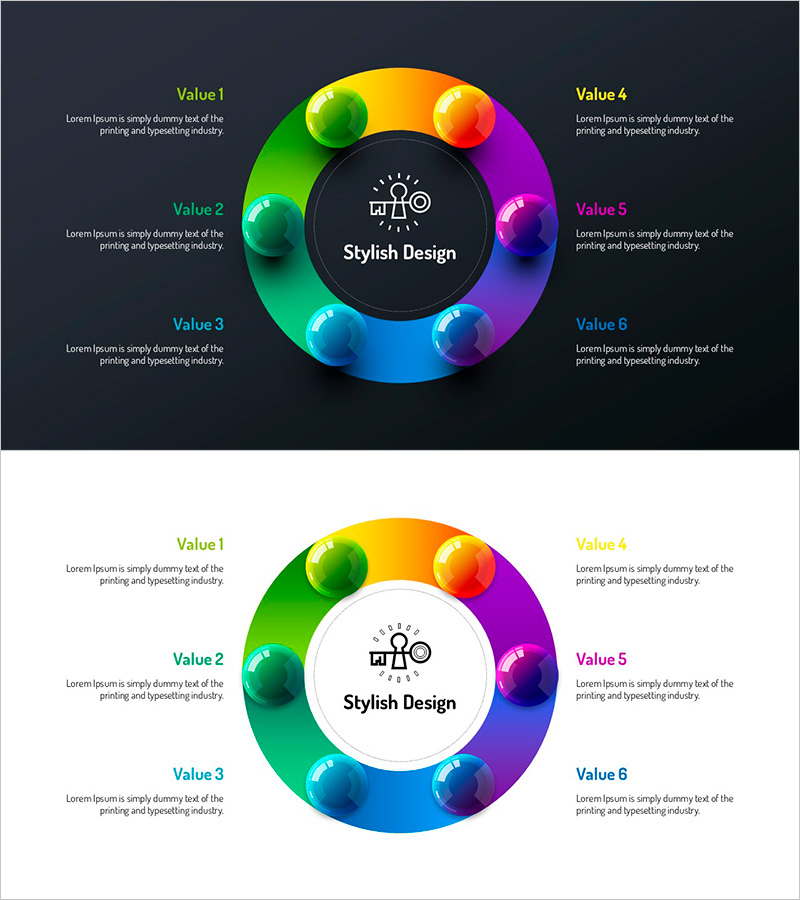
Infographic Design Wide Template Diagram
RJ0200064_6
- Last Update 04/17/2025
- File Size 0.4MB
- # of Slides 2
- File Format PPTX
- Slide Ratio 16:9
- Color
Keywords
- #Content-Based Slides
- #Design-Based Slides
- #Company Introduction
- #Business Introduction
- #Diagram
- #Business Areas
- #Business Areas
- #Spread
- #Centralized Diagram
- #16:9
- #radial diagram PowerPoint
- #6-section infographic slide
- #center-focused diagram template
- #company profile presentation
- #business overview slide
- #how to create radial diagram in PowerPoint
About the Product
A radial infographic PowerPoint slide featuring six items arranged around a central icon, each highlighted by a rainbow gradient sphere node transitioning from green through blue, purple, and pink. The dark circular center background emphasizes the core message with a centered icon. Provided in 16:9 widescreen format with 2 slides including both dark and light background versions. Ideal for company introductions, business overviews, strategic planning, and organizational structure presentations that require immediate deployment.
Usage Points
-
Main Usage
Visualizes six related items around a central concept—ideal for organizational structures, core values, business divisions, or strategic pillars. The radial layout ensures equal visual weight for all items while the central icon unifies the message.
-
How to Use
Replace the center icon with your company logo or core concept. Edit the six text areas with item names and descriptions. Choose the dark background for professional corporate settings or the light background for approachable, friendly presentations.
-
Recommended For
Recommended for executives, strategists, and marketing teams creating company introductions, business plans, and strategic presentations. Effective for visualizing organizational culture, core values, business portfolios, or five-pillar marketing strategies.
-
Slide Structure
2-slide set. Slide 1: Dark background with black center circle, 6 rainbow gradient sphere nodes, and left-right text labels. Slide 2: Light background with identical node arrangement. Each node is independently editable with adjustable colors and sizes for customization.
Related Products
-
Hexagonal Diffusion Diagram for Business Area Visualization
#Company Introduction #Business Introduction #Diagram
-
Astronomy Earth Diagram PowerPoint – Visual Exploration
#Company Introduction #Business Introduction #Diagram
-
Business Value Diagram – Visualizing Business Sectors
#Company Introduction #Business Introduction #Diagram
-
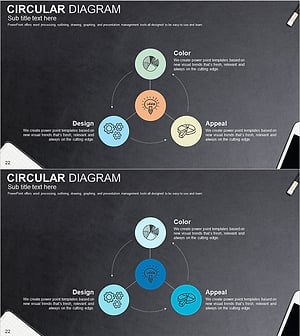
Sketch Icon Business Area Diagram – Visualizing Business Introduction
#Company Introduction #Business Introduction #Diagram
