



Water Resources Wide Presentation Template Radar Chart
RJ0200062_15
- Last Update 04/16/2025
- File Size 0.5MB
- # of Slides 2
- File Format PPTX
- Slide Ratio 16:9
- Color
Keywords
- #Content-Based Slides
- #Design-Based Slides
- #Company Introduction
- #Graph
- #Company Overview
- #Core Values, Vision, and Mission
- #Other
- #Radar Chart Spider Chart
- #16:9
- #radial diagram PowerPoint
- #radar chart slide template
- #5-axis data visualization
- #radial chart presentation
- #how to create radar chart in PowerPoint
About the Product
A radar chart PowerPoint slide that visualizes five data dimensions using radial geometry. The design layers dark blue and light blue transparent polygons to create intuitive data comparison and analysis. Each axis is labeled Value 01 through Value 05, making it immediately applicable to water resource management, environmental metrics, capability assessment, performance analysis, and other business contexts. The 16:9 widescreen format includes two slide variations—light background and dark background versions—allowing you to match your presentation's visual tone.
Usage Points
-
Main Usage
This slide compares and analyzes five quantitative data dimensions using radial visualization. It is designed to present water resource metrics, organizational capability assessments, product performance comparisons, market analysis indicators, and other multi-variable datasets at a glance.
-
How to Use
Replace each axis label (Value 01–05) with your actual category names such as water quality, water quantity, efficiency, sustainability, and accessibility. Modify the dark blue polygon data values to match your dataset. Use the light background version for bright presentation themes and the dark background version for premium business reports.
-
Recommended For
Ideal for environmental and water resource company reports, organizational capability assessment presentations, product performance comparison materials, market analysis presentations, executive KPI reporting, and consulting proposals. Suitable for any business presentation involving quantitative multi-dimensional metrics.
-
Slide Structure
A regular pentagon radar chart with five axes. A dark blue transparent polygon is positioned at the center, overlaid with a light blue polygon to emphasize data comparison. Five category icons are arranged on the right side as a legend, with Value 01–05 labels displayed on each axis.
Related Products
-
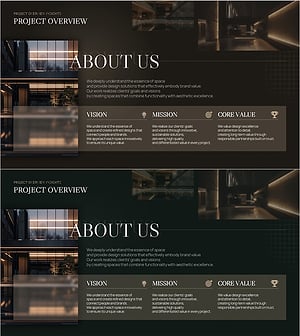
Interior Branding Company Overview & Core Values Slide
#Company Introduction #Company Overview #Core Values, Vision, and Mission
-
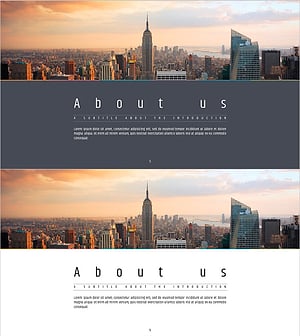
Simple PPT Wide Template for Text Information
#Company Introduction #Company Overview #Core Values, Vision, and Mission
-
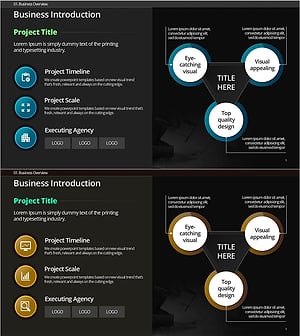
Project Introduction & Key Info Diagram – Delivering Business Value
#Company Introduction #Diagram #Company Overview
-
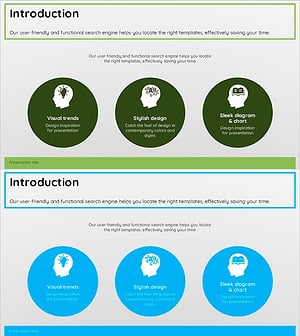
Archetype Overview and Introduction Slides – Company Vision and Values
#Company Introduction #Diagram #Company Overview
