



Simple Design Trend Wide PPT Text3 – Strategic Operations Plan
RJ0200059_25
- Last Update 04/15/2025
- File Size 0.2MB
- # of Slides 2
- File Format PPTX
- Slide Ratio 16:9
- Color
Keywords
About the Product
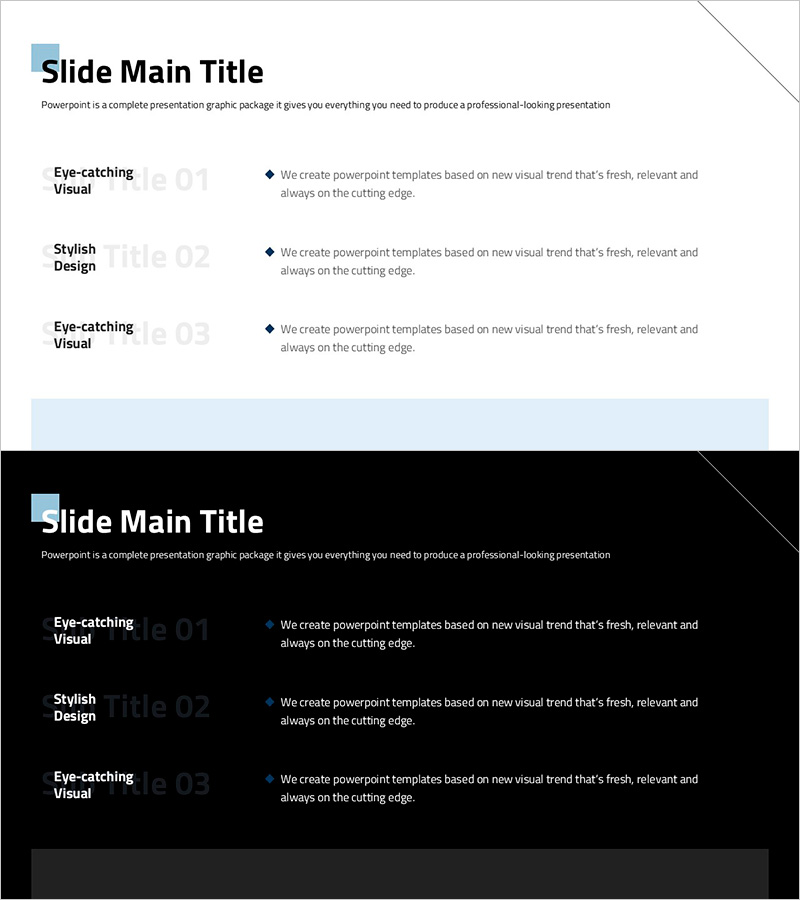
A 2-slide wide PowerPoint presentation template designed for strategic operations planning and solution presentation. The layout features a title area on the left and three sequential text boxes on the right, creating a clear information hierarchy for step-by-step explanations. Light gray background combined with blue accent bars and black typography ensures optimal readability and professional appearance. This slide deck is ready to use for business proposals, operational plans, and strategic presentations where solutions need to be communicated in a structured, phased approach.
Usage Points
-
Main Usage
This slide is designed to present core solutions in three distinct phases during strategy development and operational planning stages. The clearly separated step-by-step sections help audiences understand phased implementation approaches. Ideal for business strategy presentations, project planning, and operational improvement proposals.
-
How to Use
Enter your slide title in the left title area, then fill in each of the three text boxes on the right with phase-specific solutions. Add phase labels (01, 02, 03) in the number areas at the top of each box and detailed descriptions below. The blue accent bars serve as visual separators and should be retained for design consistency.
-
Recommended For
Executives, planning teams, consultants, and project managers can effectively use this slide for strategy meetings, management reports, and business proposals. It works particularly well when explaining problem-solving approaches, improvement strategies, and phased execution plans. Suitable for internal corporate reports, client proposals, and strategic planning session materials.
-
Slide Structure
The slide is divided into two main sections. The left side contains a title input area (approximately 40% width), while the right side features three equally-sized text boxes arranged vertically. Each text box is subdivided into a number display area at the top and a descriptive text area below, separated by blue accent bars. Formatted in 16:9 widescreen ratio for optimal compatibility with modern presentation environments.
Related Products
-
Single Slide Template for Visualizing Stages of Lung Cancer
#Business Strategy #Diagram #Step-by-Step Schedule Plan
-
Space Theme Schedule Diagram – Achieving Business Goals and Strategies
#Business Vision and Strategy #Business Strategy #Diagram
-
Research Phase Procedure Plan – Visualizing Step-by-Step Schedule
#Business Strategy #Operational Plan #Diagram
-
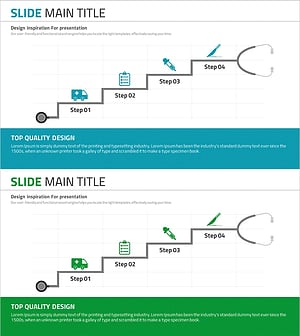
Medical Step-by-Step Schedule Plan Slide – Systematic Approach
#Business Strategy #Diagram #Step-by-Step Schedule Plan
