



Simple Design Trend Wide PPT Icons&Image – Product Differentiation Strategy
RJ0200059_24
- Last Update 04/15/2025
- File Size 1.1MB
- # of Slides 2
- File Format PPTX
- Slide Ratio 16:9
- Color
Keywords
About the Product
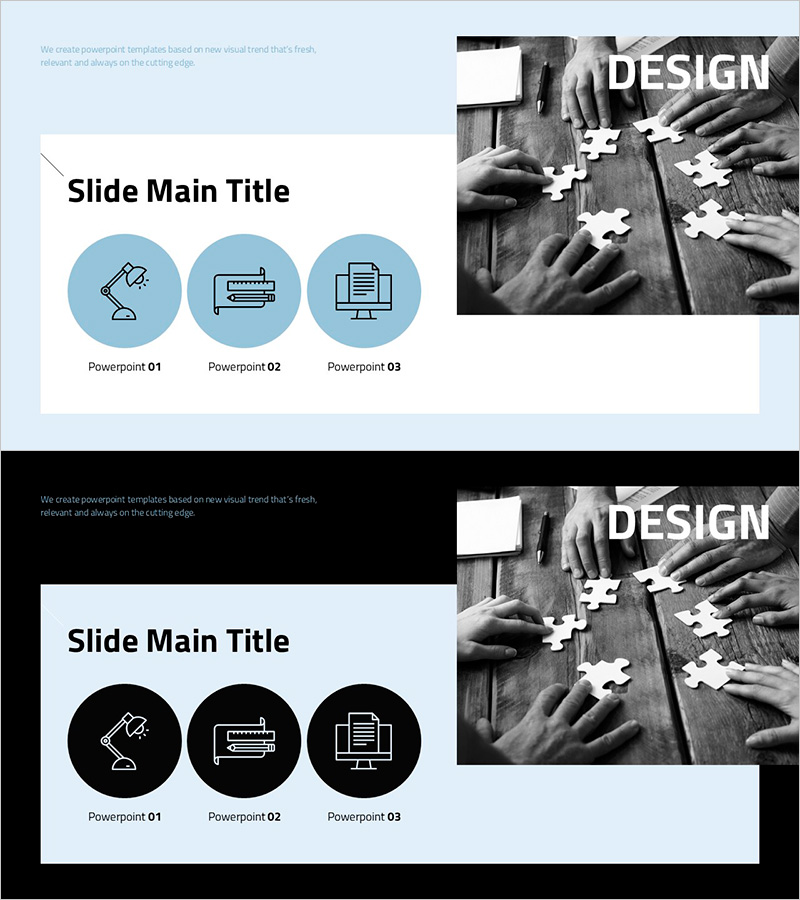
A visually compelling PowerPoint slide designed to communicate your product's core value and competitive advantages. Features a light blue background with three circular icons (Design, Product, System) arranged in a balanced layout, complemented by a black-and-white image on the right side for visual impact. The slide includes three text input areas and an image space, making it versatile for product introductions, service descriptions, and benefit explanations. Available in 16:9 widescreen PPTX format, ready for immediate editing and use in investor presentations, client proposals, and marketing pitches.
Usage Points
-
Main Usage
Clearly articulate your product's three key competitive advantages to investors, partners, and customers using icon-based visual hierarchy. The structured three-point layout simplifies complex product concepts and increases presentation impact through intuitive visual communication.
-
How to Use
Enter your differentiation points and descriptions in the three circular icon areas on the left, and place your product image or related visual in the right image space. Use as a core section in product brochures, business plans, or marketing decks, or as a standalone presentation slide for strategy meetings and client presentations.
-
Recommended For
Product marketing managers, sales teams, business development professionals, startup founders, and investor relations specialists presenting product value propositions. Ideal for B2B proposals, client presentations, internal strategy meetings, and investor pitch decks.
-
Slide Structure
Two-column layout with main content area on the left (title + 3 icon boxes) and image area on the right. Each icon box functions as an independent text input field for titles, descriptions, or metrics, unified by blue circular backgrounds for visual consistency and professional appearance.
Related Products
-
Car Wide Template Diagram – Product Differentiation Strategy
#Product/Service Introduction #Differentiation Strategy for Products/Services #Benefits and Advantages
-
Introduction to Bouquet – Elegant Design for Effective Communication
#Product/Service Introduction #Differentiation Strategy for Products/Services #Benefits and Advantages
-
Curved Theme Purple Template Diagram – Optimized for Product/Service Introduction
#Product/Service Introduction #Diagram #Differentiation Strategy for Products/Services
-
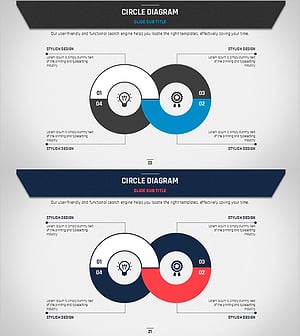
Business Plan Circular Diagram – Product and Service Differentiation Strategy
#Product/Service Introduction #Diagram #Differentiation Strategy for Products/Services
