



Hologram Wide PPT Image&Text – Operations and Program Introduction
RJ0200053_11
- Last Update 04/13/2025
- File Size 1.5MB
- # of Slides 2
- File Format PPTX
- Slide Ratio 16:9
- Color
Keywords
About the Product
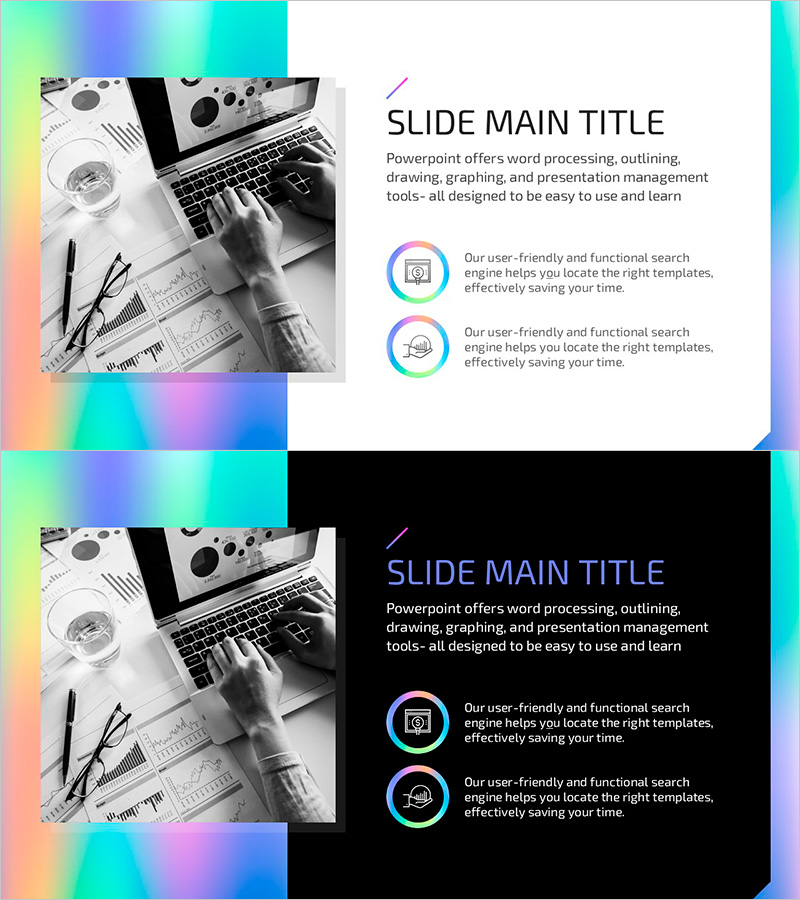
A 2-slide PowerPoint presentation designed for operations planning and program introductions. The layout features a black-and-white image on the left side and title, text content, and icon-based points on the right, creating an asymmetrical yet balanced composition. A hologram gradient border in cyan, magenta, yellow, and purple frames the slides, delivering a contemporary aesthetic. The right content area accommodates a main title, descriptive text, and two icon-driven bullet points, making it ideal for presenting operational strategies, program highlights, and service overviews. Delivered in 16:9 widescreen PPTX format, fully editable and ready to customize.
Usage Points
-
Main Usage
This slide set is designed for presenting corporate operations plans, program launches, and service overviews. The left image area accommodates relevant photography or diagrams, while the right text section conveys operational objectives, program features, and key takeaways to enhance audience comprehension.
-
How to Use
Insert operations-related imagery, product photos, or process diagrams in the left image area. Add section titles such as 'Operations Plan' or 'Program Introduction' in the right title field. Populate the body text with detailed information and use the two icon-based items to highlight core features or benefits concisely.
-
Recommended For
Ideal for corporate operations strategy presentations, new program launch briefings, service overview introductions, technology development strategy discussions, and business operations reporting. Particularly effective when visual imagery and textual content need equal emphasis.
-
Slide Structure
The 2-slide set divides each slide into a left image area (approximately 40%) and a right content area (approximately 60%). The right section contains one title field, one body text block, and two icon-based point items, accommodating up to four information layers per slide.
Related Products
-
Shoulder Exercises Slide – Effective Program Introduction with Modern Design
#Product/Service Introduction #Operational Plan #Diagram
-
Material Management Methods Introduction – Diagram for Operational Planning
#Product/Service Introduction #Operational Plan #Diagram
-
Highlighting the Benefits of Bodyweight Exercises with Diagrams
#Product/Service Introduction #Business Vision and Strategy #Diagram
-
Infographic Slide for Food Truck Market Research
#Product/Service Introduction #Marketing Plan and Strategy #Diagram
