



Modern Wide PowerPoint Template Diagram - Presenting Business Vision and Strategy at a Glance
RJ0200050_29
- Last Update 04/12/2025
- File Size 0.1MB
- # of Slides 2
- File Format PPTX
- Slide Ratio 16:9
- Color
Keywords
- #Content-Based Slides
- #Product/Service Introduction
- #Business Vision and Strategy
- #Program Introduction
- #Core Competencies
- #16:9
- #core competencies PowerPoint slide
- #organizational strengths diagram
- #circular 4-stage slide
- #business strategy presentation
- #how to present core competencies in PowerPoint
About the Product
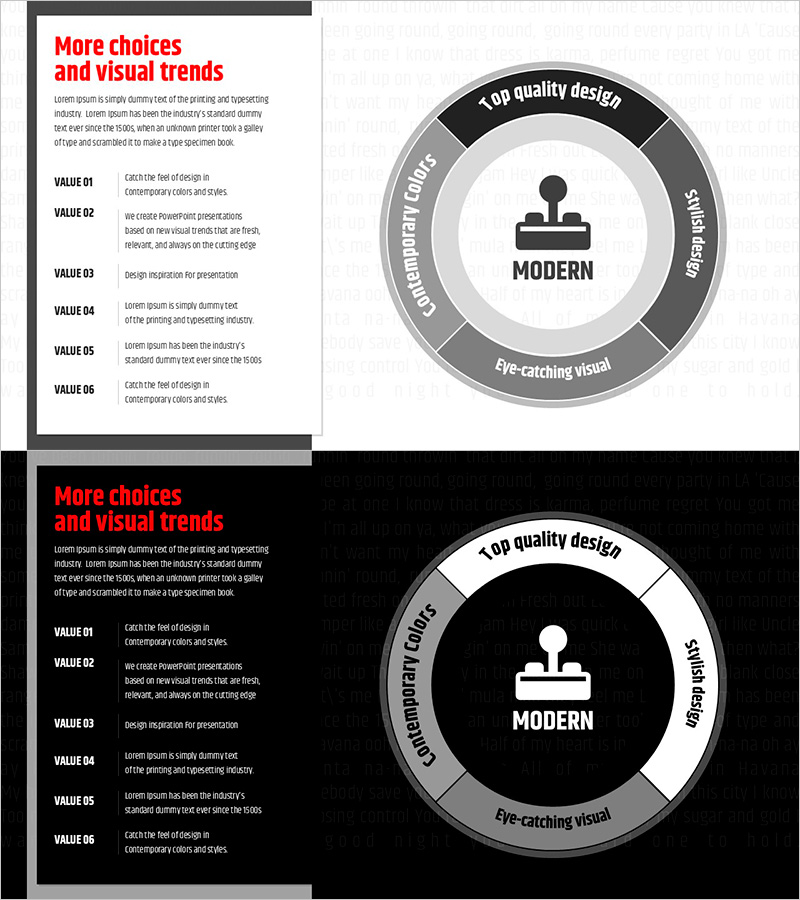
A 2-slide PowerPoint presentation template designed to showcase organizational core competencies and competitive advantages. The diagram features a central 'MODERN' icon surrounded by four segments arranged in a circular layout: 'Top Quality Design' (black top), 'Responsibility' (gray right), 'Eye-catching Visual' (white bottom), and 'Contemporary Colors' (gray left). Provided in 16:9 widescreen PPTX format, this slide deck is ideal for company profiles, business plans, and strategic presentations. Each text area is fully editable, and the gray and red color scheme conveys professionalism and credibility. Perfect for explaining organizational strengths and market differentiation at a glance.
Usage Points
-
Main Usage
Visually communicate organizational core competencies, competitive advantages, and key strengths through a circular 4-segment diagram. The radial structure with a central icon naturally guides audience attention while emphasizing the balance and integration of each competency element.
-
How to Use
Use in company profile presentations under 'Core Competencies' section, business plan decks for 'Differentiation Strategy' pages, or investor pitch decks for 'Competitive Advantage' slides. Simply replace each segment's text with your organization's actual competencies—such as technology, talent, brand, or customer satisfaction—for immediate deployment.
-
Recommended For
Executives, business development teams, marketing departments, and strategic planning teams presenting organizational strengths to employees, investors, and partners. Particularly effective for startup fundraising pitches, corporate new business strategy presentations, and consulting firm client proposals.
-
Slide Structure
Two-slide layout with the first slide featuring a light background and circular diagram, and the second slide displaying the same diagram on a black background. Each slide contains four text input areas (top, right, bottom, left) plus a central icon zone. The dual background options allow flexible selection based on presentation context and audience setting.
Related Products
-
Hexagonal Diagram for Core Competencies – Visualizing Vision and Strategy
#Product/Service Introduction #Business Vision and Strategy #Diagram
-
Introduction to Interior Types – Design and Vision
#Product/Service Introduction #Business Vision and Strategy #Diagram
-
Introduction to Key Elements Slide – Harmony of Teal and Pink
#Product/Service Introduction #Business Vision and Strategy #Diagram
-
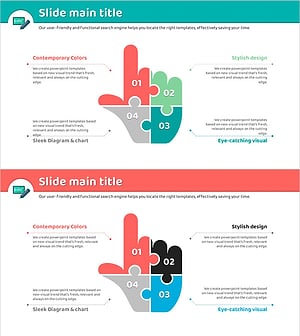
Finger Puzzle Diagram – Product and Service Introduction
#Product/Service Introduction #Business Vision and Strategy #Diagram
