



Modern Wide PowerPoint Template Closed Diagram - Product and Service Introduction
RJ0200050_24
- Last Update 04/12/2025
- File Size 0.1MB
- # of Slides 2
- File Format PPTX
- Slide Ratio 16:9
- Color
Keywords
- #Content-Based Slides
- #Product/Service Introduction
- #Business Introduction
- #Product and Service Overview
- #Business Areas
- #16:9
- #4-quadrant diagram PowerPoint slide
- #business area presentation template
- #product service overview PPT
- #business quadrant framework
- #how to create a 4-quadrant diagram in PowerPoint
About the Product
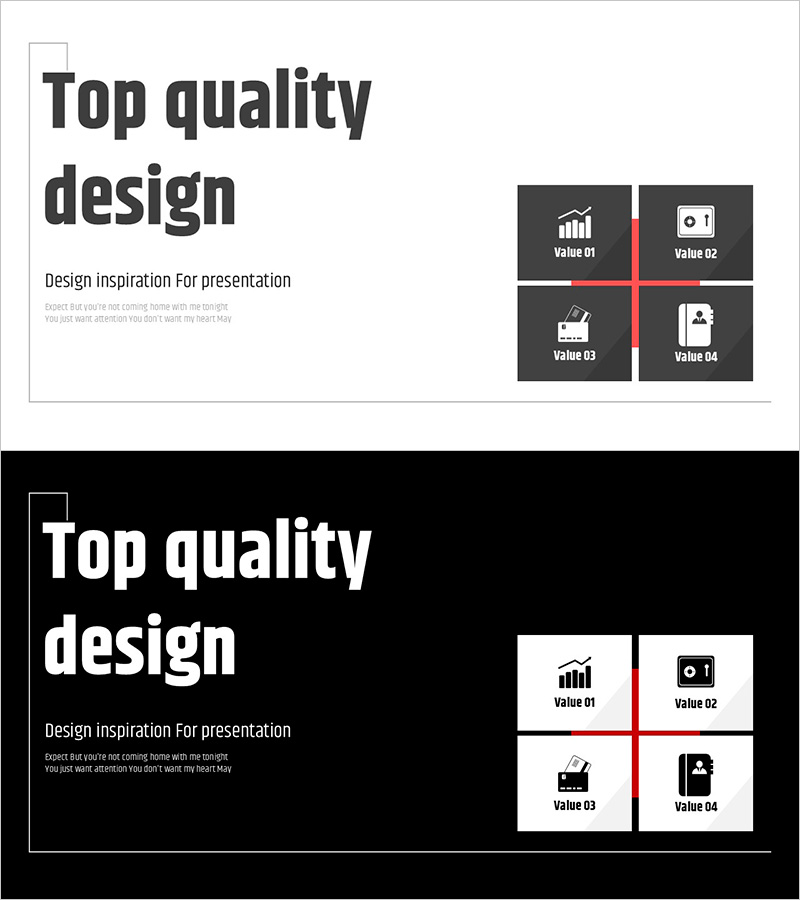
A 2-slide PowerPoint presentation set that visualizes business areas and product/service portfolios using a 4-quadrant diagram framework. The design features a light background with dark charcoal quadrant boxes and red dividing lines for clear information hierarchy, with dedicated icon and text placement in each quadrant. Ideal for company profiles, business plans, and proposals to communicate core business scope at a glance to investors, partners, and clients. Delivered in 16:9 widescreen PPTX format for immediate use in executive presentations.
Usage Points
-
Main Usage
Communicate your company's core business areas and product/service portfolio using a 4-quadrant structure that clearly segments offerings to investors, partners, and clients. Transforms complex business structures into intuitive, visual representations that support strategic decision-making and competitive differentiation.
-
How to Use
Insert into company profile business overview sections, business plan executive summaries, proposal solution architecture, or investor pitch deck business model explanations. Replace placeholder text with product/service names and descriptions for each quadrant. Customize icons and labels to match your industry and organizational structure.
-
Recommended For
Ideal for mid-to-large enterprises with diverse business units, including C-suite executives, business development teams, and marketing departments presenting to investors, potential partners, or enterprise clients. Best suited for companies with 2–4 distinct product or service lines requiring clear portfolio visualization.
-
Slide Structure
Slide 1: Title area (upper left) + 4-quadrant diagram (right side). Slide 2: Identical layout for alternative business area representation. Each quadrant includes dedicated icon placement and text label area, with red crosshairs clearly dividing the four sections.
Related Products
-
Product/Service Introduction Presentation Template
#Product/Service Introduction #Business Introduction #Diagram
-
Product and Service Overview Diffusion Diagram
#Product/Service Introduction #Business Introduction #Diagram
-
School Icons and Diffusion Diagrams – Highlighting Education and Creativity in Your Presentation
#Product/Service Introduction #Business Introduction #Diagram
-
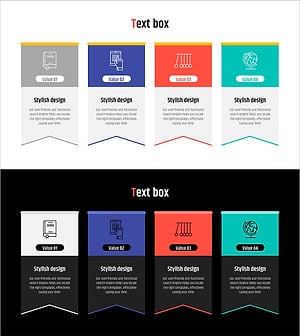
Learning Scheme Icons and Closed Diagrams – Product and Service Introduction
#Product/Service Introduction #Business Introduction #Diagram
