



Product/Service Introduction Presentation Template
RJ0800006_8
- Last Update 03/18/2025
- File Size 0.4MB
- # of Slides 4
- File Format PPTX
- Slide Ratio 16:9
- Color
Keywords
- #Content-Based Slides
- #Design-Based Slides
- #Product/Service Introduction
- #Business Introduction
- #Diagram
- #Product/Service Introduction
- #Product and Service Overview
- #Business Areas
- #Cluster
- #Closed Cluster Diagram
- #16:9
- #icon cluster diagram PowerPoint
- #4-item diagram slide template
- #product introduction PowerPoint slide
- #business icon presentation template
- #how to create cluster diagram in PowerPoint
About the Product
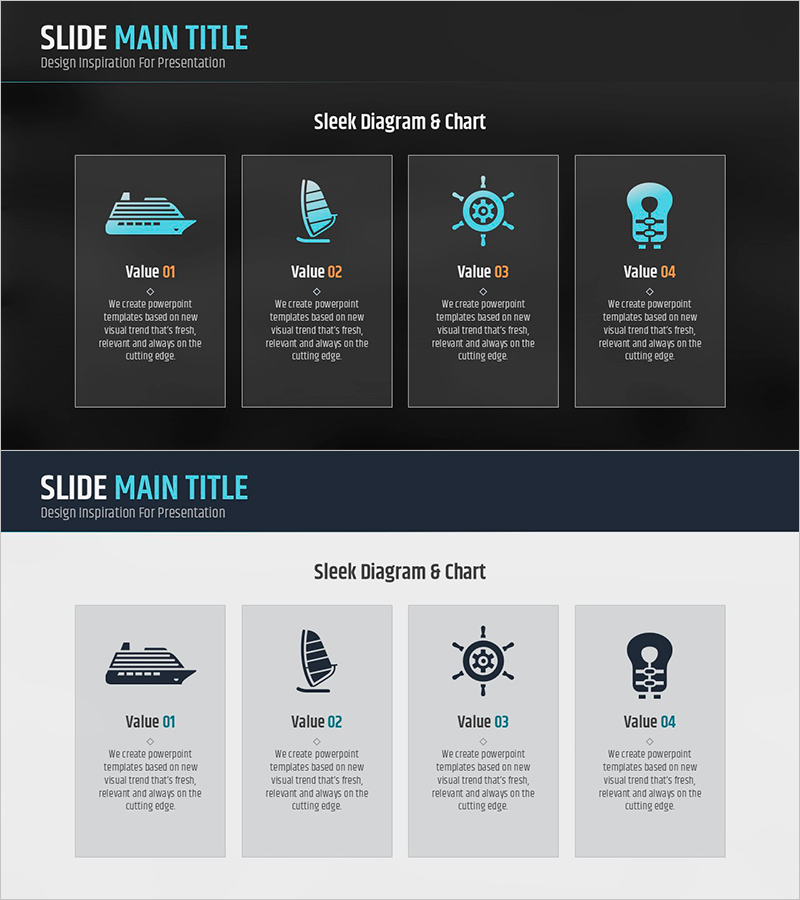
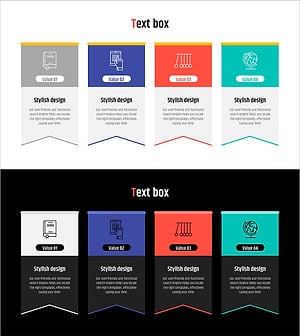
A 4-item cluster diagram PowerPoint slide designed for product and service introductions. Features light blue icons arranged on a dark gray background in a card-based layout, with dedicated text areas for item descriptions. The icons—ship, sailboat, ship wheel, and lightbulb—visually represent business values and key concepts. Delivered in 16:9 PPTX format, fully editable and ready for corporate presentations, product launches, and business pitches. Each card maintains consistent spacing and typography for professional visual impact.
Usage Points
-
Main Usage
Organize and present four core product features, service pillars, or business values in a visually balanced format. The icon-based design helps audiences quickly grasp key concepts while the structured layout maintains professional presentation standards.
-
How to Use
Replace placeholder text in each card with your product features, service descriptions, or business benefits. Customize icon colors and card backgrounds as needed while preserving the dark gray and light blue color scheme for visual consistency.
-
Recommended For
Product launch presentations, service overview decks, business proposal slides, corporate pitch materials, and marketing presentations. Ideal when you need to highlight exactly four distinct elements with equal emphasis.
-
Slide Structure
Four identical cards arranged in a 2×2 grid on dark gray background. Each card contains a light blue icon at the top, a 'Value 01–04' label in the center, and a text description area at the bottom for customization.
Related Products
-
Engagement Strategy Through Child Communication – Effective Approach
#Product/Service Introduction #Business Introduction #Diagram
-
Beef Cooking Introduction Slide – Product and Service Overview
#Product/Service Introduction #Diagram #Product/Service Introduction
-
Product/Service Overview Introduction Slide
#Product/Service Introduction #Diagram #Product/Service Introduction
-
Learning Scheme Icons and Closed Diagrams – Product and Service Introduction
#Product/Service Introduction #Business Introduction #Diagram
