



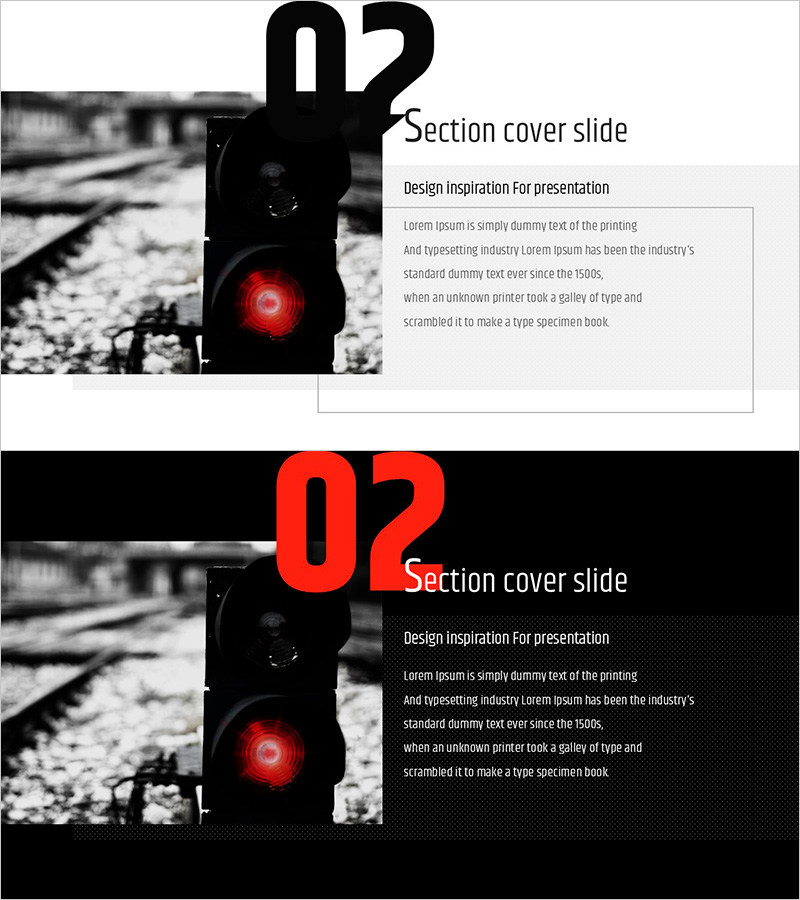
Modern Wide Template for Section Overview Slide
RJ0200050_12
- Last Update 04/12/2025
- File Size 1.8MB
- # of Slides 2
- File Format PPTX
- Slide Ratio 16:9
- Color
Keywords
About the Product
A 2-slide PowerPoint presentation template designed for section dividers and transitions. Features a high-contrast layout combining black-and-white background imagery with a bold red circular accent element that draws viewer attention. The asymmetrical design places a full-width image on the left with a dedicated text area on the right, balancing visual impact with information clarity. Optimized for 16:9 widescreen format, this slide deck is ready to use immediately in corporate presentations, business reports, and strategic pitches. The text input area is structured in three hierarchical levels—title, subtitle, and body—enabling clear communication of section themes and supporting details.
Usage Points
-
Main Usage
This slide serves as a visual divider and transition point within presentations, clearly marking the beginning of new sections and refocusing audience attention. It is ideal for corporate presentations, business reports, marketing proposals, and any document requiring distinct section boundaries and thematic transitions.
-
How to Use
Insert this slide at the start of each new section in your presentation. Enter the section number, title, and brief description in the right-side text area. Replace the left-side image with visuals that match your section's theme to maintain visual consistency throughout your presentation.
-
Recommended For
Recommended for corporate professionals, marketing managers, project managers, consultants, and anyone regularly delivering presentations. Suitable for business reports, strategy presentations, proposals, training materials, and any presentation requiring clear section organization and visual hierarchy.
-
Slide Structure
The 2-slide set includes a light-background version and a dark-background version. Each slide divides the layout into a full-width image area on the left and a structured text input area on the right. The text area provides four hierarchical input fields: section number (large), section title, subtitle, and body description for comprehensive section introduction.
Related Products
-
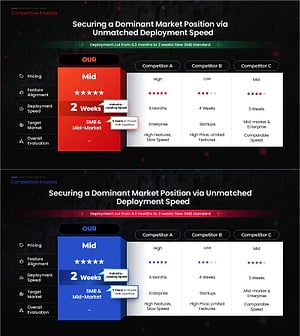
Competitive Analysis PowerPoint Slide – Four-Way Star Table
#Market and Competitor Analysis #Diagram #Competitor Analysis
-
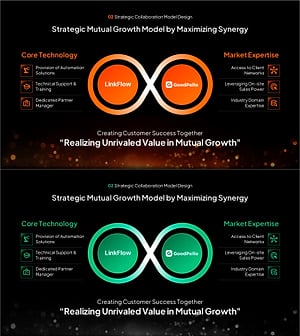
Strategic Mutual Growth PowerPoint Slide – Infinity Synergy
#Business Vision and Strategy #Diagram #Business Strategy
-

AI Bottleneck Detection PowerPoint Slide – 3-KPI Layout
#Company Introduction #Business Vision and Strategy #Operational Plan
-
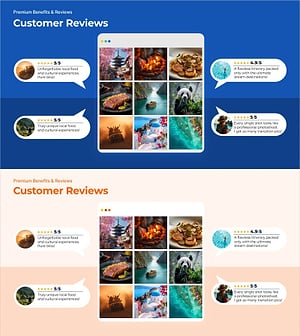
Customer Reviews PowerPoint Slide – Photo Grid Speech Bubble
#Customer Success Stories #Text Box #Customer Testimonials and Feedback
