



Presentation Template Visualizing Business Introduction with Vision Image & Text
RJ0200042_20
- Last Update 04/10/2025
- File Size 7.1MB
- # of Slides 2
- File Format PPTX
- Slide Ratio 16:9
- Color
Keywords
About the Product
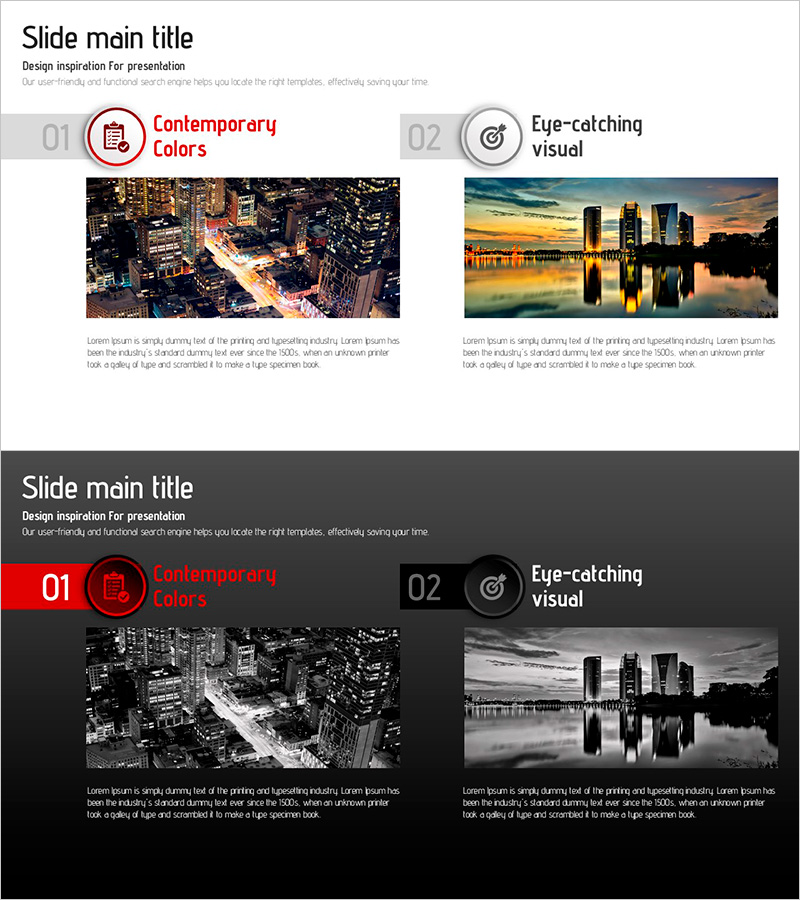
A 2-slide PowerPoint presentation that visually communicates business vision and current status through image-text comparison. The left slide combines a contemporary cityscape image with text to convey 'modern value,' while the right slide uses a natural landscape to visualize 'future vision.' Each slide features icon, title, and descriptive text areas with clear information hierarchy, making it immediately applicable to business proposals, strategic plans, and company profiles. Formatted in 16:9 widescreen PPTX for universal compatibility across all presentation environments.
Usage Points
-
Main Usage
Clearly communicate business direction by contrasting current situation with future vision. The harmony of images and text transforms abstract concepts into concrete visuals, emphasizing both business credibility and strategic direction in presentations to investors, partners, and stakeholders.
-
How to Use
Insert into the business overview section of business plans, company profiles, or investor pitch decks to compare current analysis with future strategy at a glance. Edit text areas with your key messages and replace images to align with brand identity and corporate guidelines.
-
Recommended For
Ideal for executives and planning teams developing business strategy, startups and SMEs seeking investment, new business division introductions, and consulting proposal creators. Suitable for any business presentation requiring present-future comparison and strategic positioning.
-
Slide Structure
Two-slide layout with title area (including icon), central image zone, and descriptive text section on each slide. Symmetrical left-right arrangement facilitates information comparison, with each area independently editable for flexible content combinations and customization.
Related Products
-
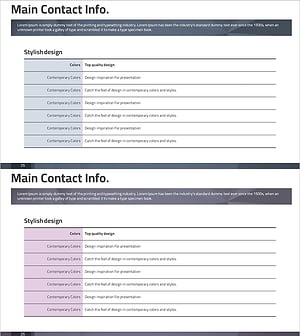
Law Firm Profile Information – Modern Design
#Company Introduction #Business Introduction #Business Vision and Strategy
-
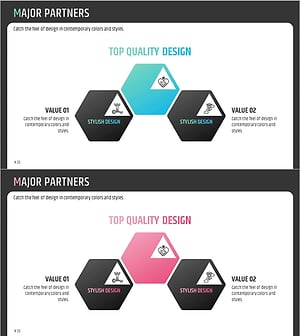
Overview of Key Partner Memberships – Innovation and Trust
#Company Introduction #Business Introduction #Business Vision and Strategy
-
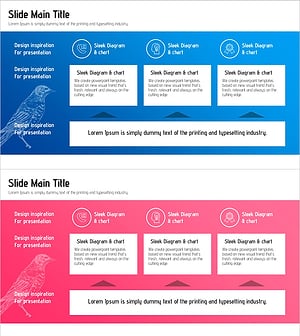
Blue Pink Business Strategy Slide – Vision and Flow
#Business Introduction #Business Vision and Strategy #Business Overview
-
Paint Splash Template – Diagram and Business Overview
#Business Introduction #Business Vision and Strategy #Diagram
