



Origami Presentation Template Section Diagram – Perfect for Business Introduction
RJ0200042_16
- Last Update 04/10/2025
- File Size 1.3MB
- # of Slides 2
- File Format PPTX
- Slide Ratio 16:9
- Color
Keywords
About the Product
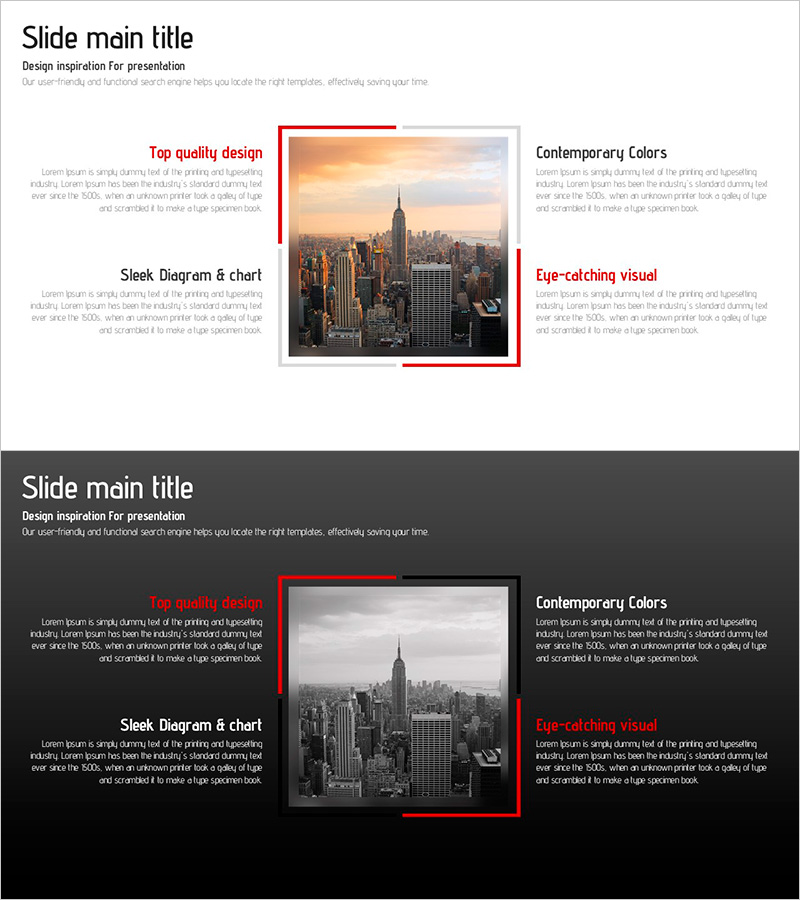
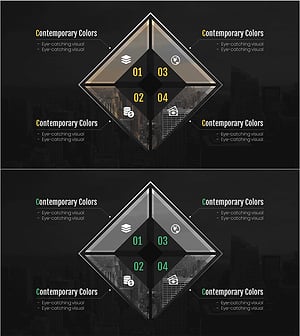
A 2-slide PowerPoint presentation designed to showcase your company's business areas and service portfolio. The layout features a central image framed by red accent lines, with three text boxes on the left and two on the right, creating an asymmetrical yet balanced information hierarchy. Available in both light and dark background versions, this slide deck effectively communicates your business scope to investors, partners, and stakeholders. Perfect for company introductions, investor pitches, and business overview presentations.
Usage Points
-
Main Usage
This slide effectively communicates your company's core business divisions and service offerings to key audiences. The central image combined with four surrounding text areas allows you to present your business scope, competitive advantages, and market positioning in a clear, visually engaging format suitable for investor relations and corporate communications.
-
How to Use
Replace the placeholder text in the three left boxes and two right boxes with your business area names and descriptions. Substitute the center image with your company's representative product photo, service visual, or business facility image to enhance credibility. Choose between the light or dark background version based on your presentation environment and brand guidelines.
-
Recommended For
Ideal for company introduction decks, investor presentations (IR), partner pitch meetings, employee onboarding materials, and business diversification strategy presentations. Recommended for large corporations, mid-sized companies, and startups with multiple business divisions or service lines.
-
Slide Structure
2-slide deck with each slide containing 6 editable areas: 1 central image zone + 3 left text boxes + 2 right text boxes. Red accent lines frame the central image, while text areas are organized in a 2-tier hierarchy (title + description) for clear information structure and visual flow.
Related Products
-
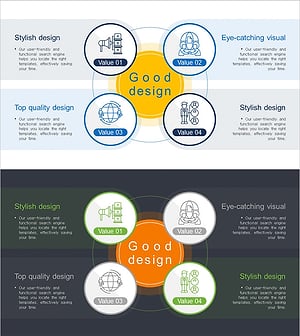
Cooperative Partner Business Areas Diagram
#Company Introduction #Business Introduction #Diagram
-
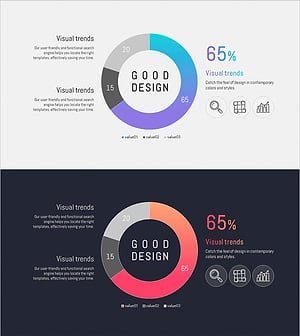
Energy Business Area – Business Introduction Diagram
#Company Introduction #Business Introduction #Diagram
-
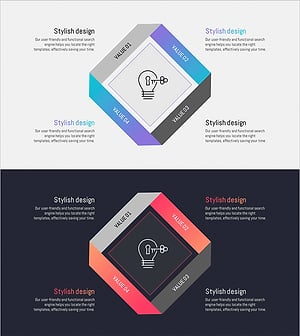
Energy Business Sector Diagram Slide – Flow and Spread
#Company Introduction #Business Introduction #Diagram
-
Financial Business Area Slide – Modern Diagram
#Company Introduction #Business Introduction #Diagram
