Origami Presentation Template Cover Slide
RJ0200042
- Last Update 04/09/2025
- File Size 1.6MB
- # of Slides 2
- File Format PPTX
- Slide Ratio 16:9
- Color
Keywords
About the Product
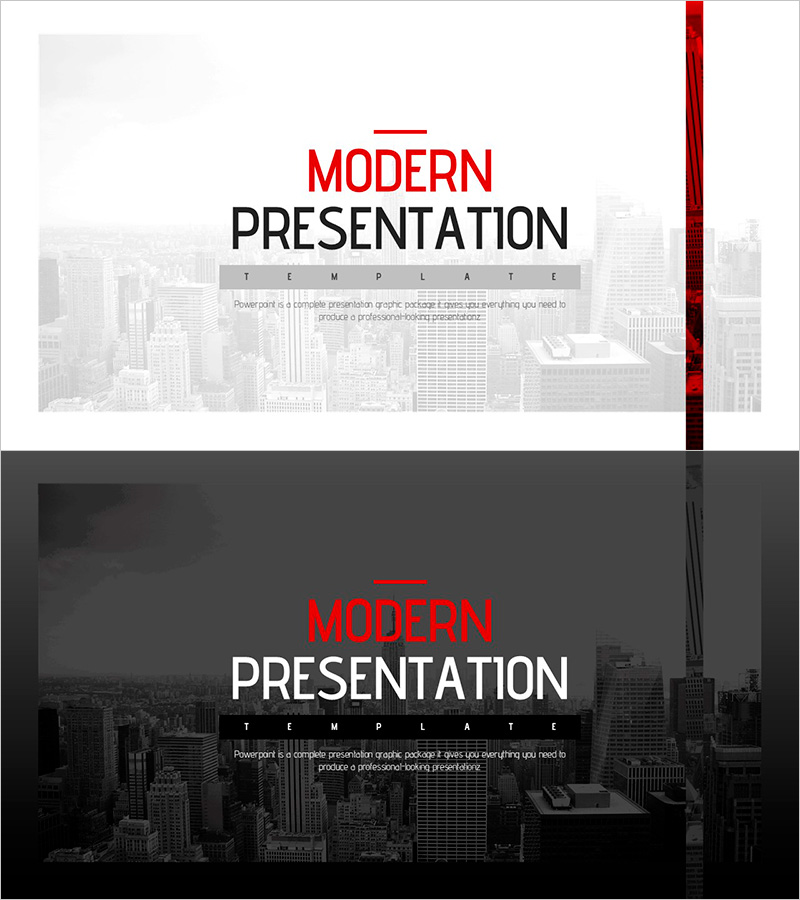
A professional cover slide PowerPoint template that makes a strong first impression for business presentations. Features a light gray cityscape background with a bold red vertical accent line on the right side, creating a modern visual focal point. The design includes 'Modern Presentation' text positioned at the top with a minimalist layout. Provides two versions—a light background and a dark background—allowing you to choose based on your presentation environment and brand tone. Clear input areas for title, subtitle, and descriptive text make it immediately ready for company introductions, business plans, proposals, and other corporate documents. Optimized for 16:9 widescreen format, compatible with modern projectors and digital displays.
Usage Points
-
Main Usage
Establishes professionalism and credibility as the opening page of your presentation. The red accent line serves as a visual anchor, while the cityscape background conveys business dynamism. Well-defined input areas for title and subtitle allow effective placement of company name, project title, or presentation topic.
-
How to Use
Use the light version for bright meeting rooms or online presentations; use the dark version for large-scale events or projector presentations in dimly lit spaces. Enter company name or project title in the title area, presentation topic in the subtitle area, and date or speaker information in the description area.
-
Recommended For
Ideal for company introductions, business plans, investor pitch decks, proposals, marketing plans, and product presentations. Suitable for executive briefings, client meetings, investor presentations, conference talks, and any professional business scenario requiring a credible opening.
-
Slide Structure
Two-slide set featuring one light background version and one dark background version. Each slide contains three information layers: title input area at the top, subtitle input area in the center, and descriptive text area at the bottom, unified by the red accent line on the right.