



Sensuous Cloud Presentation Template Diagram – Product/Service Introduction
RJ0200039_14
- Last Update 04/09/2025
- File Size 0.1MB
- # of Slides 2
- File Format PPTX
- Slide Ratio 16:9
- Color
Keywords
- #Content-Based Slides
- #Design-Based Slides
- #Product/Service Introduction
- #Diagram
- #Product/Service Introduction
- #Features
- #Cluster
- #Inclusive Cluster Diagram
- #16:9
- #nested cloud diagram PowerPoint
- #3-layer hierarchy slide
- #product introduction diagram
- #cluster diagram PowerPoint slide
- #how to create cloud diagram in PowerPoint
About the Product
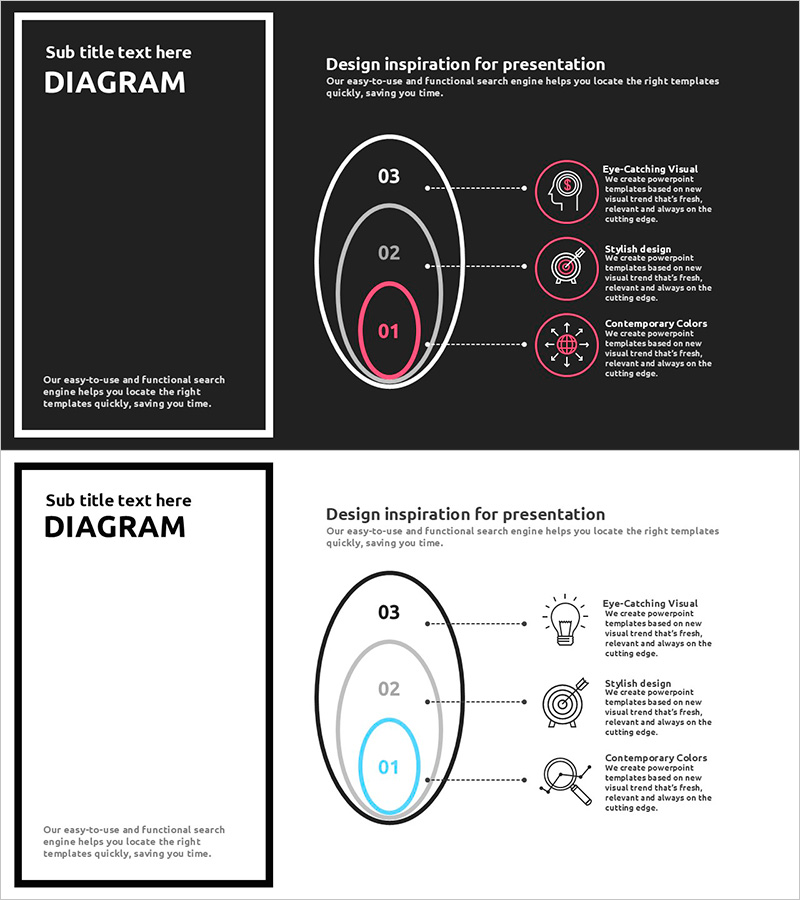
A PowerPoint slide featuring a three-tier nested cloud structure that presents product and service characteristics in a hierarchical format. The design uses a dark background with pink accent colors to create high visual contrast and focus. Each layer accommodates icons and descriptive text, allowing you to communicate three key value propositions clearly. This diagram slide is ready to use for product introductions, service feature presentations, business model explanations, and various corporate presentation scenarios.
Usage Points
-
Main Usage
Designed to explain product or service core values across three distinct hierarchical layers. The structure expands from a central concept outward, intuitively conveying priority and relationships between elements.
-
How to Use
Enter your main topic in the title area on the left side of the dark background. Add key points and descriptive text to each of the three cloud layers on the right. Icons can be replaced to visually reinforce the characteristics of each item.
-
Recommended For
Ideal for product teams explaining features, marketing teams presenting value propositions, executive reports on strategic layering, and onboarding training for concept explanation. Particularly effective in B2B proposals and corporate presentations requiring credible information architecture.
-
Slide Structure
Two-slide set: Slide 1 features a dark background with a title area on the left and a three-tier nested cloud diagram on the right (center pink oval + middle gray oval + outer white oval), with three icons and text description areas per layer. Slide 2 provides the same structure on a light background.
Related Products
-
Vegan Ingredients Features Cluster Slide
#Product/Service Introduction #Diagram #Product/Service Introduction
-
Leaf Connection Diagram – Product/Service Introduction
#Product/Service Introduction #Diagram #Product/Service Introduction
-
Characteristics by Leaf Shape – Product and Service Introduction
#Product/Service Introduction #Diagram #Product/Service Introduction
-
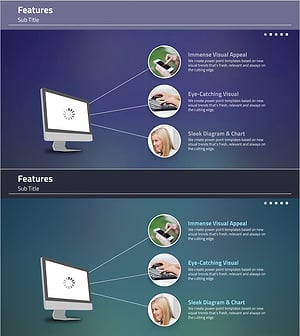
Elegant Diagrams and Charts for Presentations
#Product/Service Introduction #Diagram #Other
